About this app
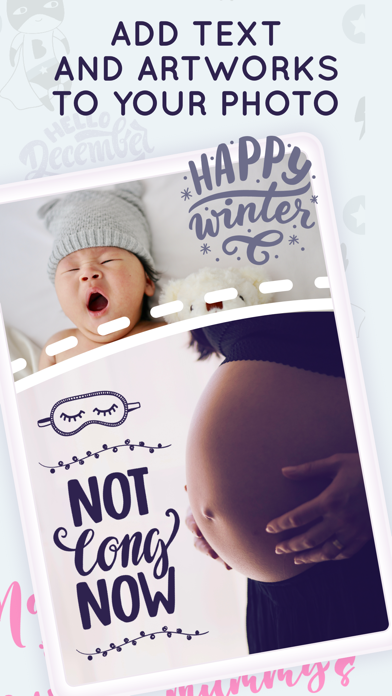
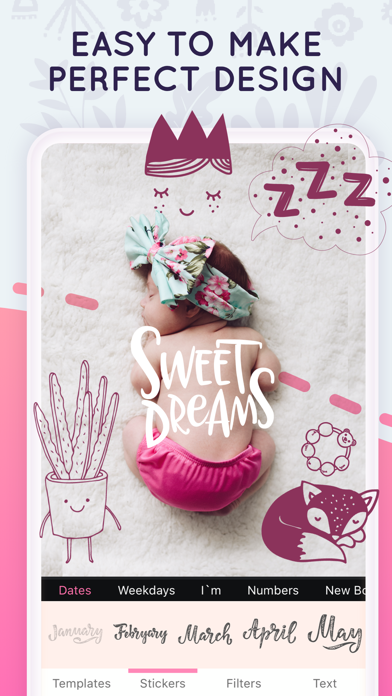
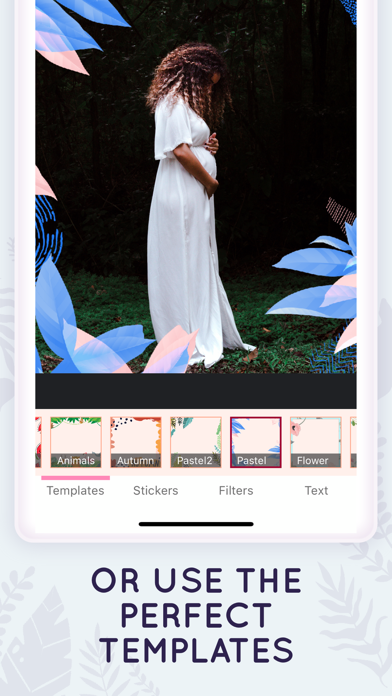
Make baby’s gallery amazing with Babics. Main features: — Creative templates — Stickers for any events — Cute filters — 30+ fonts for your text How to take better Photos of a Baby at home: • Create the best lighting for your baby. Pick a shooting location that has a lot of natural light. No flashes. • Find a time to shoot that fits with your baby’s schedule. Keep in mind when you’re baby is generally happiest during the day (after a meal, perhaps) and shoot around those times. • Pick neutral, textured props so your baby can shine. Pick props and outfits that are a neutral color and similar tone so that they don’t distract from your baby. Picking a light color may help with the lighting of the picture, since it will reflect light instead of absorbing it. Add visual interest by using a prop with texture, like a knit blanket. You can also use blankets as a backdrop since they won’t wrinkle like sheets and curtains might. • Be baby-ready before you start shooting. We’re recommends adjusting your lighting before you put your baby in place for the shot. This will save you time since you don’t have to keep readjusting and the baby will be happier because they can get in and out of this unknown situation sooner. • Choose a right place. Shooting your baby on the floor is a good option for getting overhead shots and making sure your baby doesn’t roll off anything. Having someone hold the baby is an especially good trick for newborns since they get cold and love to be held. It’s pretty easy to keep the holder out of the shot, and the baby will be less fussy. • Take pictures from above. • Make your shot amazing with Babics app. Babics full access: Monthly subscription with 7-day free trial. Upgrade to the Premium version and get unlimited access to an amazing app features without ads and watermarks! — Subscription payments will be charged to your iTunes account at confirmation of your purchase and upon commencement of each renewal term. Subscription with a free trial period will automatically renew to a paid subscription. You can cancel your subscription or free trial in the iTunes settings at least 24-hours before the end of the free trial period. The cancellation will take effect the day after the last day of the current subscription period and you will be downgraded to the free service. — Please note: any unused portion of a free trial period (if offered) will be forfeited when you purchase a premium subscription during the free trial period. — Terms of Use (EULA) and Privacy Policy: https://sites.google.com/view/babics Enjoy!
Latest release
What’s New
Bug fixes
Audience growth
Ratings growth
Baseline captured. Growth appears after the crawler observes a changed rating count.
Momentum comes from crawler snapshots for the tracked storefront. “Viral growth signal” means unusually fast recent rating gains; it is an indicator, not download data.
Price tracking
Price intelligence
- First observed Aug 16, 2026 · 7:04 PM Free
Screenshots