About this app
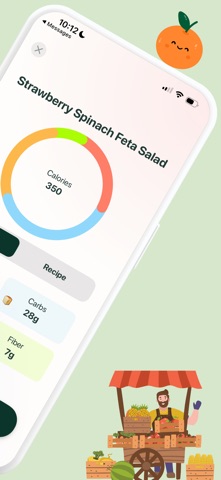
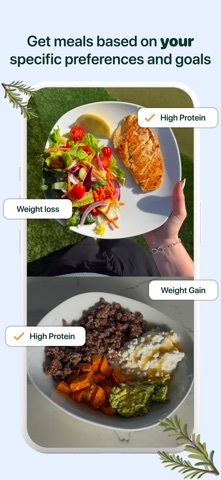
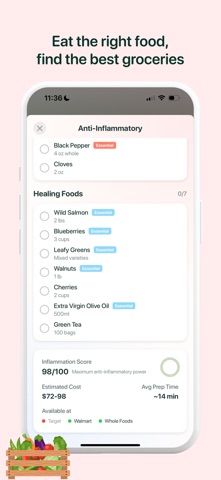
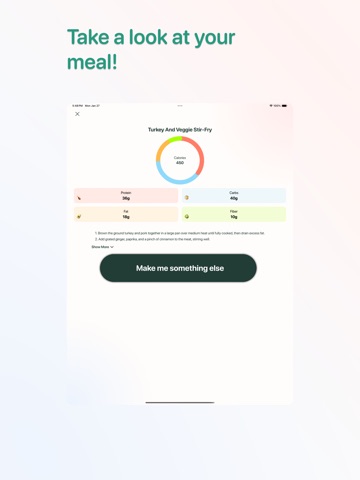
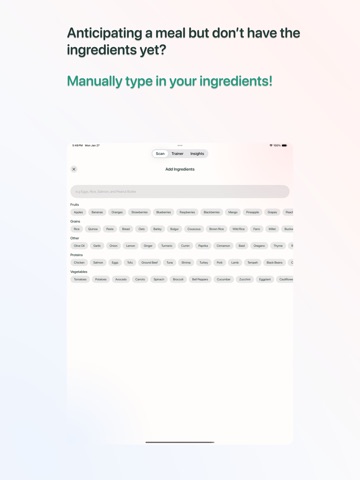
HOW TO USE BADHEALTH: 1) Open the App 2) Launch BadHealth on your device. You’ll land on the home screen after answering some lifestyle questions, where you’ll see a big green "Scan" button. 3) Tap the green "Scan" button to activate your camera. 4) Point your camera at the inside of your fridge or pantry and take a clear picture of your ingredients. BadHealth will automatically scan and detect all the ingredients in your fridge. After scanning, you’ll be taken to a new screen where you can: 5) Add or remove ingredients that were detected. 6) Specify dietary preferences (e.g., vegan, gluten-free, low-carb). Add comments (e.g., “I don’t like spicy food” or “Use up the chicken first”). Get Your Meal 7) Once you’re happy with your selections, tap the "Get Meal" button. BadHealth will generate a delicious meal idea based on the ingredients you have and your preferences. You’ll see: A recipe with step-by-step instructions. Nutritional information to help you stay on track. Serving suggestions to make your meal even better. Not Satisfied? Try Again! If the meal suggestion doesn’t excite you, simply tap the "Make Me Something Else" button. BadHealth will instantly generate a new meal idea for you to explore. Disclaimer: This app is not a substitute for professional medical advice, diagnosis, or treatment. Always consult with a qualified healthcare provider before making any decisions about your health. If you have a medical emergency, contact your doctor or emergency services immediately. MEAL SUGGESTIONS REQUIRE A SUBSCRIPTION. TERMS: https://www.apple.com/legal/internet-services/itunes/dev/stdeula/ For more information review: https://www.badhealthy.com/privacy-policy.html
Latest release
What’s New
Improved onboarding and small bug fixes
Audience growth
Ratings growth
Baseline captured. Growth appears after the crawler observes a changed rating count.
Momentum comes from crawler snapshots for the tracked storefront. “Viral growth signal” means unusually fast recent rating gains; it is an indicator, not download data.
Price tracking
Price intelligence
- First observed Aug 29, 2026 · 8:16 PM Free
Screenshots