About this app
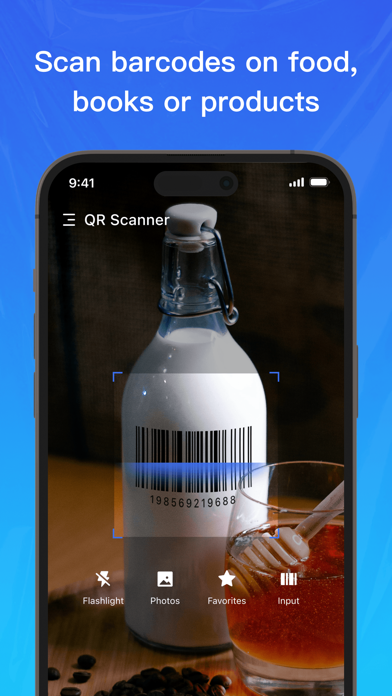
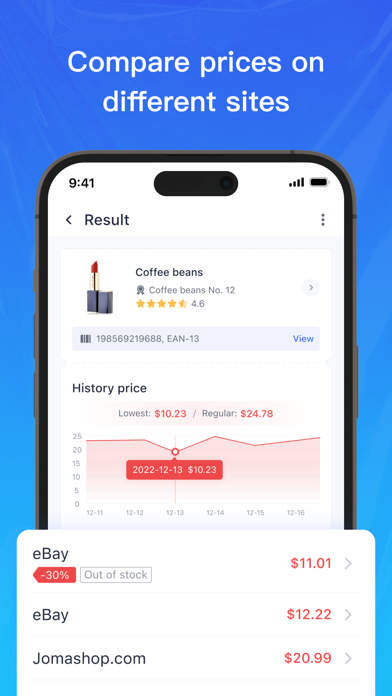
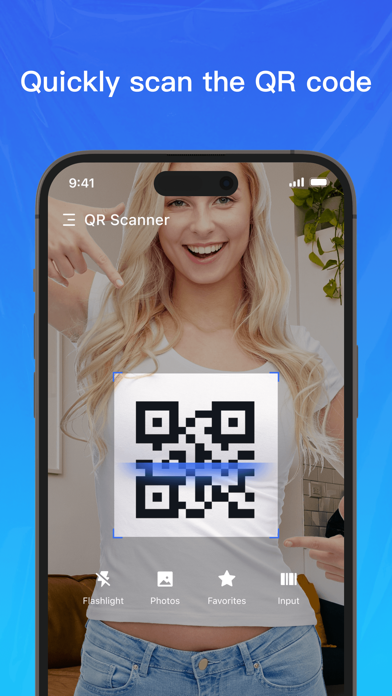
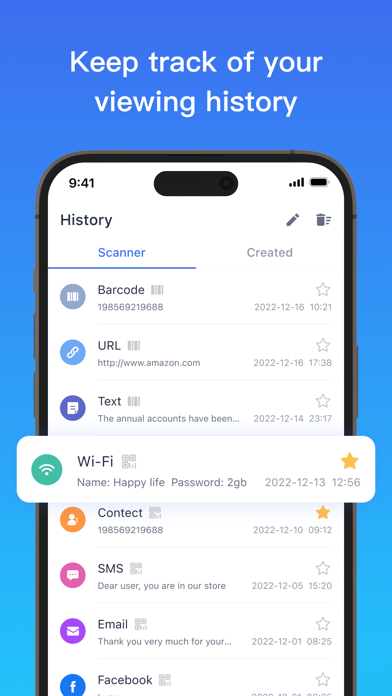
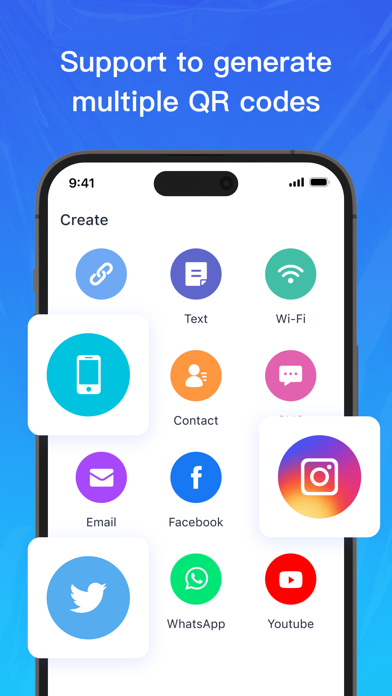
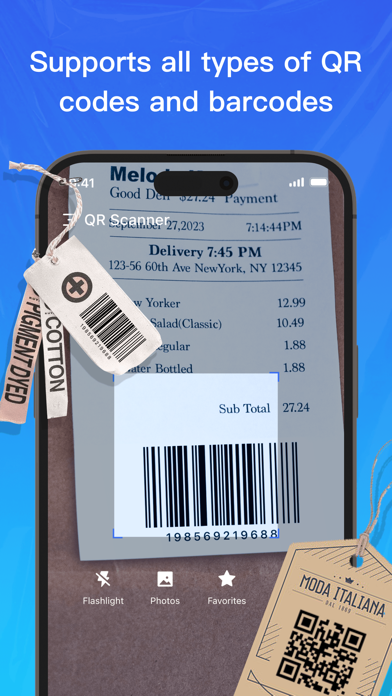
Best and Free Barcode & QR Scanner for IOS! QR Scanner is the fast Barcode Scanner app to help you find the lowest price. You can get the price of the product by scanning the barcode of the product. You can also compare prices and offers from different shopping platforms. Choose the most reasonable price for you! Also, Barcode & QR Scanner can automatically detect, scan and decode any codes without pressing any buttons. You can scan the QR code or bar code in the photo album. Features of QR Scanner ● Price Comparison: Searching for items via scanning barcodes, getting prices and choosing the cheapest one from all of the shopping websites. It helps you to read the product information and reduces the possibility to buy a low-quality or expensive product. In addition, you can get coupons and event information, as well as the latest price trends from different shopping platforms. ● Scan multiple types: Focusing on the core functionality to scan and read the most common types of QR codes and barcodes with efficiency and fast speed. You can get multiple results after scanning, Weblink, Text, WiFi, Contact, ISBN, Product, Phone Number, GEO Location, Mail Address, SMS and so on. ● QR code generator: Creating QR codes efficiently, all types of QR codes and barcodes are supported: Contact info, Phone, E-mail, Website, Product, Text, Social Media, WiFi, Map Location, and more. ● Powerful speed of scanning: instant scan, fast and immediately get the result. ● Saving scan history and support to search. ● Flashlight support: You can turn on the flashlight to scan the QR code/ barcode in a dark environment. ● It doesn't collect any personal information, simply helps you to scan the QR codes, and doesn't attack your privacy. ● Auto-focus the codes you want to scan. ● Simple & easy to use. ● The basic function is 100% Free! How To Use -Open the QR Scanner app -Click the "scan" icon to open the camera -Simply scan the QR code or barcode which you want to read -The app will automatically read the code and show you its content quickly Application permissions: To give you excellent service and experience, the following permissions are required. - Camera: Used to scan codes. - Storage: Check and scan the images or photos on the device's gallery. Privacy Policy: https://dcmobdev.github.io/iqrscanner/privacypolicy.html Terms Of Use: https://dcmobdev.github.io/iqrscanner/termsofservices.html
Latest release
What’s New
--Improved scanning barcode success rate.
Audience growth
Ratings growth
Baseline captured. Growth appears after the crawler observes a changed rating count.
Momentum comes from crawler snapshots for the tracked storefront. “Viral growth signal” means unusually fast recent rating gains; it is an indicator, not download data.
Price tracking
Price intelligence
First snapshot captured. The trend line starts after the next crawler price observation.
- First observed Aug 14, 2026 · 12:50 AM Free
Screenshots