About this app
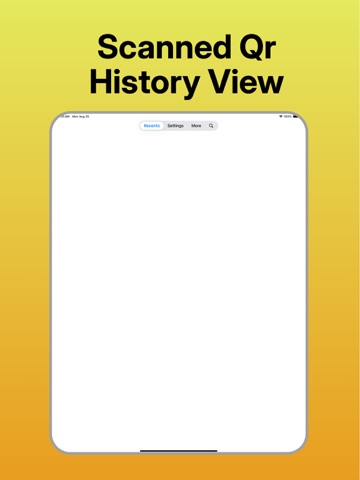
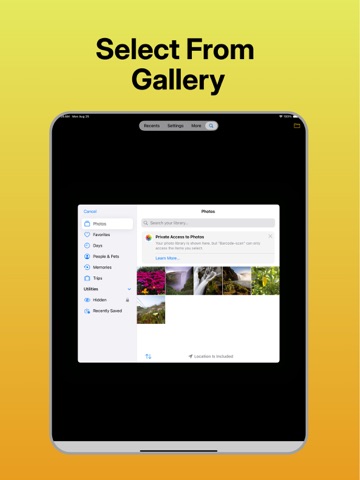
Barcode-scan is the fastest and most reliable way to read any barcode or QR code. Simply point your camera at a code, and our app will instantly provide the data you need. From website links to product details and contact information, this powerful tool is essential for anyone who needs to quickly capture and manage information. Whether you're organizing inventory, checking a product's origin, or just need to save contact info, Barcode-scan makes it easy. Just scan and go! Key Features: Lightning-Fast Scanning: Scans barcodes and QR codes with incredible speed and accuracy. Scan from Photos: Scan codes from images saved in your camera roll. Bulk Mode: Scan multiple codes in a row, perfect for inventory or collecting data. Scan History: Automatically saves your scan history. Shareable Results: Easily share scan results via email, social media, or other apps. Barcode-scan is more than just a scanner—it's your essential tool for organizing your digital life. Download now and start scanning!
Latest release
What’s New
*) Bug Fixes *) Layout Improved
Audience growth
Ratings growth
Baseline captured. Growth appears after the crawler observes a changed rating count.
Momentum comes from crawler snapshots for the tracked storefront. “Viral growth signal” means unusually fast recent rating gains; it is an indicator, not download data.
Price tracking
Price intelligence
First snapshot captured. The trend line starts after the next crawler price observation.
- First observed Sep 6, 2026 · 12:56 AM Free
Screenshots