About this app
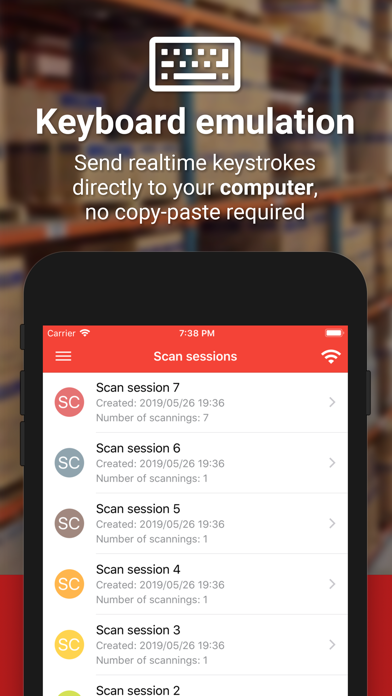
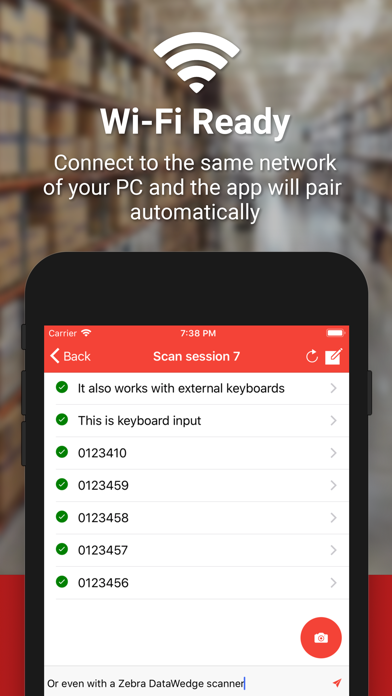
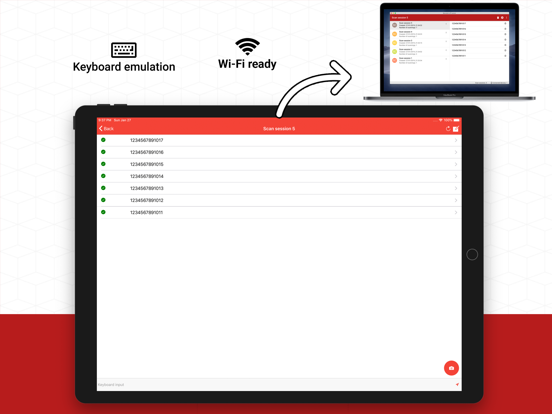
DOWNLOAD SERVER: https://barcodetopc.com/ Barcode to PC turns your smartphone into a real barcode scanner • Supported platforms: Windows, macOS, Linux • Keyboard emulation Your smartphone sends real-time keystrokes directly to your computer, no copy-paste required! • Wi-Fi ready Connect to the same network of your PC and the app will pair automatically • CSV support You can append your scannings to a file in real-time. You can also export the scans all at once in a CSV file • QR Codes Barcode to PC works also with QR codes and many other barcode formats FAQ: https://barcodetopc.com/faq.html
Latest release
What’s New
Templates • Switch the output template within a session, as in the previous app (Settings → General; on for upgraded phones) Sessions • Name a new session by scanning a code, as in the previous app: Settings → When the app starts Fixed • Scanning: a barcode that does not match the template's filter is refused again, with the template's error message • Templates: NUMBER takes negative numbers again — a minus key on iPhone, and − steps below zero
Audience growth
Ratings growth
Momentum comes from crawler snapshots for the tracked storefront. “Viral growth signal” means unusually fast recent rating gains; it is an indicator, not download data.
Price tracking
Price intelligence
- First observed Sep 13, 2026 · 2:48 AM Free
Screenshots