About this app
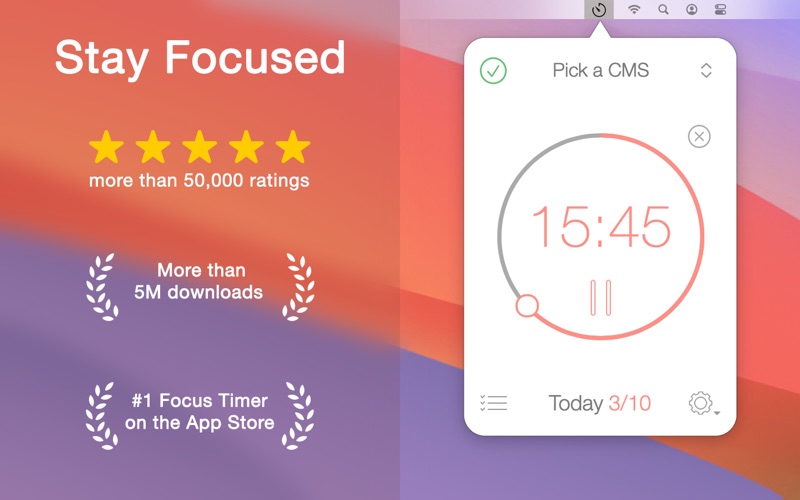
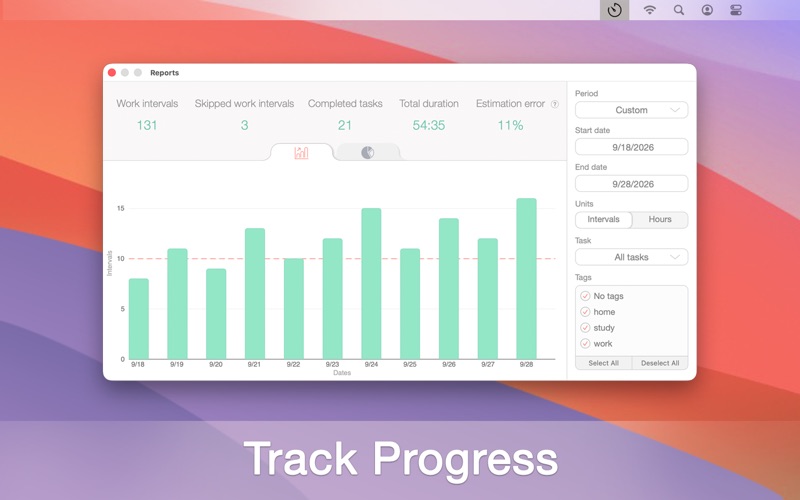
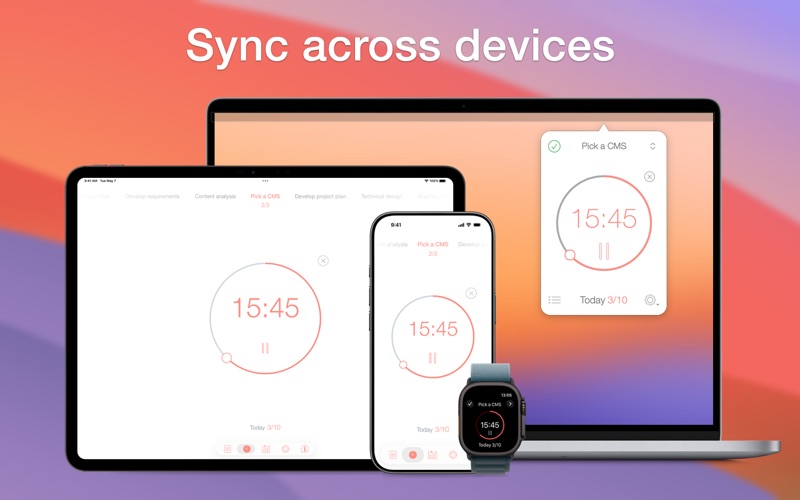
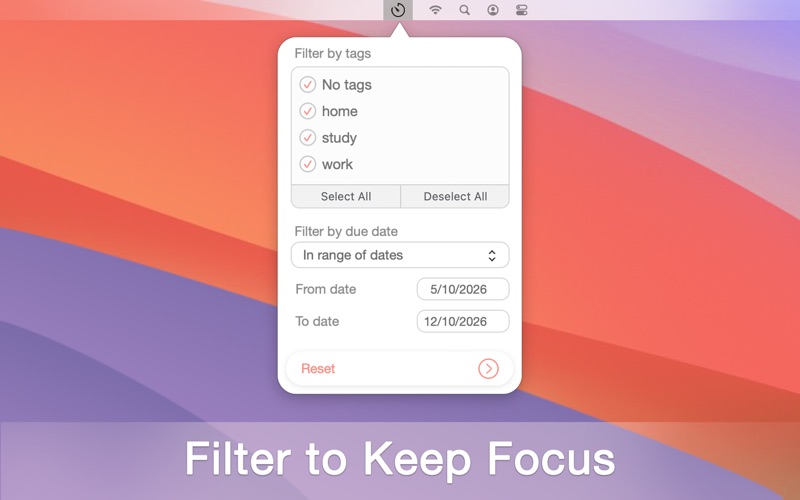
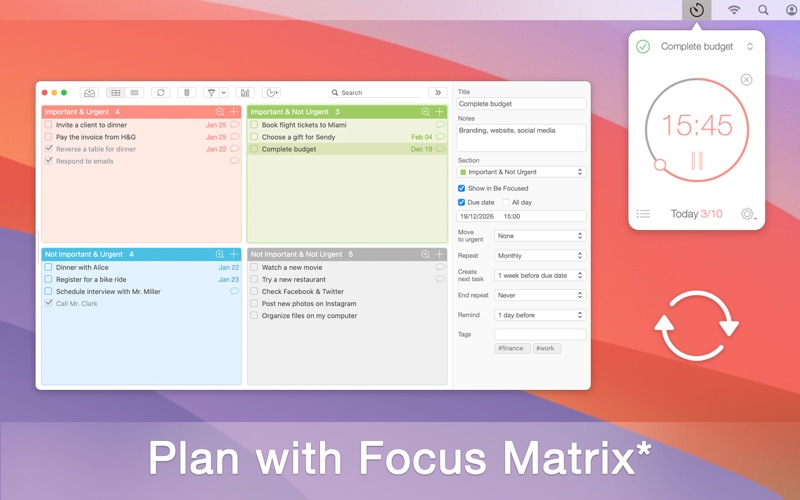
Staying on task seems is a real challenge for our screen-bound generation. The Be Focused lets you get things done by breaking up individual tasks among discrete intervals, separated by short breaks. It’s a surprisingly effective way to retain motivation and focus. Create tasks, configure breaks and track your progress throughout the day, week or custom period. Use Be Focused on your iPhone, iPad, or Mac - everything stays perfectly in sync. Task Management • Create and manage tasks • Add notes, tags and due dates to tasks • Organize tasks with tags and filters • Paste task lists from other apps Timer Control • Start, pause, or skip intervals • Auto-start the next interval (optionally) • Plan intervals needed for task completion and track accuracy • Manage completed intervals Timer Customization • Set durations for work sessions, short and long breaks • Define number of intervals before a long break • Set a daily goal for completed intervals • Assign different timer settings to individual tasks Focus • Block distracting apps and websites during work sessions (supported browsers: Safari, Chrome, Edge, Opera, Brave) • Whitelist specific apps and websites while blocking others • Tags and filters to organize tasks and maintain focus Reports • View detailed reports to monitor your progress • Export your data in CSV format Sounds and Notifications • Variety of alarm sounds • Chronometer ticking sound with adjustable frequency • Adjustable volume for alarms and chronometer • Interactive notifications Integration • Sync across all your devices (iPhone, iPad, Mac) • Integration with Focus Matrix to manage tasks using urgent/important principle * • Integration with Shortcuts app to automate workflow Quick Access • Widgets for desktop and notification center • Global hotkeys to start or stop timer from any app Automation • Integration with Shortcuts app (control tasks and timers via Shortcuts app) • Automate Shortcuts execution on events in Be Focused app Device Support • Also available for iPhone and iPad • Dark and Light mode support Pro Version Features • Single purchase unlocks Pro on iPhone, iPad, and Mac • Sync across all your devices • Block distracting apps and websites during work sessions • Tags and filters to organize tasks and maintain focus • Integration with Focus Matrix to manage tasks using urgent/important principle * • Shortcuts execution on events in Be Focused app • Export data in CSV format • No banners, no ads Be Focused is free to download and use forever. However, if you want to access the Pro features on all your iPhones, iPads, and Macs, you can upgrade to the Pro version. The Pro subscription comes in three different options: Monthly, Yearly with a 7-day trial, and Lifetime (one-time payment). Payment will be charged to your App Store account and will automatically renew unless auto-renew is turned off at least 24-hours before the end of the current period. Subscription may be managed and auto-renewal may be turned off in your App Store account settings. Privacy Policy: https://xwavesoft.com/privacy-policy.html Terms of Use: https://xwavesoft.com/terms-of-use.html * Integration with Focus Matrix requires the Pro version of Focus Matrix, sold separately.
Latest release
What’s New
• Improved the user interface • Minor improvements and bug fixes
Audience growth
Ratings growth
Baseline captured. Growth appears after the crawler observes a changed rating count.
Momentum comes from crawler snapshots for the tracked storefront. “Viral growth signal” means unusually fast recent rating gains; it is an indicator, not download data.
Price tracking
Price intelligence
First snapshot captured. The trend line starts after the next crawler price observation.
- First observed Aug 10, 2026 · 11:40 AM Free
Screenshots