About this app
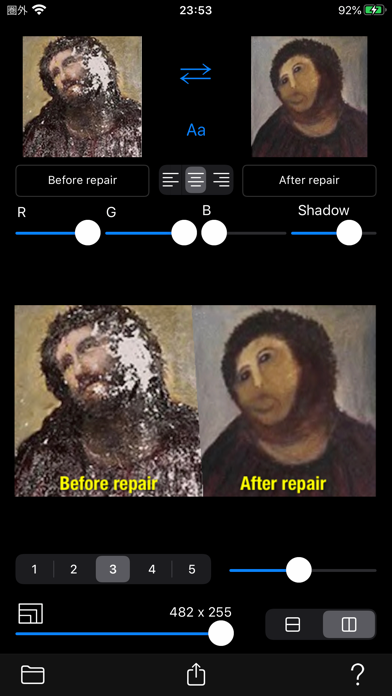
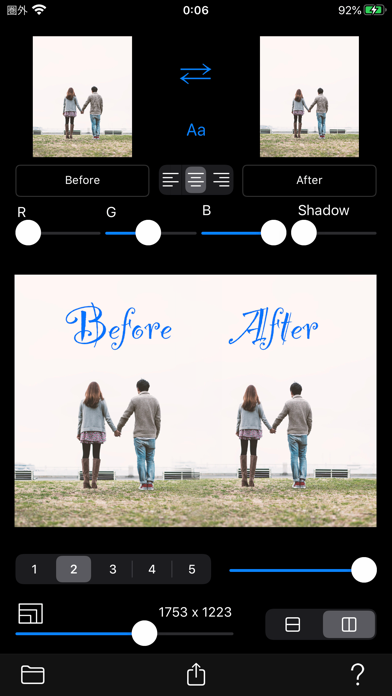
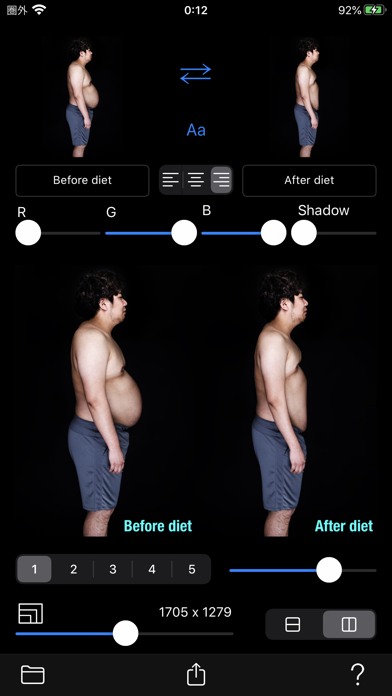
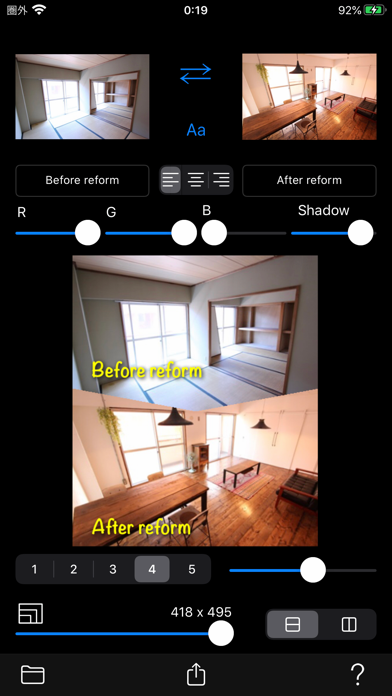
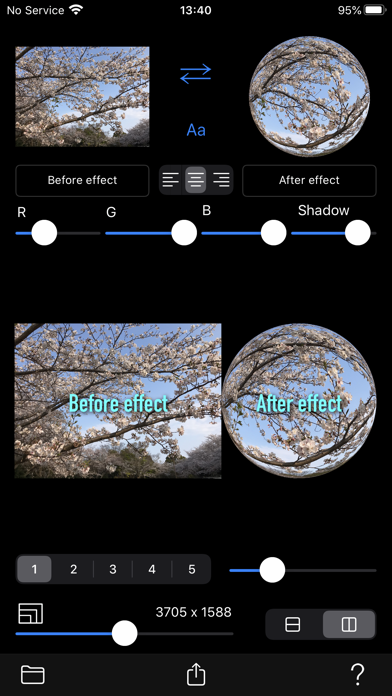
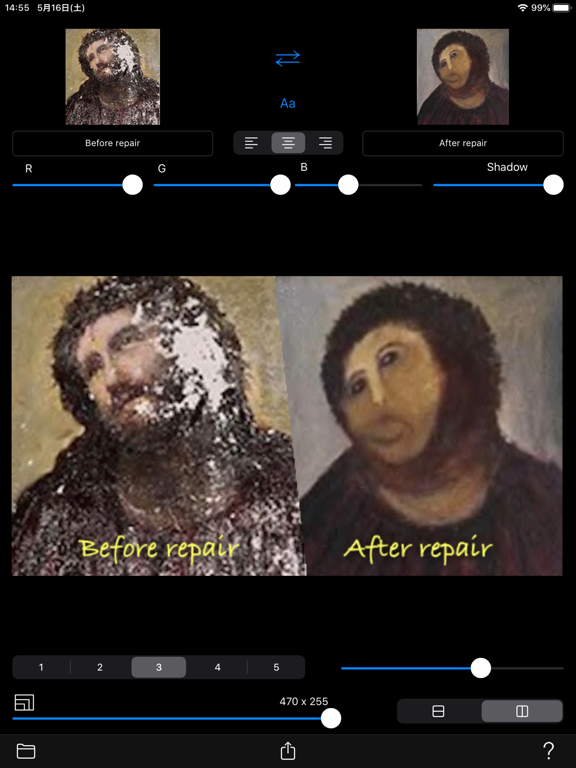
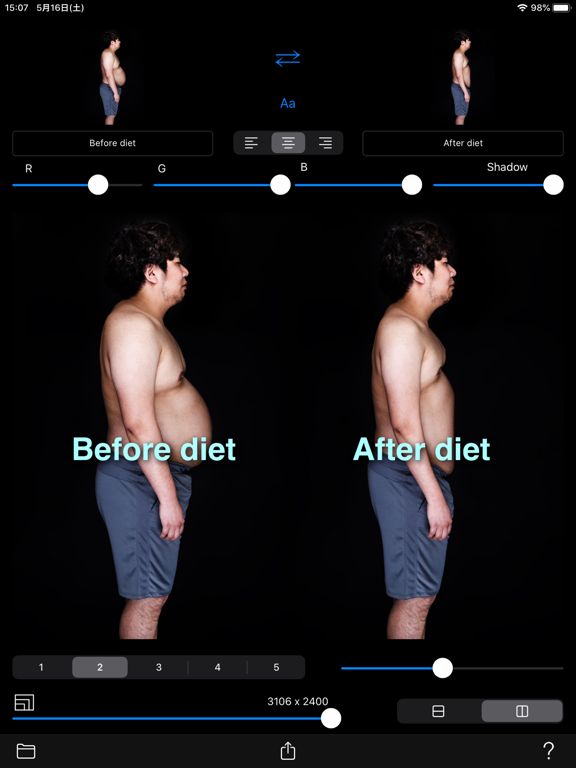
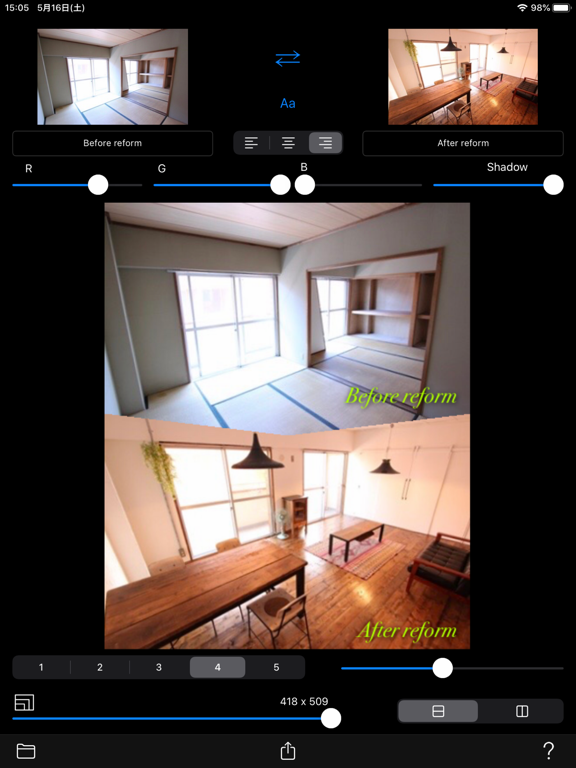
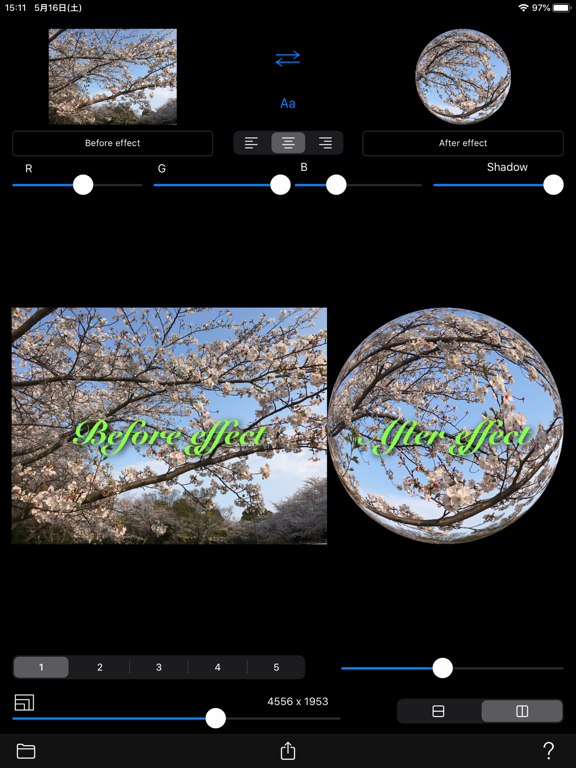
Before photo and after photo are arranged side by side. Create a composite photo that allows you to compare the difference in those photos. You can put a title on each photo. You can also set the title font, color, shadow, size, and position. Composite images can be placed on the left or right or top and bottom. In addition, you can set the border type and border length for Photo 1 and Photo 2. [Source] - Camera - Camera roll 【Settings】 - Select photo 1 - Select photo 2 - Swap photos - Title font (Select font) - Title text (text field: typing) - Title alignment (left / center / right) - Title color (RGB color slider control) - Title shadow (slider control) - Title size (gesture: pinch in / pinch out) - Title position (gesture: pan) - Border type (none / gradation / ray / triangle / zigzag) - Border length (slider control) - Arrangement of composite photos (pile / side by side) - Save resolution: 5-100% of original resolution [Output] - Save to camera roll: Composite photo - Composite photo sharing: AirDrop, LINE, Facebook, Dropbox, Instagram, ...
Latest release
What’s New
・Added privacy manifests.
Audience growth
Ratings growth
Baseline captured. Growth appears after the crawler observes a changed rating count.
Momentum comes from crawler snapshots for the tracked storefront. “Viral growth signal” means unusually fast recent rating gains; it is an indicator, not download data.
Price tracking
Price intelligence
First snapshot captured. The trend line starts after the next crawler price observation.
- First observed Aug 11, 2026 · 1:50 PM $1.99
Screenshots