About this app
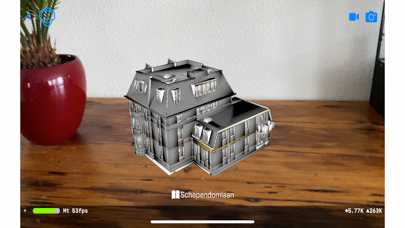
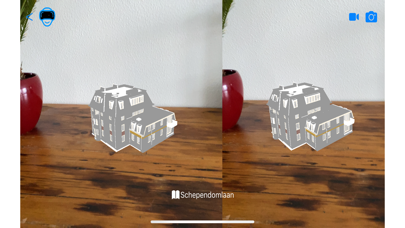
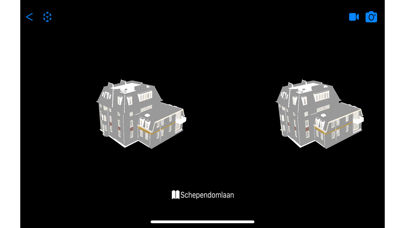
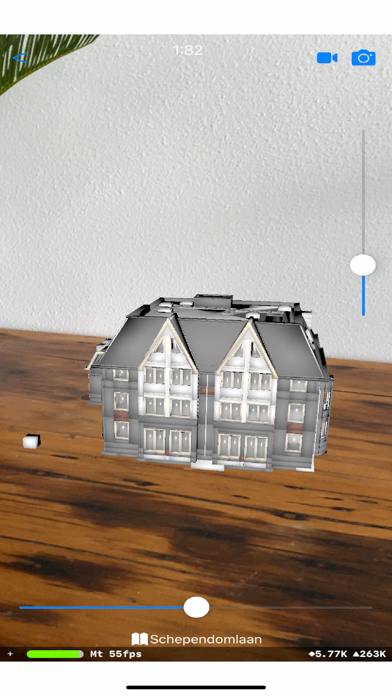
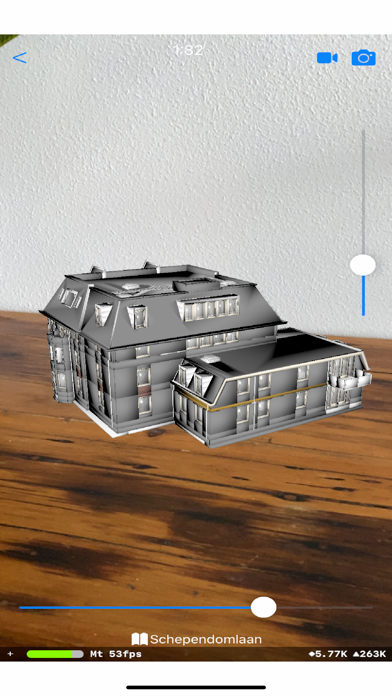
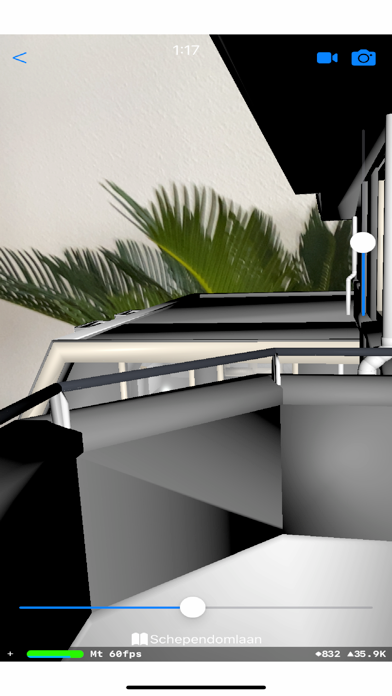
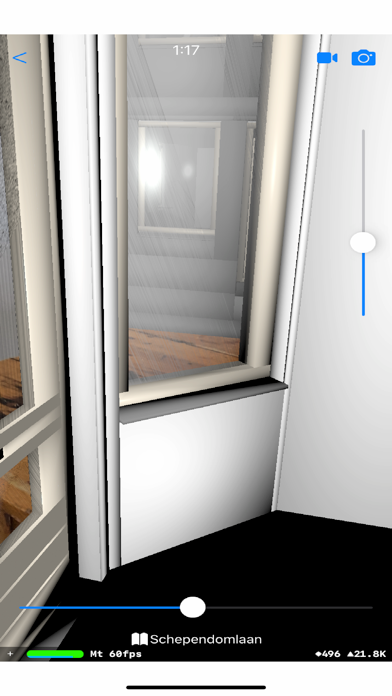
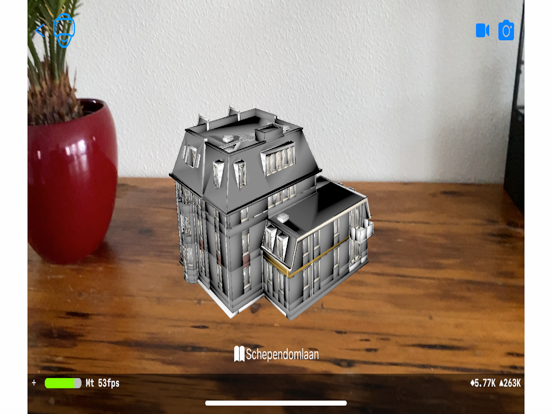
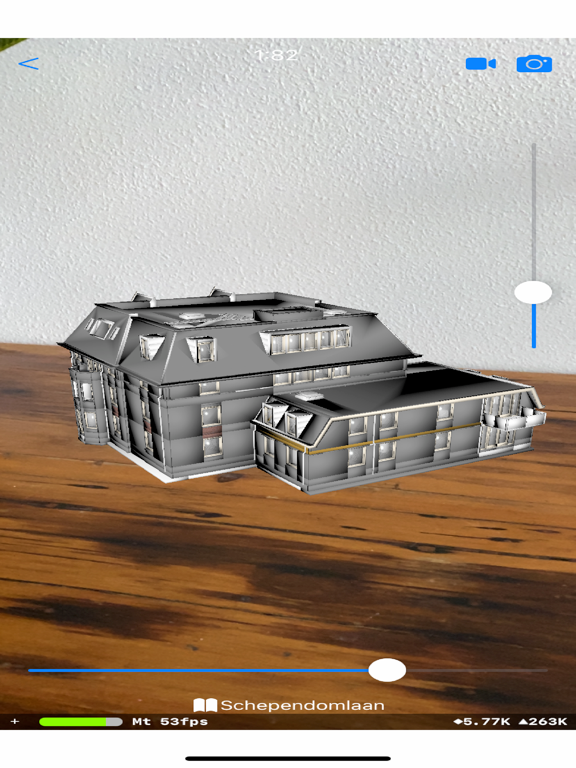
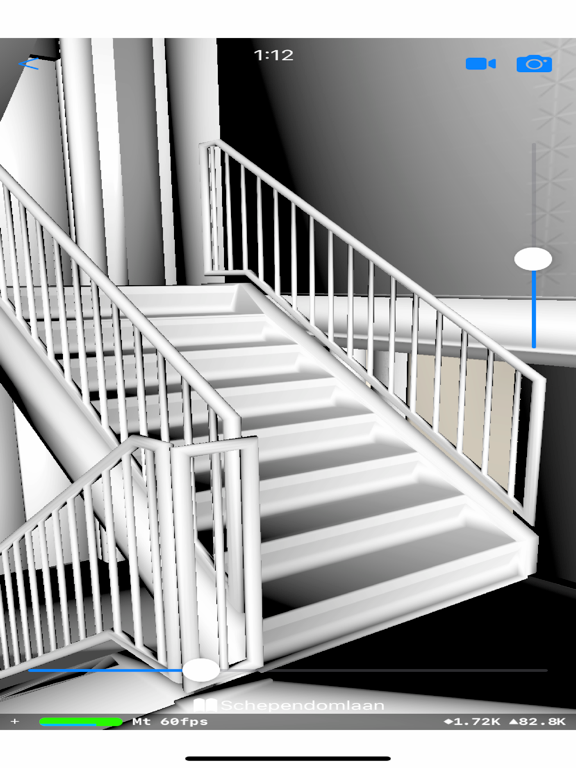
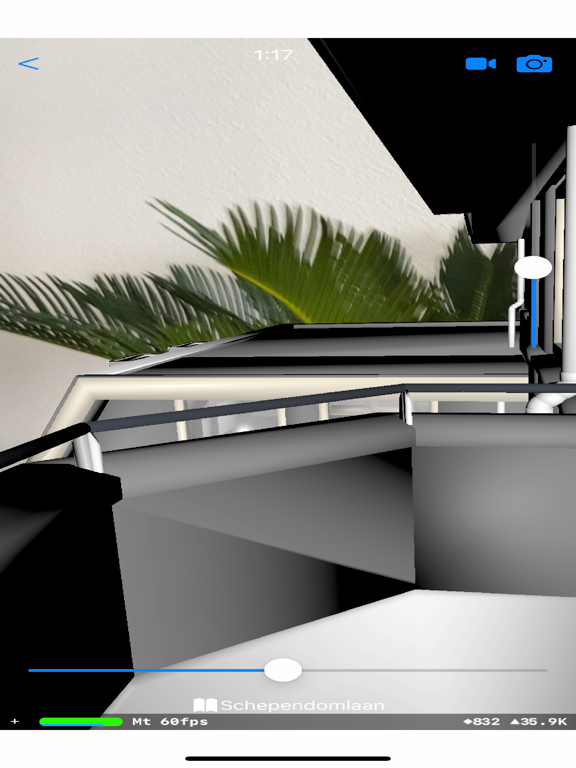
The app enables you to create a digital twin (ifc) of your location. You can display a 3d model stored in any of the following file formats: 3d, 3ds, ac, b3d, bvh, cob, dae, dxf, ifc, irr, md2, md5mesh, md5anim, m3sd, nff, obj, off, mesh.xml, ply, q3o, q3s, raw, smd, stl, wrl, xgl, zgl, fbx, md3. The model can be passed with textures and event log file in zip format. Emphasis in this app are on the IFC format which it validates and displays to any required scale. Display is available in AR, AR/VR and VR mode.
Latest release
What’s New
Create a digital twin (ifc) of your location using the lidar camera in your device. Show the site site location of your model. Use your IOS device as a remote control to navigate through your model displayed on a screen-mirrored device.
Audience growth
Ratings growth
Baseline captured. Growth appears after the crawler observes a changed rating count.
Momentum comes from crawler snapshots for the tracked storefront. “Viral growth signal” means unusually fast recent rating gains; it is an indicator, not download data.
Price tracking
Price intelligence
First snapshot captured. The trend line starts after the next crawler price observation.
- First observed Aug 20, 2026 · 10:41 PM Free
Screenshots