About this app
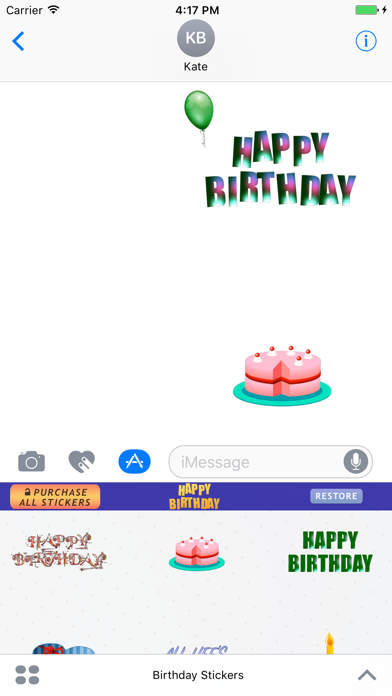
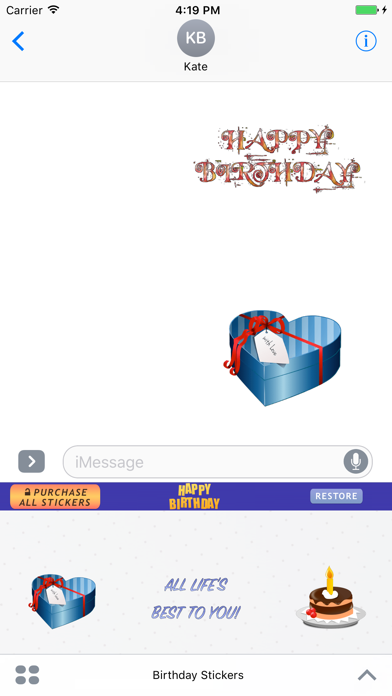
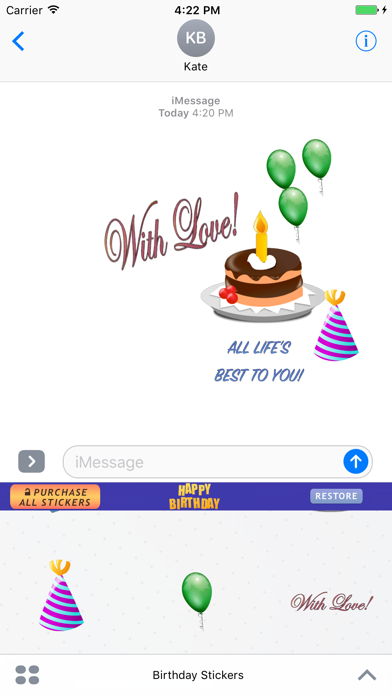
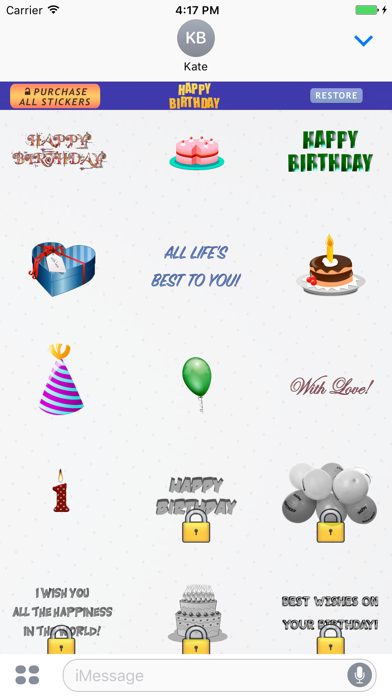
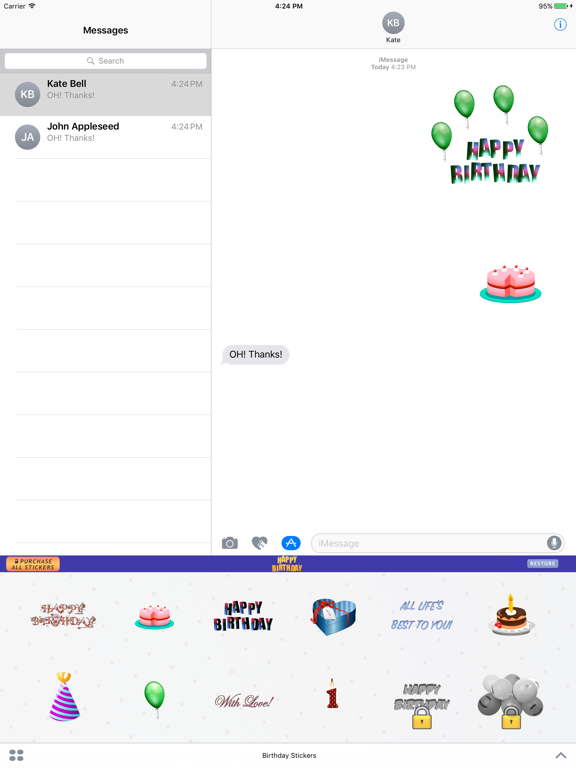
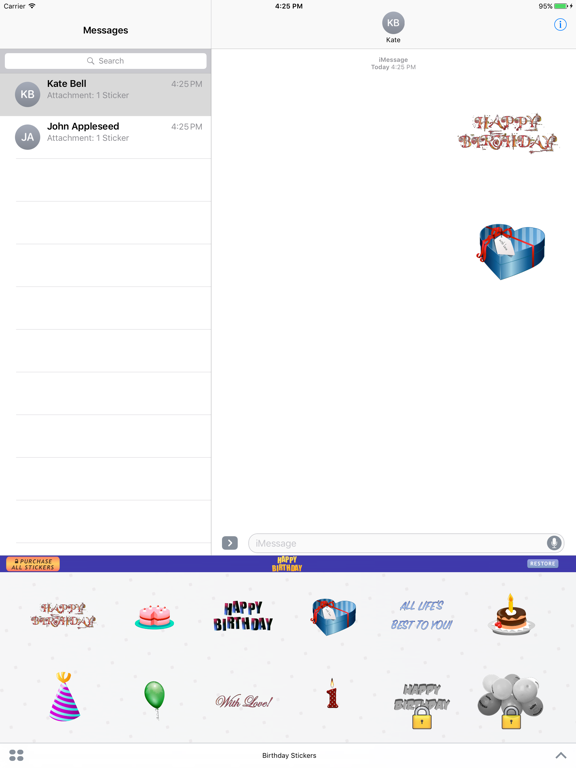
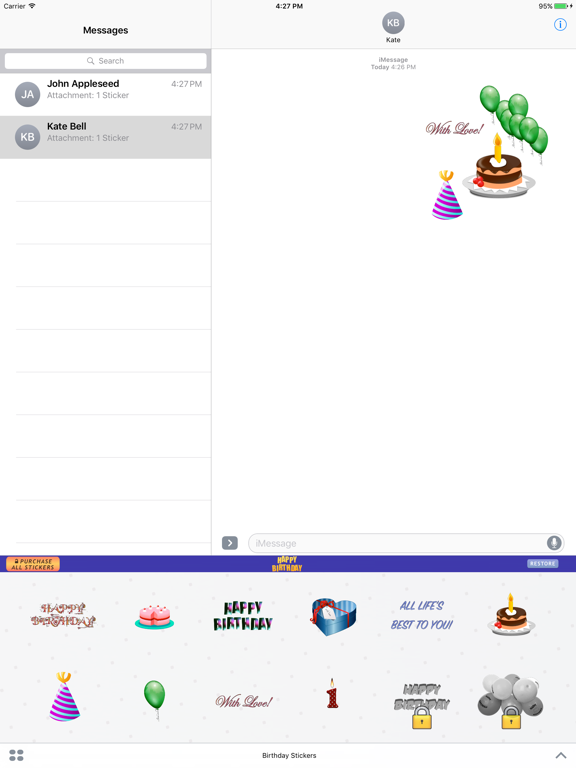
Happy Birthday Stickers for iMessage. Send your friends and family animated Birthday Stickers on their Birthdays. Get more than 40 Birthday related stickers in one pack. How to use Birthday Stickers for iMessage? 1. Download Birthday Stickers for iMessage. 2. Launch Messages (iMessage) from your Home screen. 3. Tap on the Apps button, which looks like the App Store icon inside your Messages app. 4. Tap on Happy Birthday Stickers to open the pack. 5. Use stickers and send them to your friends and family. How to unlock all Happy Birthday stickers? Tap "Purchase All Stickers" Button. Free Download Today.
Latest release
What’s New
App Improvements and Bug fixes
Audience growth
Ratings growth
Baseline captured. Growth appears after the crawler observes a changed rating count.
Momentum comes from crawler snapshots for the tracked storefront. “Viral growth signal” means unusually fast recent rating gains; it is an indicator, not download data.
Price tracking
Price intelligence
First snapshot captured. The trend line starts after the next crawler price observation.
- First observed Aug 25, 2026 · 7:53 AM Free
Screenshots