About this app
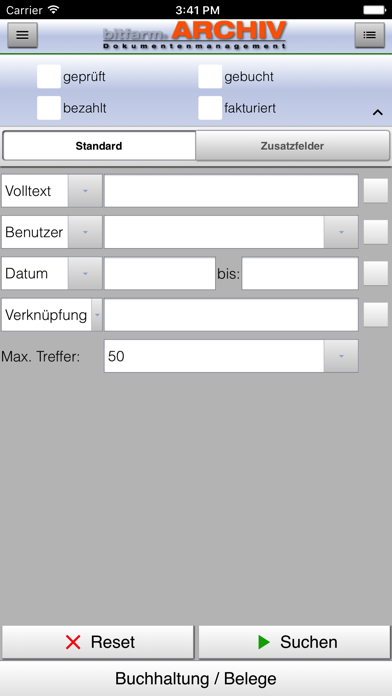
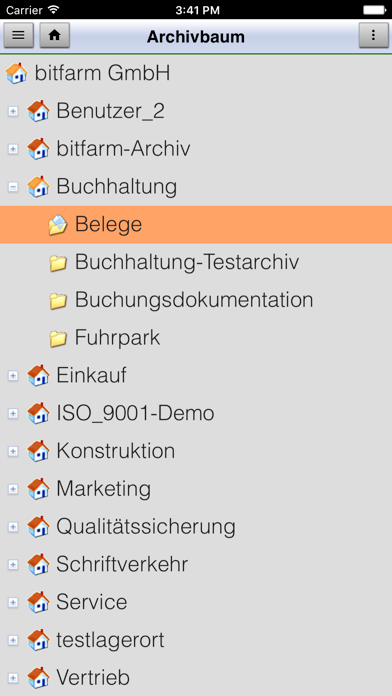
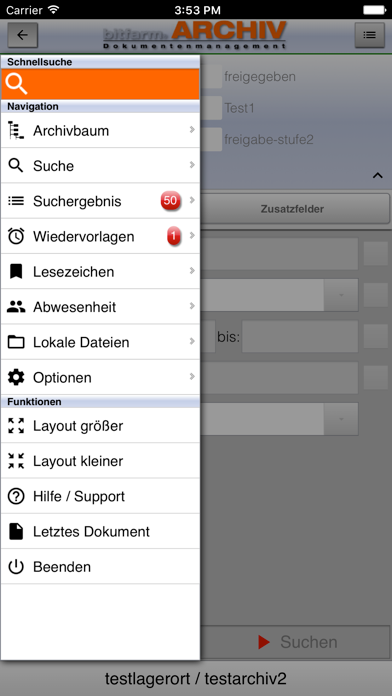
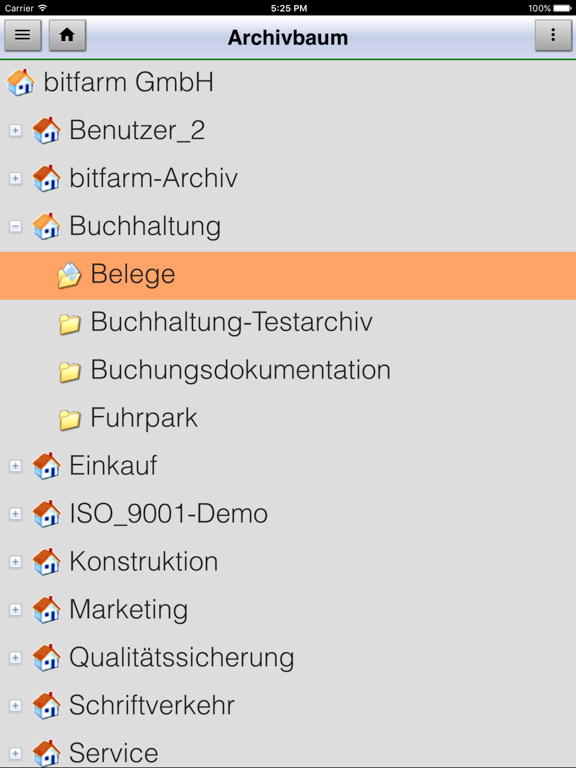
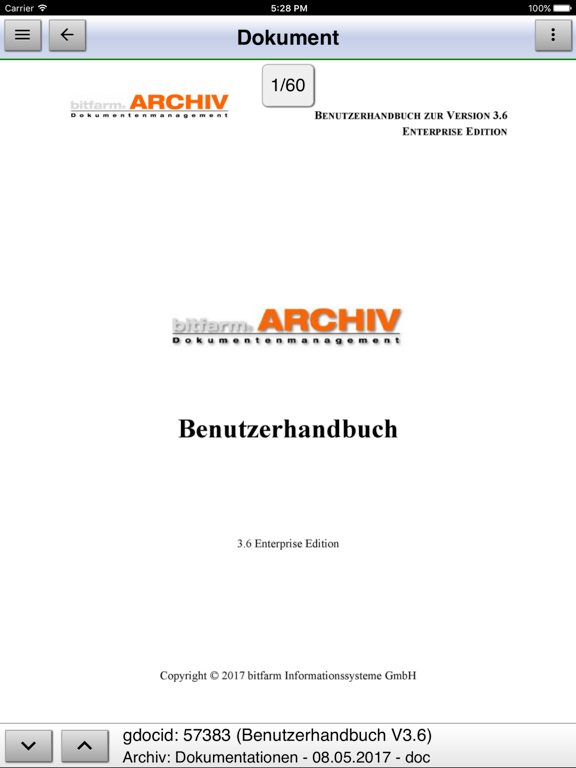
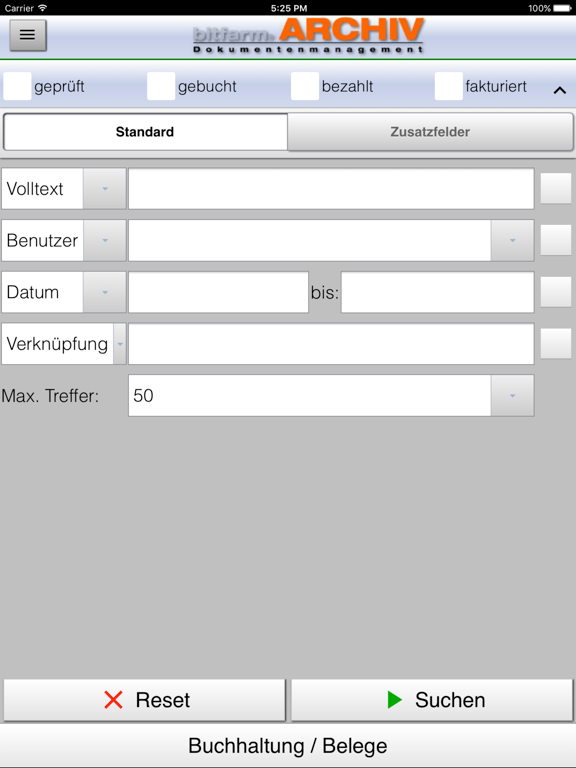
Attention: This application can only be used in combination with bitfarm-Archiv DMS 'Enterprise Edition' version 3.6 or newer. bitfarm-Archiv mobile is a convenient way to access the documents and resubmissions of your bitfarm-Archiv document management system - whether on the move at home or from the office. These are the prerequisites that have to be met to connect the application to your DMS: 1) bitfarm-Archiv DMS 'Enterprise Edition' version 3.6 1) a functional bitfarm app server, 2) a functional VPN connection to your company network. For further information, please contact the bitfarm-Archiv software support. bitfarm-Archiv mobile provides the following features: - archive navigation via tree view - image previews for documents - an option to download original files - display original files by using external apps - print original files by using external apps - sending documents via email or other apps (share) - displaying private and public annotations - browsing for documents by using the familiar search capabilities: - - tags, full text or both - - user, group - - date for archived or processed documents - - link, title, type, ID - - additional field and status field values - show search results in a hitlist - - sortable - - properties selectable - displaying and modifying options for metadata (addfields, statefields) - displaying document history - displaying and extracting of full text - resubmissions: - - create new - - display - - forward - - set done - - cancel - - notification on new resubmissions - holiday replacement: - - create new entry - - delete entry - - change - bookmarks - - access and execute global, local and browsing bookmarks - archiving (beta): - - via filesystem (min iOS12) - - via camera - - - as a document (incl. OCR) - - - as a file - adjust graphical user interface - quick access to bitfarm-Archive support - - phone - - email - - Teamviewer
Latest release
What’s New
new features: - URL-Scheme: execute bookmarks bug fixing: - resubmissions: resubmissions can no longer be canceled if you do not have the appropriate rights - login: Passwords with special characters can now be used
Audience growth
Ratings growth
Baseline captured. Growth appears after the crawler observes a changed rating count.
Momentum comes from crawler snapshots for the tracked storefront. “Viral growth signal” means unusually fast recent rating gains; it is an indicator, not download data.
Price tracking
Price intelligence
First snapshot captured. The trend line starts after the next crawler price observation.
- First observed Sep 1, 2026 · 2:39 PM Free
Screenshots