About this app
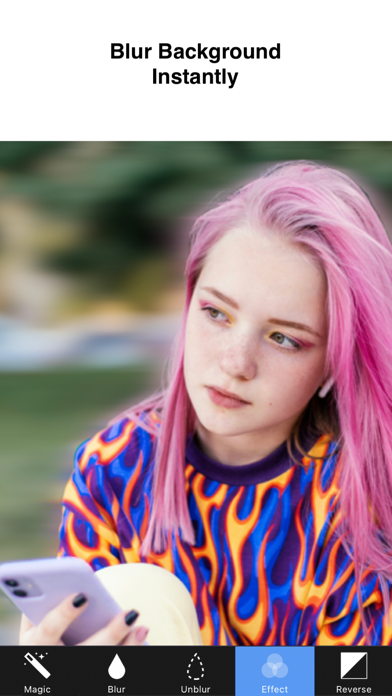
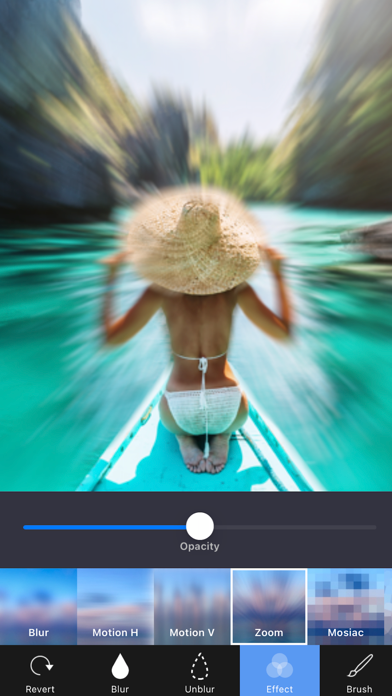
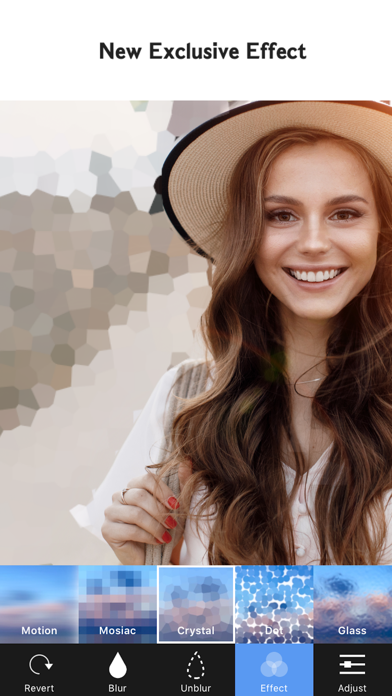
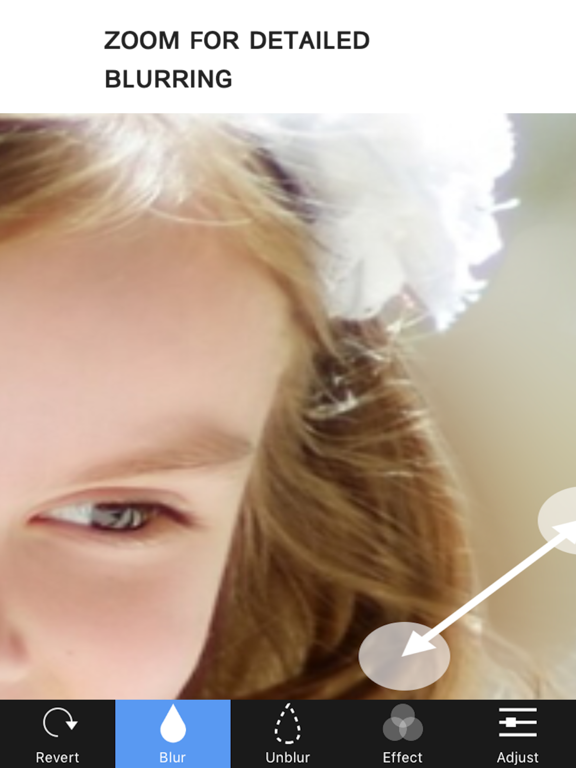
Blur Background instantly with the easiest blur photo editor for iPhone. Blur faces, portraits, and unwanted objects in seconds. Create beautiful DSLR-style background blur photos with simple touch editing. Main Features Blur Tool Quickly blur or unblur any part of your photo with simple touch controls. • Blur / UnBlur brush • Precise manual blur editing • Easy touch blur control Unique Blur Effects Create beautiful photo blur effects with professional filters. • Gaussian Blur • Zoom Blur • Motion Blur Mosaic Effects Hide faces, objects, or sensitive information easily. • Pixel Effect • Crystalize Effect • Dots Effect • Glass Effect Precision Editing Zoom and rotate your photo for detailed blur editing. • Zoom in for accurate editing • Rotate photos easily Full Resolution Export Save and export your edited photos in full quality. Easy Sharing Share your blurred photos instantly. • Save to Camera Roll • Instagram • Facebook • Twitter • Other Apps • Email BlurBackground Pro BlurBackground is free to download and use. Upgrade to BlurBackground Pro for an even better experience. BlurBackground Pro includes: • Remove watermark • Ad-free editing experience Subscription options: • Monthly Pro – $2.99 / month • Yearly Pro – $11.99 / year Subscriptions automatically renew unless auto-renew is turned off at least 24 hours before the end of the current billing period. Payment will be charged to your iTunes Account at confirmation of purchase. You can manage or cancel subscriptions anytime in your Account Settings. Any unused portion of a free trial period will be forfeited when a subscription is purchased. Privacy Policy https://sites.google.com/view/noonus-ltd/privacy-policy Terms of Service https://sites.google.com/view/noonus-ltd/terms-condition If you have any questions or suggestions, please contact us from the app. Tap Settings → Mail to Developer inside the BlurBackground app.
Latest release
What’s New
A completely redesigned blur editing experience! ◆ New Design - Rebuilt entirely with SwiftUI for a faster, smoother experience Clean dark mode interface ◆ AI-Powered Features - Background Blur: AI detects people and blurs only the background - Face Blur : Auto-detects faces and applies blur - Face Sticker : Places emoji stickers on detected faces - Text Detect : Recognizes text in photos and applies blur/mosaic ◆ 23+ Blur & Effects - Basic, Motion, Zoom, Mosaic, Bokeh, Glitch, Duotone, Color Pop, Vintage Film, Halftone, Tilt Shift, and more - Custom bokeh light shapes (Circle, Heart, Star, Diamond, etc.) ◆ 15 Pro Filters - Portra, Cinematic, Golden Hour, Neon City, B&W Noir, Retro, and more ◆ Photo Adjustments - 15 fine-tuning tools: Brightness, Contrast, Saturation, Exposure, and more ◆ Shape Blur & Text Insert - Radial, Linear, Heart, Star shaped blur - Add text with various fonts and colors ◆ Crop & Rotate - Free crop, ratio crop, and rotation ◆ My Projects - Save and resume your edits anytime ◆ Other Improvements - Recently used shortcuts, onboarding guide, 16 languages, haptic feedback, screenshot protection
Audience growth
Ratings growth
Momentum comes from crawler snapshots for the tracked storefront. “Viral growth signal” means unusually fast recent rating gains; it is an indicator, not download data.
Price tracking
Price intelligence
- First observed Aug 26, 2026 · 8:37 AM Free
Screenshots