About this app
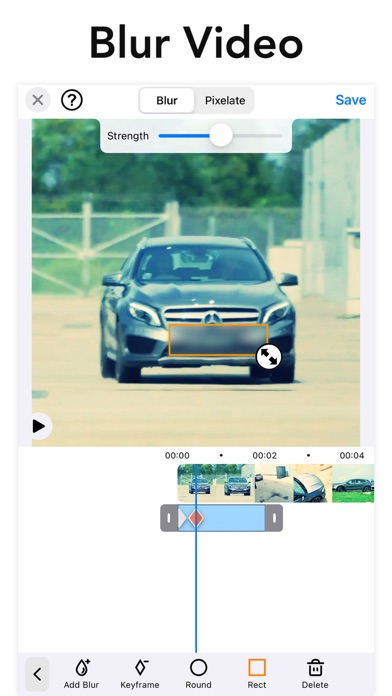
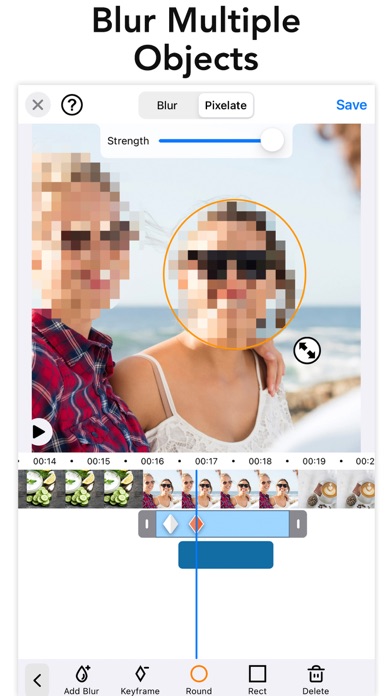
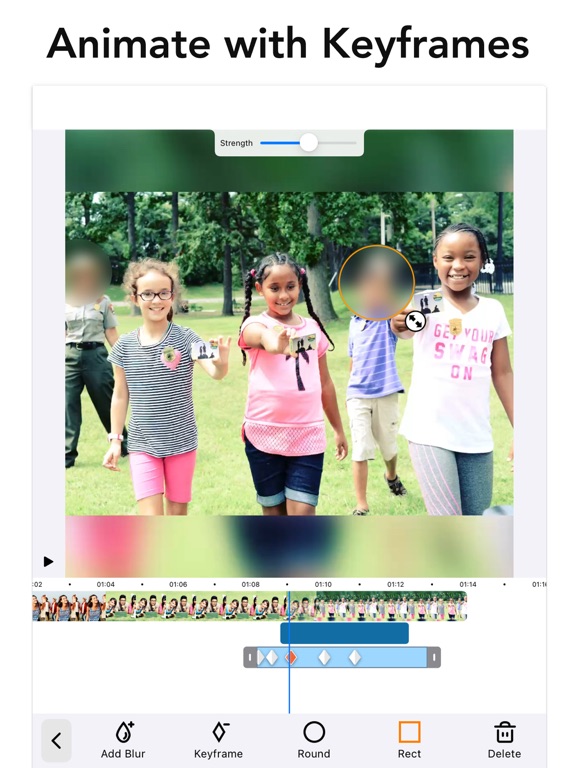
Improve privacy by blurring faces, logos or objects in the background of your video. Includes auto tracking to get your blurring done super fast. Apply blur effects on videos for YouTube video, Tiktok + other social media platforms. This blur video editor is the only answer for all your video editing needs regarding pixelating faces or any other unwanted objects and areas of a video. Unlike other apps you can define more than 1 area to blur/pixelate using ellipse or rectangle shapes with offset so you can easily blur with touch using your finger. Define the duration of each blur area and adjust the intensity. PRO You can subscribe to PRO for unlimited access to pro features, including: Unlocking all object tracking and feathering and No Ads - You'll be able to use all features for the duration of your subscription - Payment will be charged to your iTunes Account at confirmation of purchase - The subscription renews automatically unless auto-renewal is turned off for at least 24-hours before the end of the current period - The account will be charged for renewal within 24-hours prior to the end of the current period at the cost of the chosen package - Subscriptions may be managed by the user and auto-renewal may be turned off by going to the user's Account Settings after purchase - Any unused portion of a free trial period, if offered, will be forfeited when the user purchases a subscription Terms of use: http://cushwayapps.com/app-privacy/blurvideo/terms.html Privacy policy: http://cushwayapps.com/app-privacy/blurvideo/privacy.html Have you found a bug, got a suggestion, or want a new feature? Send us an email at support@honkhonkpunch.com
Latest release
What’s New
Introducing Background Blur! Keep people in focus and blur everything else — one tap, no tracing, no tracking needed. • Tap BG Blur and the background blurs for your whole video while people stay sharp • Flip it with the new Invert option to blur the person instead — great for hiding someone's identity • Fine-tune with the new Edge control to tighten or expand the blur around your subject • Works with blur or pixelate, and layers with your shape and emoji blurs Also in this update: • Invert works on shape blurs too — keep the inside sharp and blur everything around it • A refreshed editor toolbar with clearer icons • Bug fixes and polish We'd love to hear what you think — leave a review, and if you have feedback or suggestions, email us at support@honkhonkpunch.com.
Audience growth
Ratings growth
Momentum comes from crawler snapshots for the tracked storefront. “Viral growth signal” means unusually fast recent rating gains; it is an indicator, not download data.
Price tracking
Price intelligence
- First observed Aug 6, 2026 · 1:21 AM Free
Screenshots