Apps by CHI HAO CHIU
Brush Writing - on the photo app icon

Photo & Video

Brush Writing - on the photo

CHI HAO CHIU

Free download 5.00 · 1 storefront · 2 ratings In-app purchases unconfirmed
Open on Apple

About this app

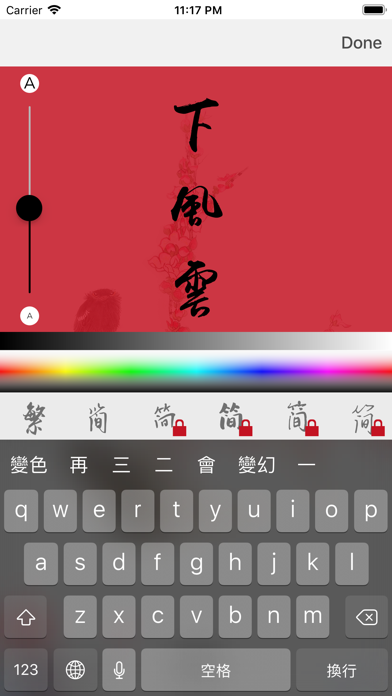
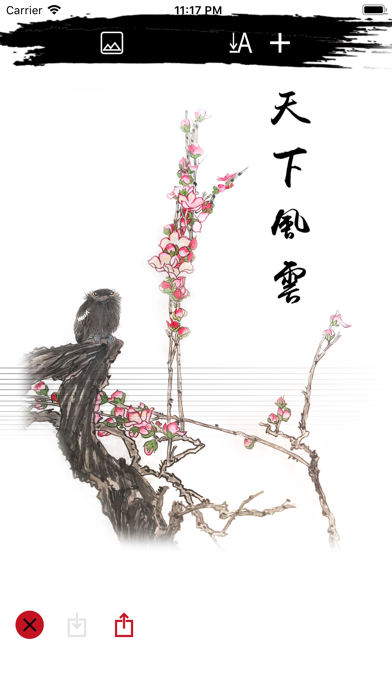
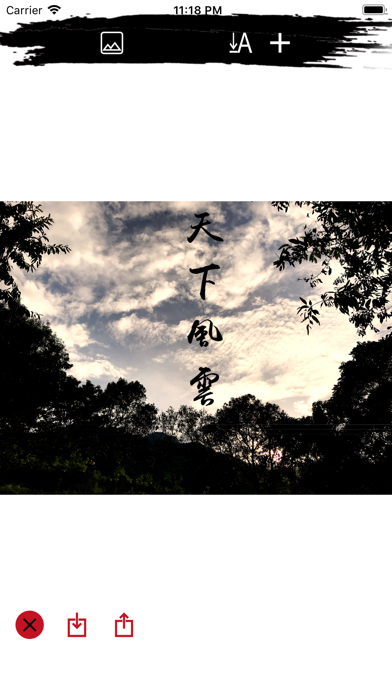
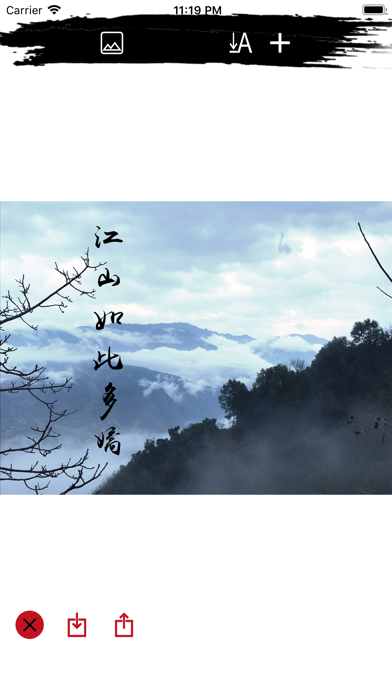
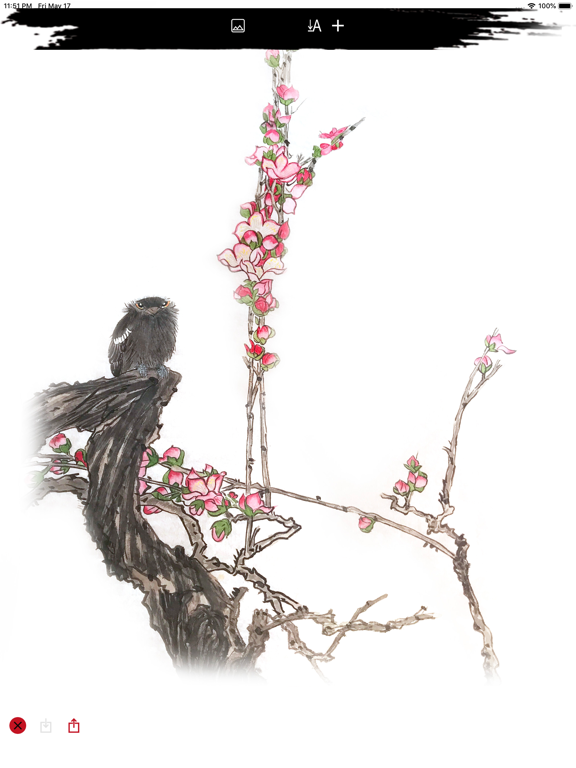
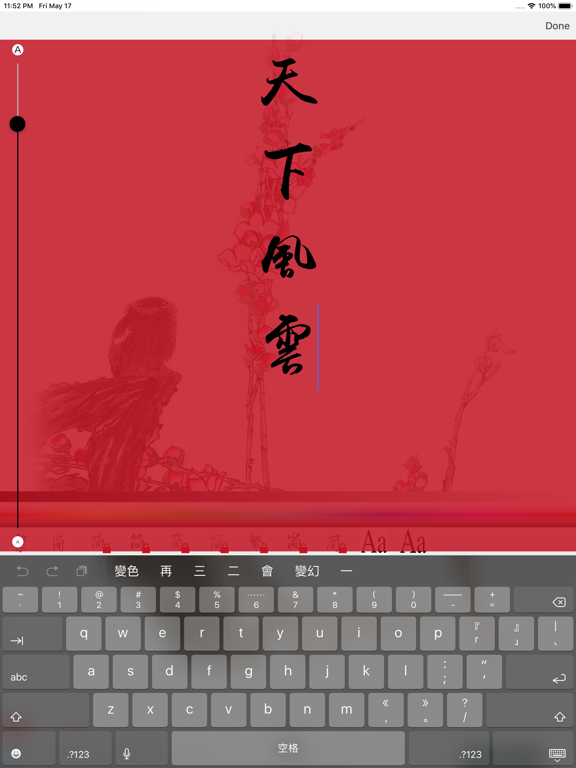
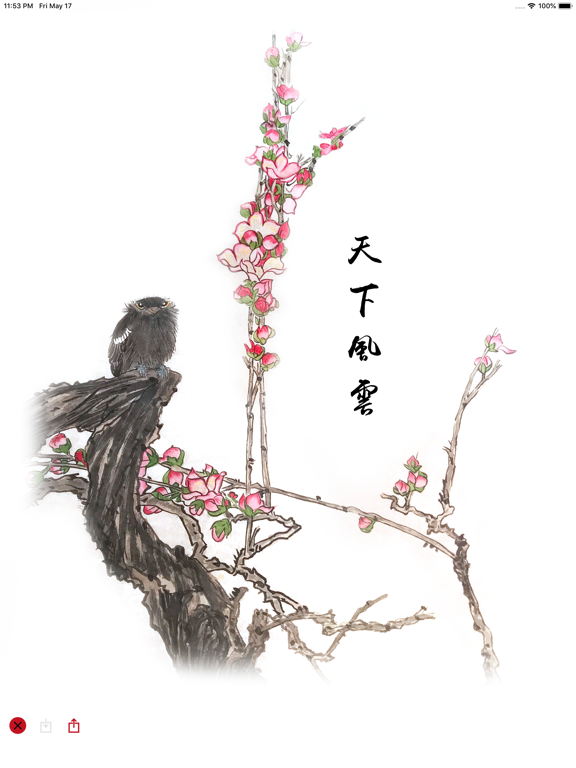
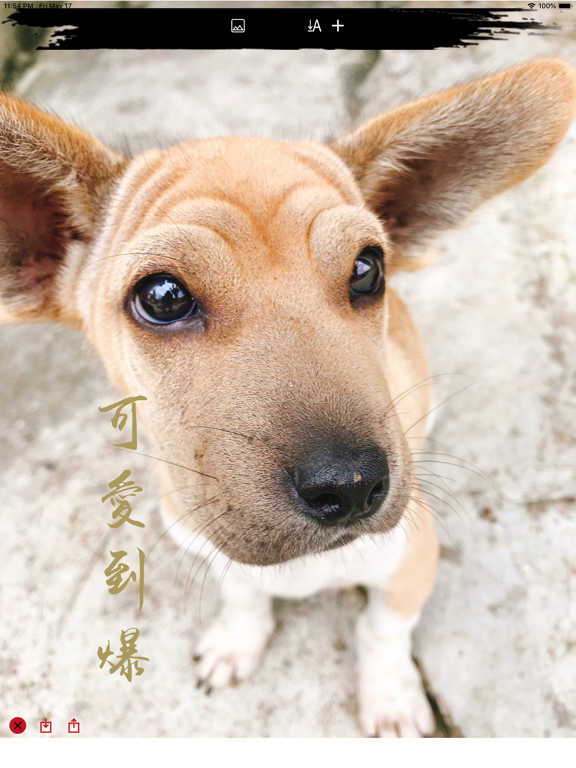
After taking the photo, add a brush font description to show the photo theme. Straight text input is more suitable for brush performance. It can also be switched to horizontal input. Custom font color, size, location. Simplified and traditional support. English support. Japanese supports fewer words (please note). All fonts can be purchased in-house. More fonts will continue to be added in the future.

Latest release

What’s New

Version 3.0 Jan 17, 2022

Added multi-language instructions. Added help UI interface. Minor bugfixes.

Audience growth

Ratings growth

Steady
7-day gain +0
Ratings / day 0.0
30-day gain +0
US rating-count history
2 ratings
2 Aug 24, 2026 · 2 ratings Aug 24, 2026

Baseline captured. Growth appears after the crawler observes a changed rating count.

Momentum comes from crawler snapshots for the tracked storefront. “Viral growth signal” means unusually fast recent rating gains; it is an indicator, not download data.

Price tracking

Price intelligence

1 captured event
Current Free
Historical low Free
Paid → free
Price history
Current Free
Free Aug 24, 2026 · Free Aug 24, 2026

First snapshot captured. The trend line starts after the next crawler price observation.

  1. First observed Aug 24, 2026 · 8:22 PM Free

Screenshots
Brush Writing - on the photo iPhone screenshotBrush Writing - on the photo iPhone screenshotBrush Writing - on the photo iPhone screenshotBrush Writing - on the photo iPhone screenshotBrush Writing - on the photo iPhone screenshotBrush Writing - on the photo iPhone screenshotBrush Writing - on the photo iPhone screenshot Brush Writing - on the photo iPad screenshotBrush Writing - on the photo iPad screenshotBrush Writing - on the photo iPad screenshotBrush Writing - on the photo iPad screenshotBrush Writing - on the photo iPad screenshotBrush Writing - on the photo iPad screenshot