About this app
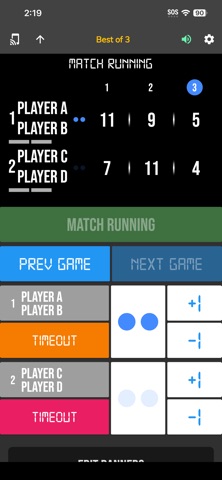
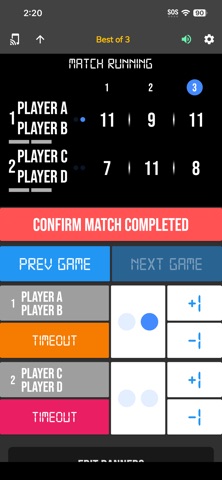
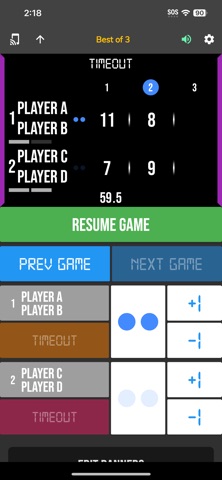
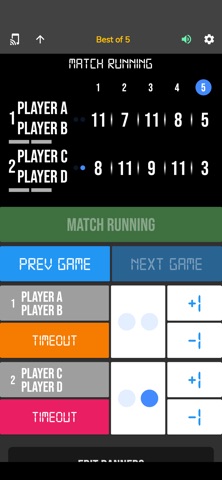
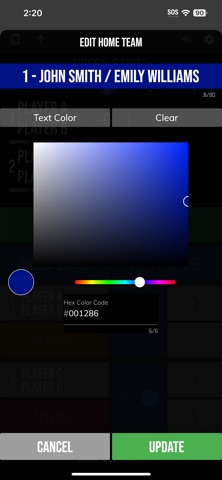
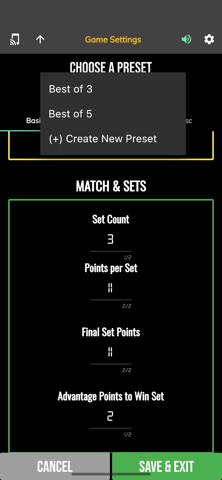
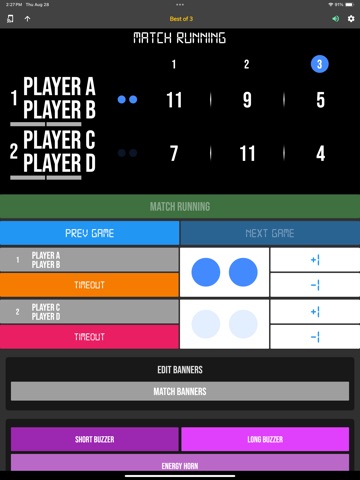
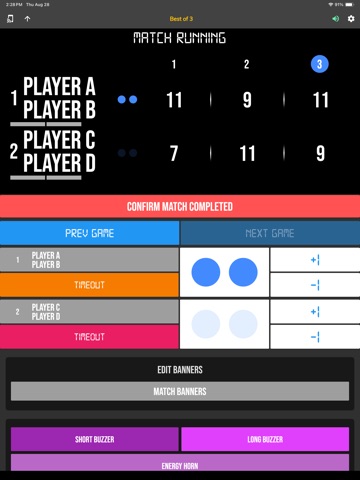
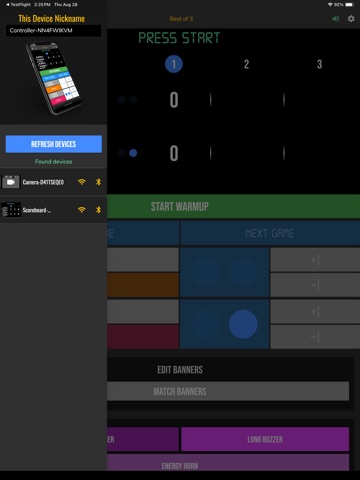
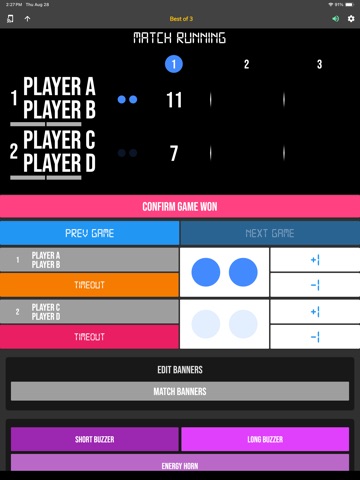
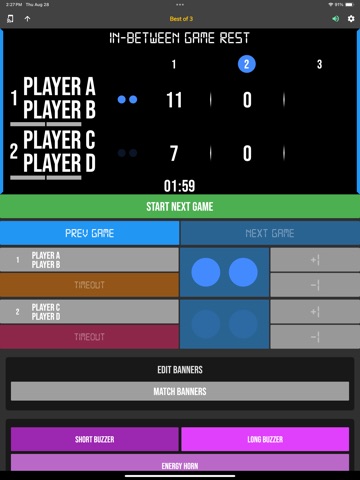
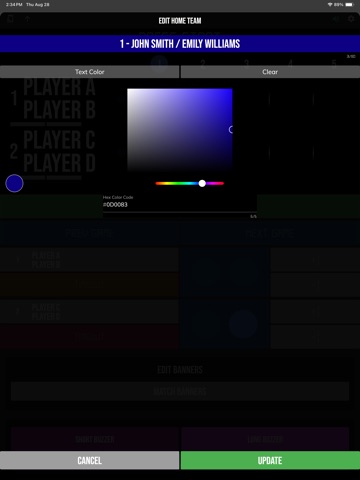
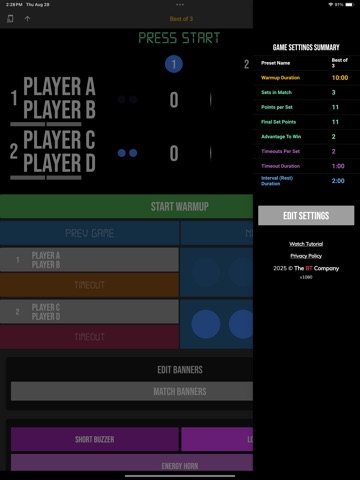
The BT Pickleball Controller is a complimentary app meant to remotely control supported BT Pickleball scoreboards, and score camera devices. The app synchronizes the time and score on all these supported devices. The interface is extremely clean and intuitive, everything is directly touch or swipe based. Clearly labeled controller buttons are also added for those that prefer a button interface. The BT Pickleball Controller app is easy to learn and new users can be running the time and score for a pickleball game in no time. Related tutorials: Preview: https://youtu.be/aCbgc-BhjUc In-depth Tutorial: https://youtu.be/fopYwQPOZ2k BT Pickleball Controller App Features: - Clean design, no ads - Intuitive direct tap and swipe controls - Remotely control scoreboards, cameras, and other devices with WiFi or Bluetooth - Convenient Presets (Indoor, Beach) - Convenient timers: pregame timer, in-between set timer, timeout timer - Fully customizable game in the settings - Quick Start Documentation below The BT Pickleball Controller app was created by The Basketball Temple Company. After the success of our basketball products, we have expanded into other sports. The Basketball Temple Company focuses on high quality basketball academies, basketball leagues, and technologies that are used to support those academies and leagues. We open our technology to the public so everyone in the basketball community can experience the same technologies that we use within our institutions. # Quick Start Documentation: All the actions below have corresponding controller buttons that may be used instead. Score Controls: - Tap directly on the score to increase quickly - Swipe up/down score to increase/decrease - Hold down on team names to adjust name and color of teams - Select set to change scores of previous sets Timeout Controls: - Tap timeout number to call timeout - Swipe up/down timeouts to adjust numbers - Red indicates violation when calling timeout with no timeouts left Connect and Remote Control Settings: - Tap on top-left icon (or swipe left-to-right on the left edge) to open connect menu - Hit "Refresh" to find devices - Tap on WiFi or Bluetooth icon to connect, green icon indicates connected - If unable to connect or having connection errors try one of the following: 1) please ensure all devices are on the same WiFi network 2) please ensure bluetooth is turned ON on all devices 3) lastly, try to restart the app on all devices Time and Game Settings: - Tap on top-right icon (or swipe right-to-left on the right edge) to open settings menu - Edit and save the many settings available Exit Game and Reset Times and Scores: - Scroll down and hit "Exit Game" button
Latest release
What’s New
- Added Wear OS watch companion app for remote score and recording controls. - Open the phone app first, then use the watch app as a companion remote. Please submit any issues to support@basketballtemple.com. Thank you for using the app!
Audience growth
Ratings growth
Baseline captured. Growth appears after the crawler observes a changed rating count.
Momentum comes from crawler snapshots for the tracked storefront. “Viral growth signal” means unusually fast recent rating gains; it is an indicator, not download data.
Price tracking
Price intelligence
First snapshot captured. The trend line starts after the next crawler price observation.
- First observed Aug 19, 2026 · 8:45 AM Free
Screenshots