About this app
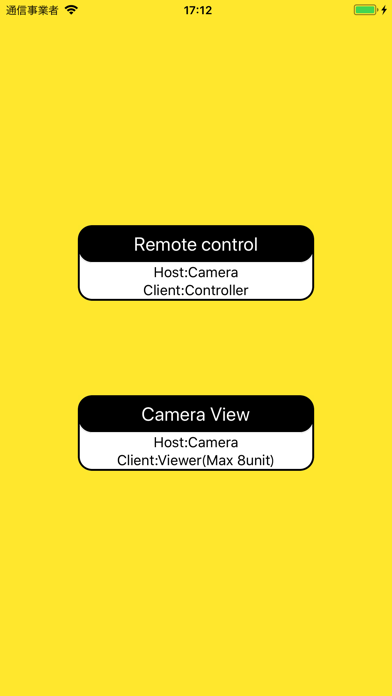
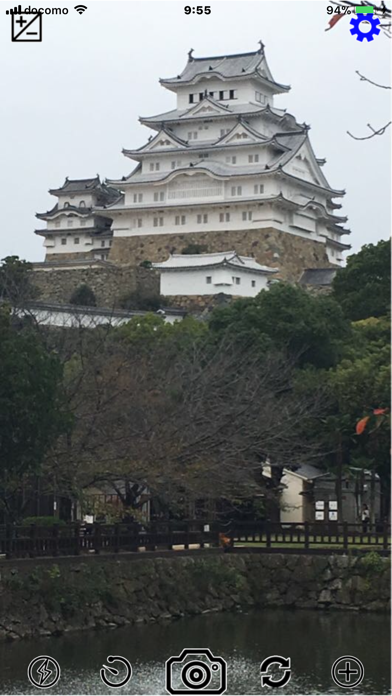
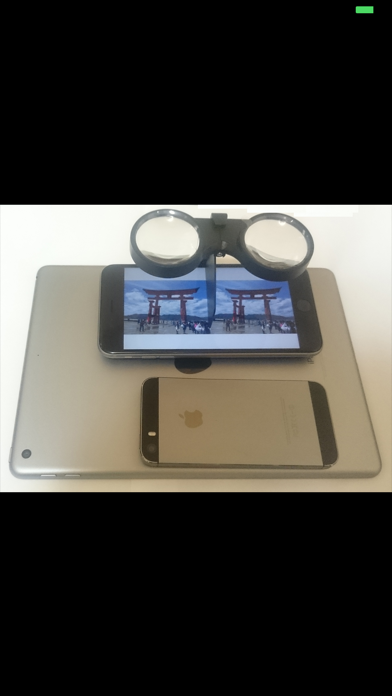
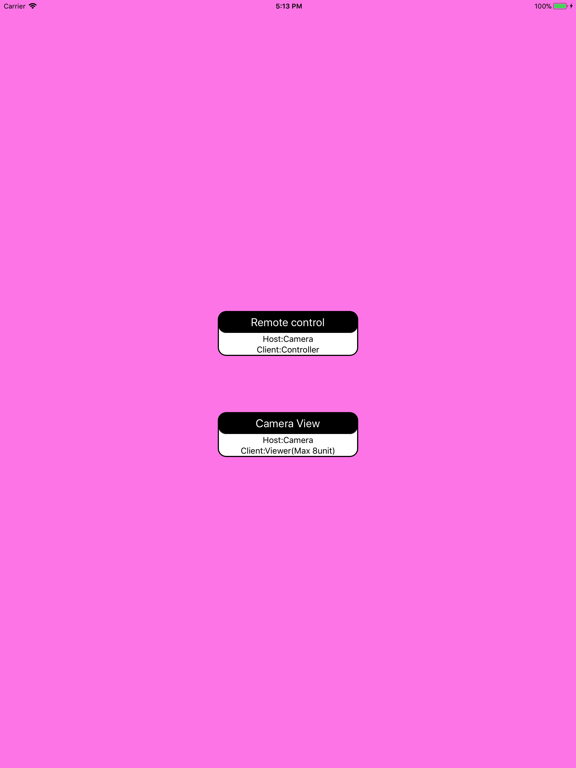
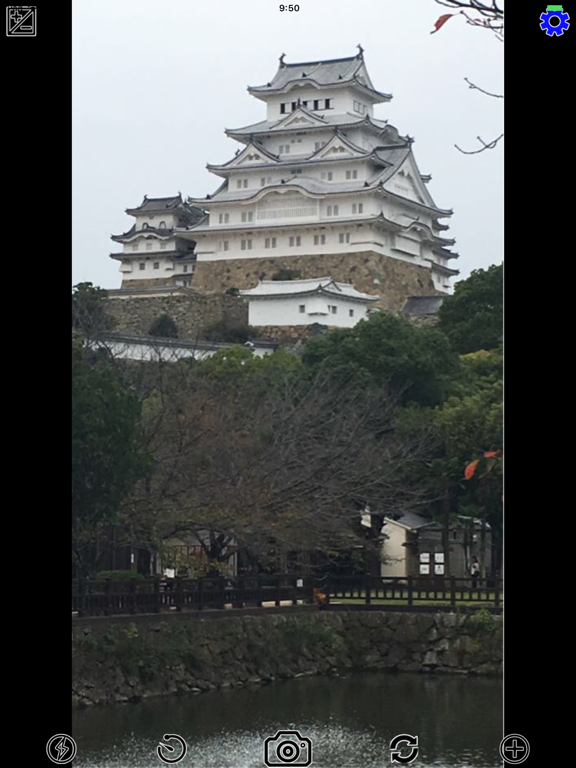
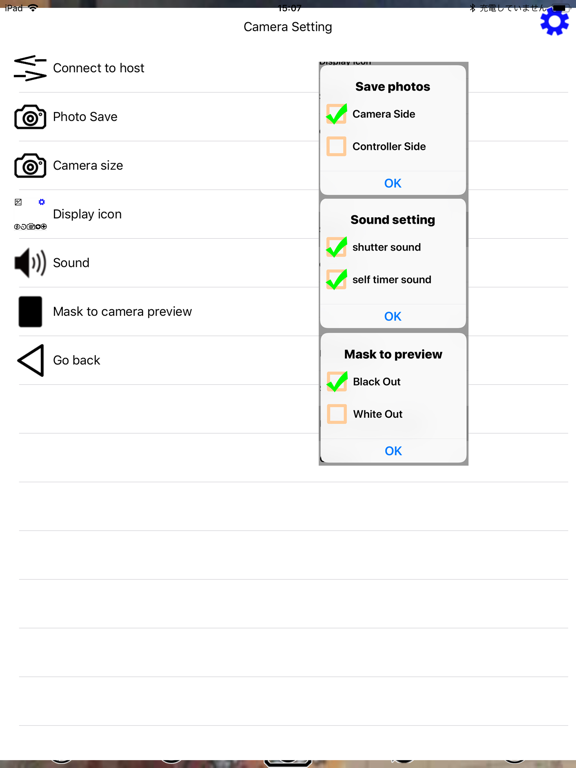
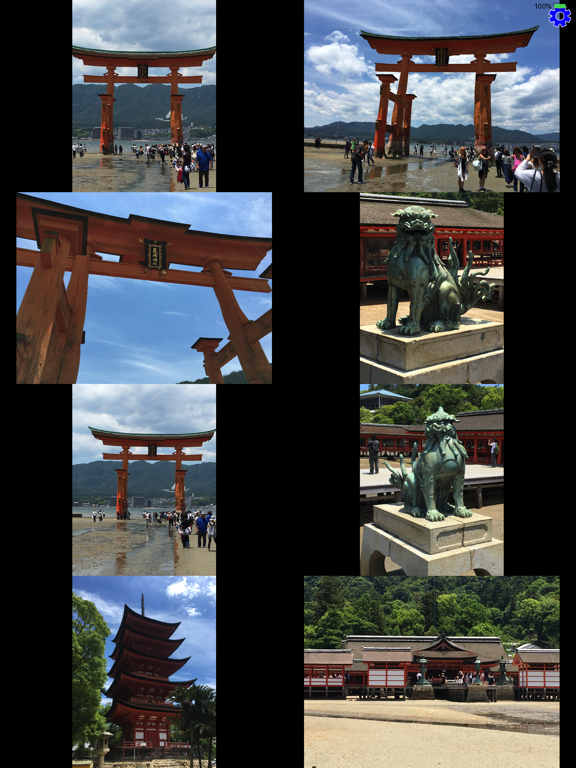
You can control while monitoring the camera image using WiFi, Bluetooth. You can monitor without going through the server You can monitor camera images of multiple terminals. ※ You can monitor two cameras and experience stereo images 1Remote contro You can do the following operations. zoom shutter Light Camera switch Luminance self timer Setting menu Camera size Photo Save ※Picture storage location sound Mask of camera screen ※(black out, white out) : Suppresses the influence on Object of shooting (animals,etc) ※Can be set only from the controller How to use Please turn on WiFi and Bluetooth before turning on 1.Launch application on camera side 2.Launch application on controller side 3.Expose its existence from the controller side. Dialog box> Please enter distinguished name 4.Detect existence on camera side. -> Apply for connection permission. Dialog box> found PeerID [device name][distinguished name] 5.Check the connection on the controller side. Dialog box> Allow connection [device name][distinguished name] Connection completed. 2.Camera View Up to 8? terminal images can be monitored.(The actual machine check is three units.) ※Monitor image is downsized. How to use Please turn on WiFi and Bluetooth before turning on 1.Launch application on camera side 2.Launch monitor application 3.Existence is disclosed from the monitor side. ※Existence is disclosed from the monitor side. ※If the existence disclosure dialog is not displayed, click "Connect to host" in the setting button 4.Detect existence on camera side. -> Apply for connection permission. 5.Check the connection on the monitor side. 6.When another camera is started -> It detects the existence after startup. -> Apply for connection permission. 7.Check the connection on the monitor side. 8.Repeat 6 ->7. Connection completed. You can create 3D photos and 3D movies (time-lapse) with 2 cameras and 1 monitor When 2 cameras and 1 monitor, the shooting button is displayed at the bottom of the monitor screen. Movie creation processing is done at the end of shooting ※ Please match the resolution of the two cameras. ※The real-time performance is impaired depending on the processing capacity and resolution of the camera->Please lower the resolution together Ver.1.03 Fixed bug with IOS version upgrade
Latest release
What’s New
Fixed some bugs Change processing when reconnecting ※Connected ID can be connected by request from client
Audience growth
Ratings growth
Baseline captured. Growth appears after the crawler observes a changed rating count.
Momentum comes from crawler snapshots for the tracked storefront. “Viral growth signal” means unusually fast recent rating gains; it is an indicator, not download data.
Price tracking
Price intelligence
First snapshot captured. The trend line starts after the next crawler price observation.
- First observed Aug 19, 2026 · 10:00 AM Free
Screenshots