About this app
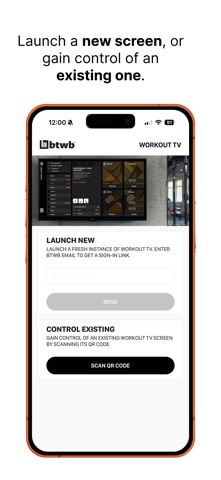
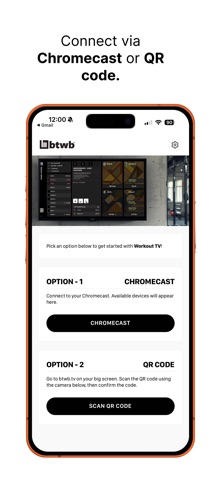
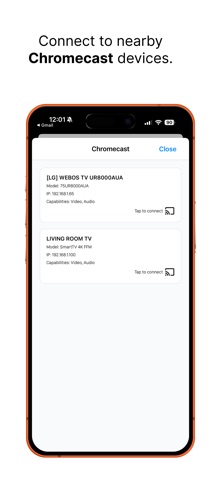
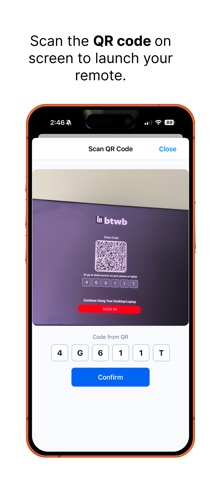
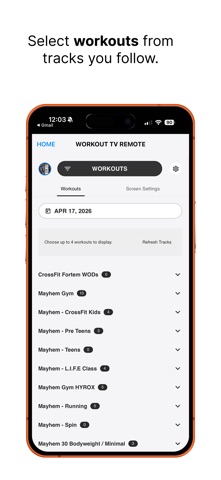
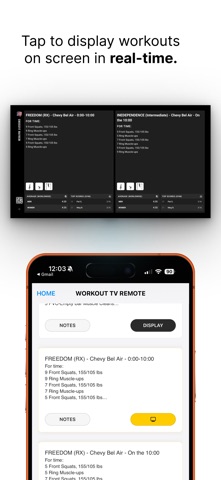
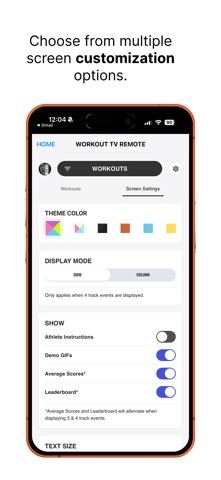
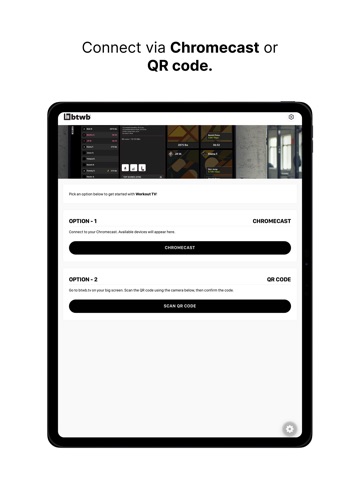
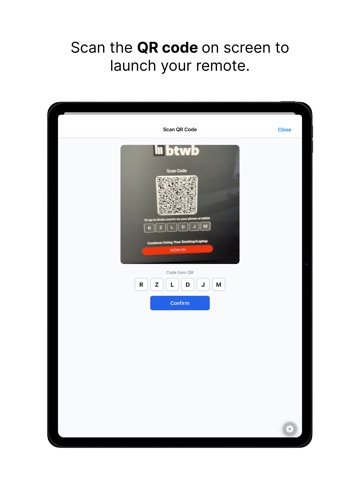
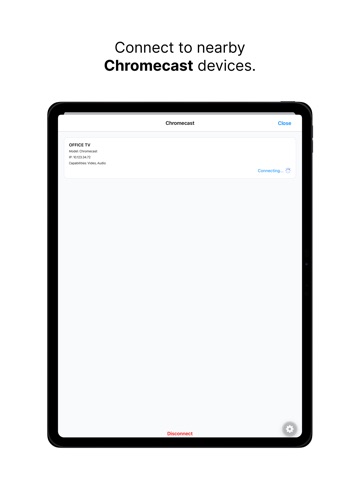
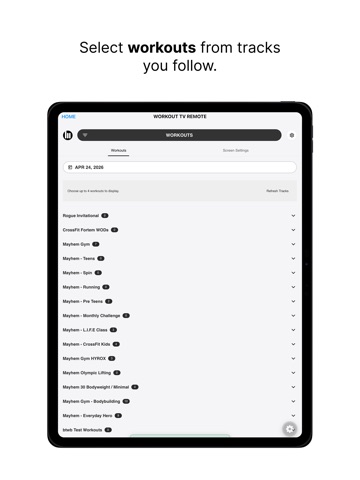
Your gym display, reimagined. btwb Workout TV is a major upgrade to the classic WODscreen experience. Turn any TV into a powerful, real-time workout display and control everything right from your phone via the Workout TV app. Whether you’re running a class or training at home, Workout TV keeps everyone aligned, engaged, and moving. Built For The Big Screen Display workouts clearly and beautifully on any TV. Show multiple workouts, adjust layout, and customize exactly what athletes see. No more crowded whiteboards or static screens. Four Powerful Screen Modes Workout Screen - Displays the day’s workout(s) with movements, reps, and details - Optionally shows athlete instructions and movement demos - Built for athletes to follow along in real time Activity Screen - Live feed of athlete results as they’re logged - Creates energy and visibility during and after workouts - Great for keeping the room engaged Leaderboard Screen - Real-time rankings for selected workouts - Automatically updates as scores come in - Drives competition and accountability Class Screen - Guides members through the class experience - Helps coaches manage attendance and flow - Gives everyone in the class a chance to celebrate classmate achievements Real-Time Engagement Scores and activity update instantly as athletes log results in btwb, helping to bring your gym to life. Control Directly From Your Phone Use the Workout TV app as a remote to: - Connect to your TV (Scan QR code or connect via Chromecast) - Switch between screens - Customize display settings and themes Fully Customizable Tailor your screen to your gym: - Show or hide instructions, media, and scores - Choose from multiple color themes - Optimize layouts for your space and class size
Latest release
What’s New
Improved cast connection stability and overall app performance
Audience growth
Ratings growth
Baseline captured. Growth appears after the crawler observes a changed rating count.
Momentum comes from crawler snapshots for the tracked storefront. “Viral growth signal” means unusually fast recent rating gains; it is an indicator, not download data.
Price tracking
Price intelligence
First snapshot captured. The trend line starts after the next crawler price observation.
- First observed Sep 7, 2026 · 10:44 AM Free
Screenshots