About this app
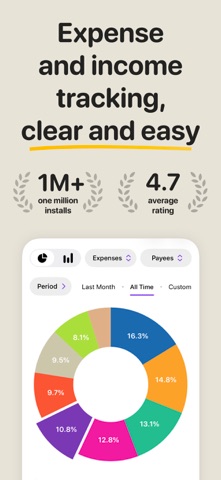
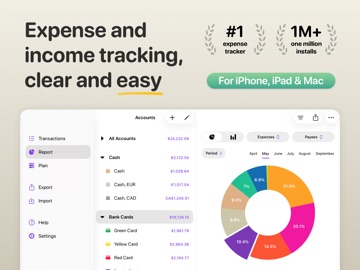
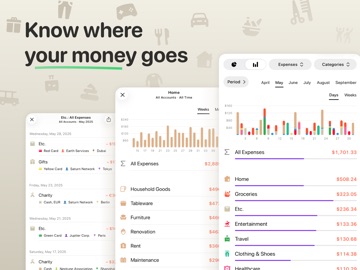
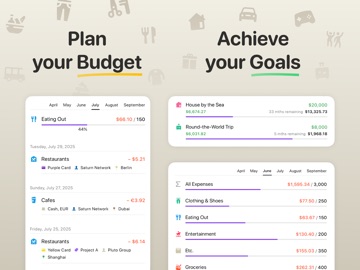
Application for quick tracking of your expenses and income as well as control over your financial situation. Features: • Quick and easy adding of transactions. • Customizable accounts and categories—you can select icons and colors. • Synchronization between devices. • Flexible budget settings. • Scheduled transactions. • Built-in calculator and currency converter. • Automatic backup. • Multiple currencies: over 170 currencies and exchange rates. • Transfers between accounts (Double-entry bookkeeping system supported). • A clean, intuitive, and well-thought-out design. • Powerful interactive reports. • Attaching images to transactions. • Security code on launch (Touch ID and Face ID). • Geotagging. • Tags. • Search. • Widgets for Home Screen and Lock Screen. Privacy Policy: https://moneyflow.cloud/en/legal/privacy-and-terms
Latest release
What’s New
• New daily summaries in the transactions list: you can now calculate only daily income or only daily expenses. • On iPhone, the Add Transaction button can now be moved to a more convenient spot (iOS 26). • Authentication delay setting. Choose when Money Flow prompts you to verify access again after the app goes to the background. • Many view options have moved from menus to dedicated screens. • Anonymous feedback form in Settings (iOS 16+). Quickly tell us what you like, what you don’t, and what’s missing. • New languages: Simplified Chinese, Traditional Chinese, Korean, Brazilian Portuguese, and British English. • Many other improvements and fixes.
Audience growth
Ratings growth
Baseline captured. Growth appears after the crawler observes a changed rating count.
Momentum comes from crawler snapshots for the tracked storefront. “Viral growth signal” means unusually fast recent rating gains; it is an indicator, not download data.
Price tracking
Price intelligence
- First observed Aug 17, 2026 · 1:23 PM Free
Screenshots