About this app
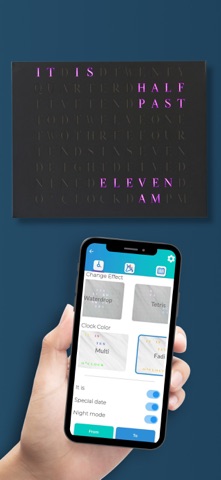
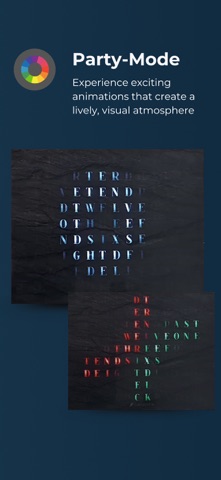
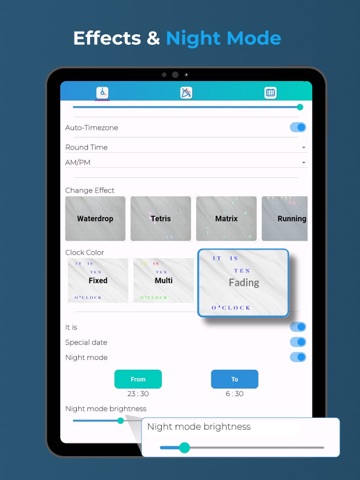
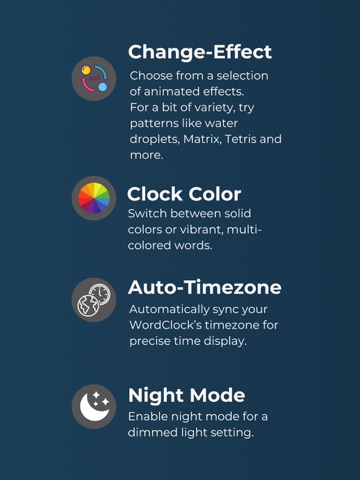
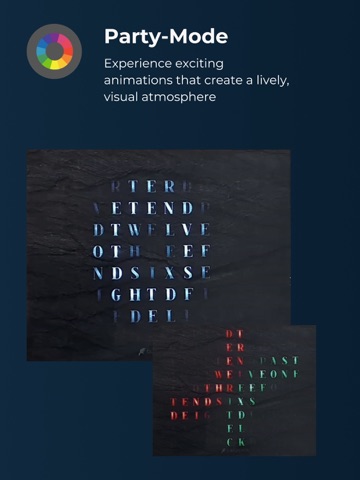
With the Build-yours app, you can easily control your clock and intuitively adjust your settings to match your mood at any time with just a few clicks. You can choose the basics, such as: - Which time zone you’re in, or which one should be displayed for you — and whether you want the time shown rounded or precise. - With the dialect feature, you can explore different ways of expressing the time — from “quarter to” to choosing 10-minute or 20-minute steps, you decide how your Wordclock displays the time. - Then there’s the appearance: you can set the color in which your Wordclock shows the time and how the transitions between times should look. Should the time flow down like in the Matrix, spread like a water droplet from one side to the other, run in smoothly, or would you rather leave it to chance? - Naturally, you can also choose how bright your Wordclock displays the time. Beyond the basics, there’s the Party Mode and various specials we’ve prepared for you: - In Party Mode, your clock becomes part of the action. You can not only set the time display in various ways via the basics, but also integrate the clock’s light effects into the party. Are you throwing a ‘90s party? Then the Tetris mode is perfect for you. Simply click through the modes and discover what party modes we have and which new ones might come in the future. - With the Specials, you’ll never miss a holiday again. Whether it’s a heart for Valentine’s Day, a Christmas tree at Christmas, or fireworks on New Year’s Eve — we’ll remind you of the special day on every full hour. - And if your clock feels too bright after a long day, you can put it to sleep using Night Mode. It will then glow discreetly at the times you’ve set. At build-yours, we’re committed to continuously developing our products — and for that, we rely on your help. So if you have suggestions for improvements or further ideas for modes or specials, let us know!
Latest release
What’s New
- More Devices, Better Performance: Now fully optimized to support the newest device models. - Expanded Features: We’ve added new capabilities across the app to enhance your experience. - General bug fixes and stability upgrades.
Audience growth
Ratings growth
Baseline captured. Growth appears after the crawler observes a changed rating count.
Momentum comes from crawler snapshots for the tracked storefront. “Viral growth signal” means unusually fast recent rating gains; it is an indicator, not download data.
Price tracking
Price intelligence
First snapshot captured. The trend line starts after the next crawler price observation.
- First observed Sep 1, 2026 · 4:44 PM Free
Screenshots