About this app
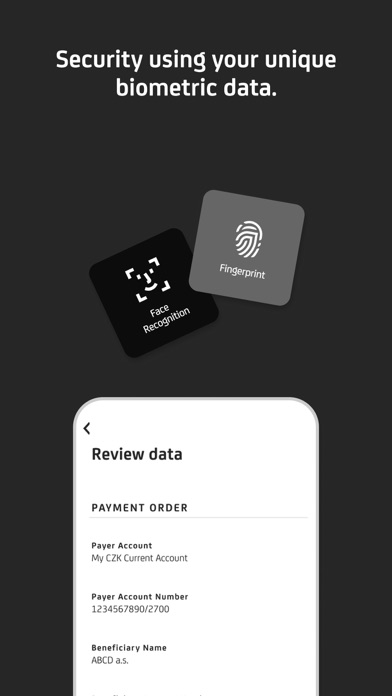
With Business Smart Banking you always have your bank at your fingertips. The application is user-friendly and secure most of all. It enables you to enter payments, create and edit standing orders, pay a credit card, or activate a debit card. The application access as well as payment signatures are protected by your PIN, fingerprint, or Face ID. Business Smart Banking also includes a Smart Key, which generates a one-time login and login codes for BusinessNet. But the application can do many more things! • Learn about what’s going on in your account after you turn on the Push Notification. • Have you lost a credit or debit card? You can simply temporarily block and unblock the card for free in the app. • You can also make a payment by scanning a QR code (QR payment). • In BusinessNet you can use the Payment templates and stored Beneficiaries in the Smart Banking application. • Get an instant overview of currency rates. • Account statements, statements for credit cards and other documents can be found in Documents. • Are you searching for an ATM or UniCredit Bank branch? You can quickly find them in the application. How to activate the app? Install the application and ask a banker at UniCredit Bank for activation.
Latest release
What’s New
What have we prepared for you in the new version? • We have made a series of improvements
Audience growth
Ratings growth
Baseline captured. Growth appears after the crawler observes a changed rating count.
Momentum comes from crawler snapshots for the tracked storefront. “Viral growth signal” means unusually fast recent rating gains; it is an indicator, not download data.
Price tracking
Price intelligence
First snapshot captured. The trend line starts after the next crawler price observation.
- First observed Aug 20, 2026 · 3:59 AM Free
Screenshots