About this app
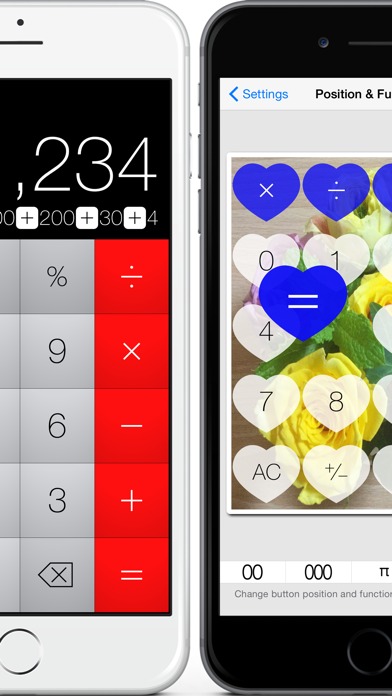
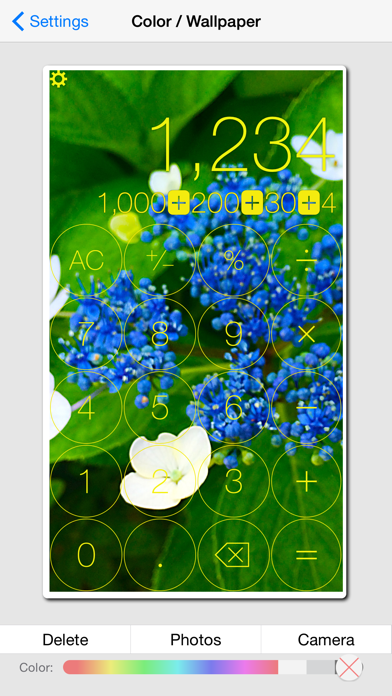
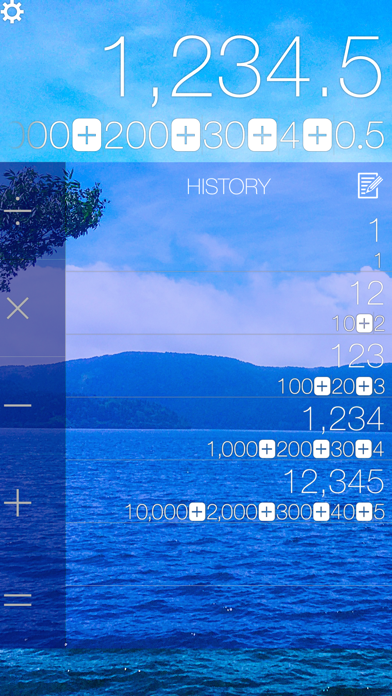
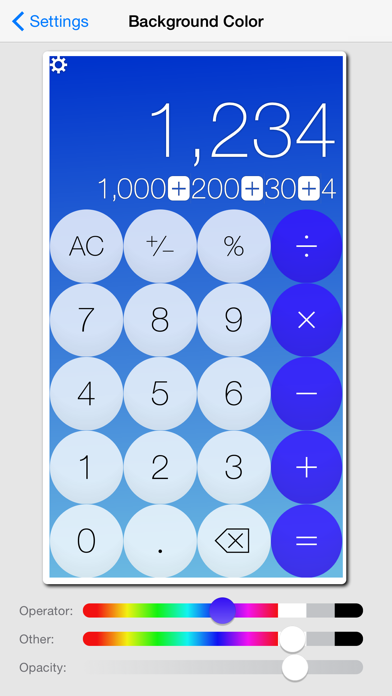
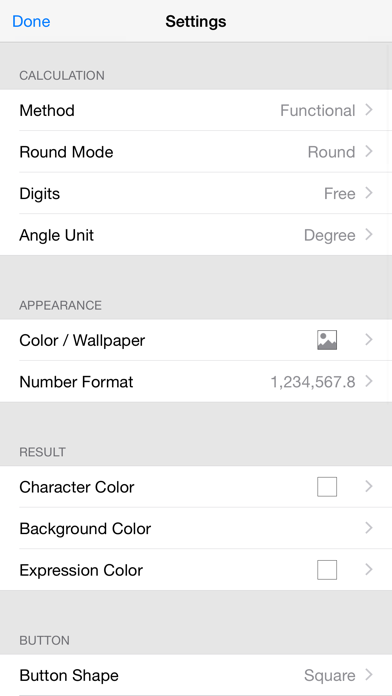
Calculator Pro basic can change the position and the function of the button and set the wallpaper background freely, not to mention the color and the shape. Optimized to multitasking function of iOS.You can easy to call this app in a "Split View" or "Slide Over". The screen layout will change automatically according to the portrait or landscape mode on your iPad and iPhone and the big buttons fitted to the size and mode of display are easy to view for the user. Try to create your own calculator suitable for your tastes by using abundant setting well. FEATURES : Calculation : - Two Calculation method : functional or sequential - Three rounding mode : rounding , up or cut - Number of digits after the decimal point : free , zero , one , two , three or four - Angle unit : degree or radian Appearance : - Color or Wallpaper : Set the wallpaper with a photograph or a camera, or select a background color - Number Format : Select a digit grouping and decimal point from among the 8 types including India format - Sound of buttons : Select the button sound from nine timbres or turn off Result: - Character color:Freely set color by the slider - Background color:Freely set color and opacity by the slider - Expression color:Freely set color or hide by the slider Button : - Shape : Square , Round Square , Circle , Diamond , Heart or Cogwheel - Size : Large , Medium or Small - Dimensions : Flat , Solid or Outline - Character color:Freely set color by the slider - Background color:Freely set color and opacity by the slider - Position : The position of buttons are freely changed - Function button : Three function buttons can be changed, thease button is include Grand total, Rand, Sine,1/x, Route, etc... History : - Equals : Over write last result or Add the result the history - Vertical (portrait) mode : Indication Left , Hidden or Indication Right - Horizontal (landscape) mode : Indication place Left or Right - character color:Freely set color by the slider - background color:Freely set color and opacity by the slider - Expression color:Freely set color or hide by the slider SUPPORTS : Non retina and Retina display on iPhone, iPad and iPod Touch. iPhone 4 to 8 plus, iPhone SE, iPhone X, iPad 2 to iPad Pro and iPad mini to iPad mini 4 , iPod touch 3gen and later. iOS 8.0 and later.
Latest release
What’s New
Added support for iPhone X, 8 , 8 Plus And iOS 11
Audience growth
Ratings growth
Baseline captured. Growth appears after the crawler observes a changed rating count.
Momentum comes from crawler snapshots for the tracked storefront. “Viral growth signal” means unusually fast recent rating gains; it is an indicator, not download data.
Price tracking
Price intelligence
First snapshot captured. The trend line starts after the next crawler price observation.
- First observed Sep 11, 2026 · 2:00 AM Free
Screenshots