About this app
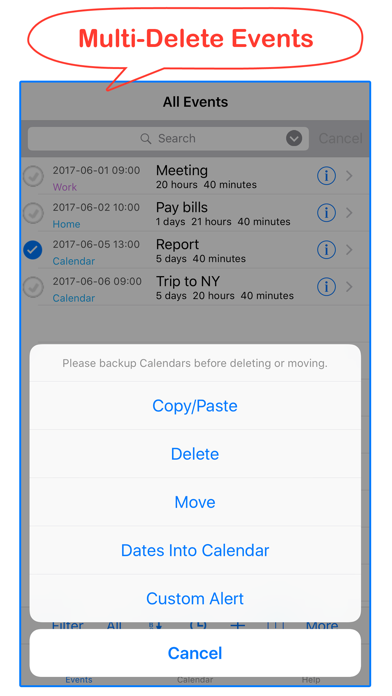
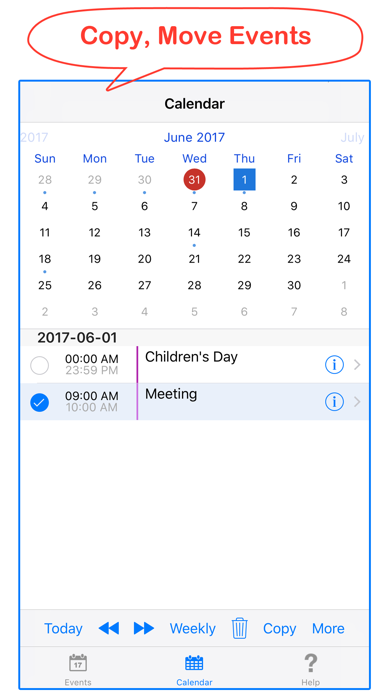
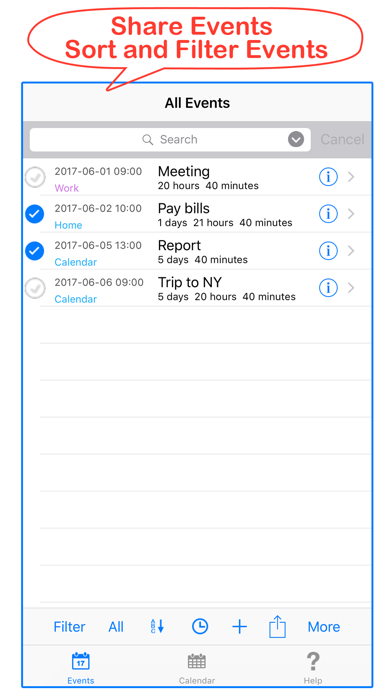
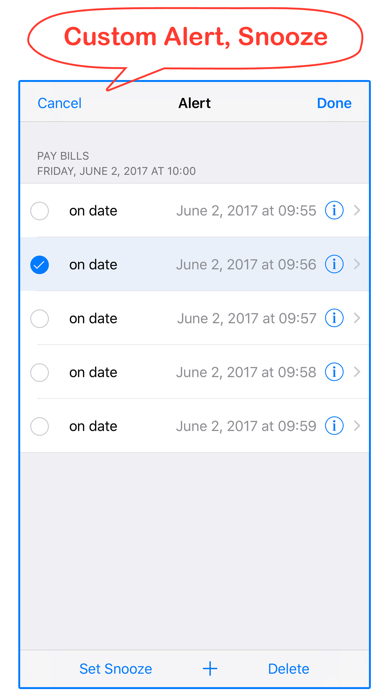
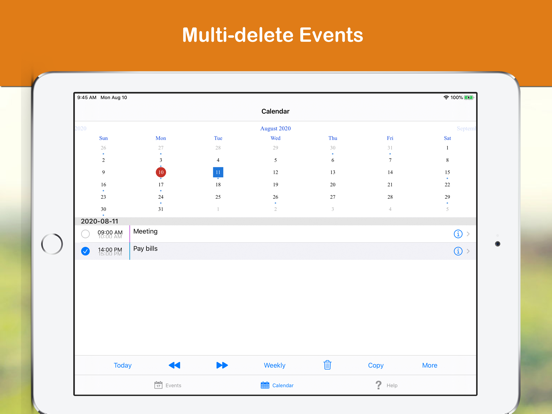
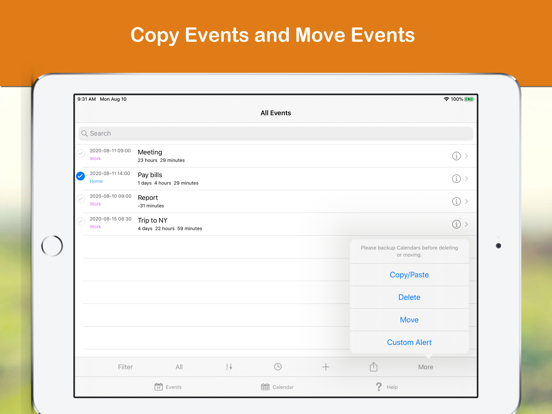
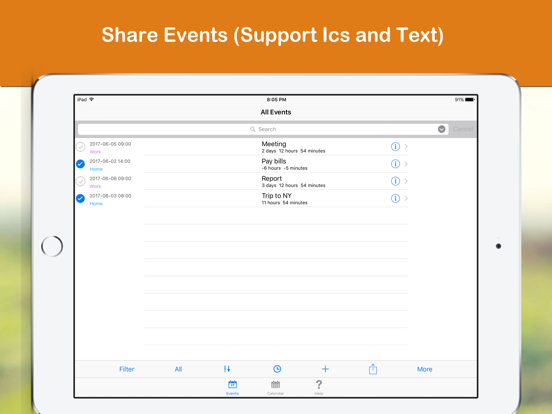
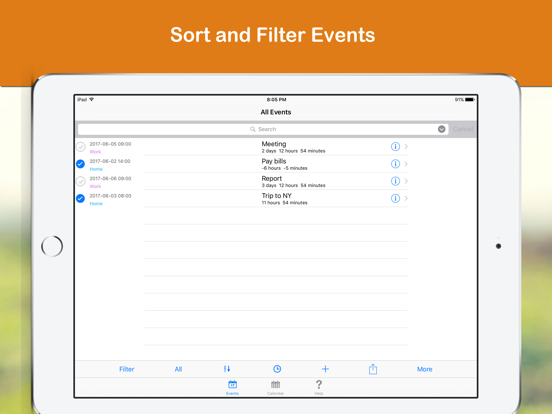
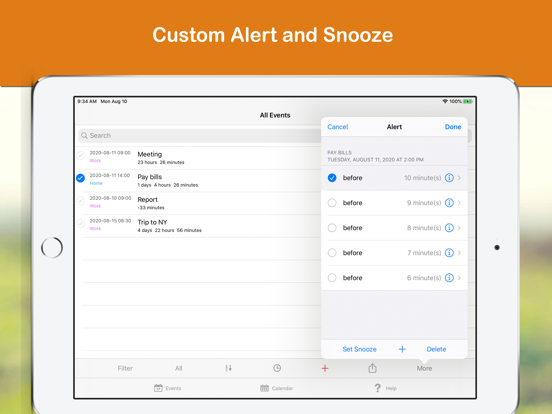
Calendar Tools – A Supplement (Not A Replacement) To iPhone Calendar Calendar Tools gives you an easy way to modify your calendar events with customized repeat rules and alerts. Feature List: Share ics/text events Create customized alerts For example: Set alarm at May 26, 2011, 9:21 AM, Set alarm 1 Day 6 Hours 20 Minutes Before, Set alarm 2 Minutes Before Utilize iPhone’s built-in Calendar alarm, no internet needed. Quickly delete multiple events Create new events Support Copy / Paste / Move events Calendar Filter: filter events by time period Show days-until Sort events by alphabetical order or time Support iPhone, iPod Touch and iPad Sync with the iPhone Calendar. Events will be saved and viewable in iPhone's Calendar. Works with all calendars that use the iPhone Calendar. *** Detailed User guide with more screenshots is available on the web site www.appiplayer.com Please send us emails at support@appiplayer.com if you have any questions or comments. We listen to you and support you. We will keep on updating.
Latest release
What’s New
iOS 17 compatibility fixes and performance improvements
Audience growth
Ratings growth
Baseline captured. Growth appears after the crawler observes a changed rating count.
Momentum comes from crawler snapshots for the tracked storefront. “Viral growth signal” means unusually fast recent rating gains; it is an indicator, not download data.
Price tracking
Price intelligence
- First observed Aug 11, 2026 · 7:42 AM $4.99
Screenshots