About this app
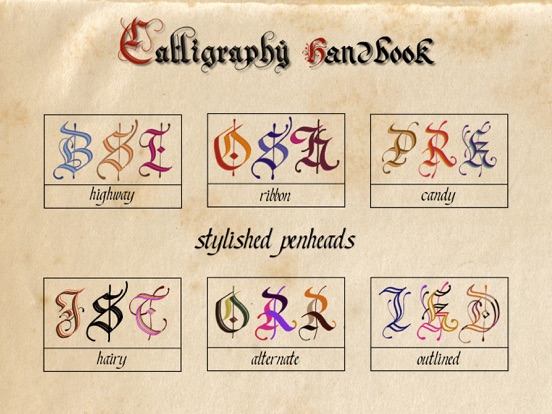
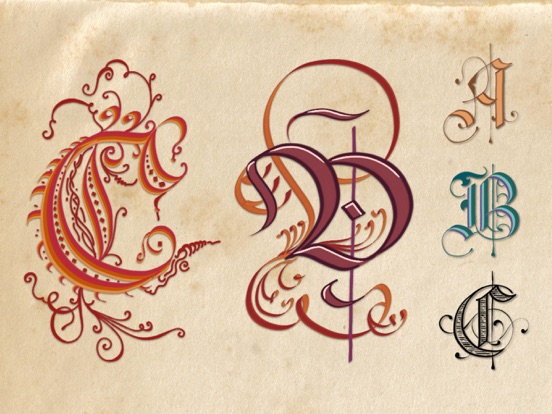
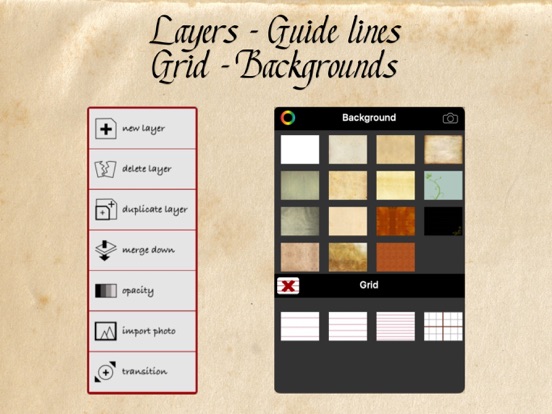
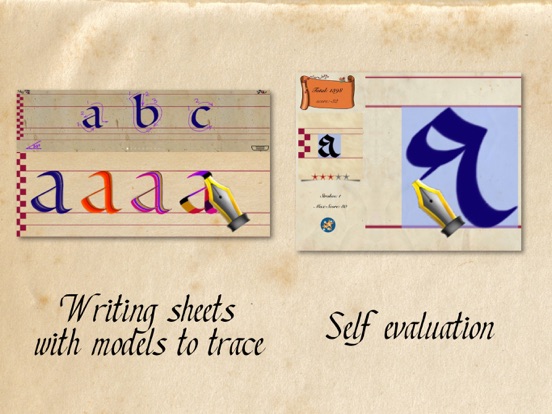
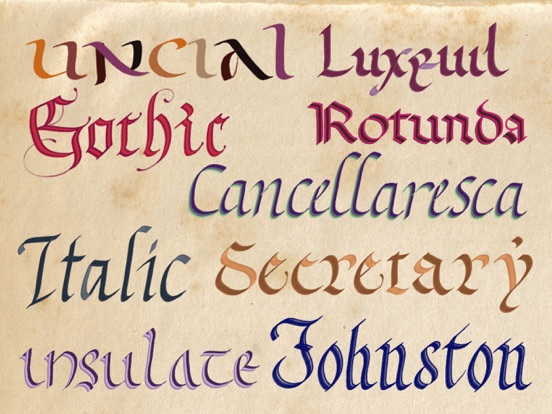
It's proven that practicing calligraphy can quickly improve bad handwriting by a better understanding of letters' structure and proportion. Writing bigger letters helps to make curves and lines correctly. The beauty of the letters will make the task of writing more pleasant. Calligraphy is also a very constructive leisure. It develops virtues such as patience, attention to detail, perfection, willingness to learn, and the sense of beauty. Calligraphy is a full art form using letters, words and illuminations. It’s also a meditation process when your mind focuses on the strokes, beautifully draw lines and curves, following your intuition and inspiration. The only pre-requirement to this art is the knowledge of writing, which everyone is proficient. Calligraphy has a high potential of discoveries, it’s one of the rare art form that you can start from a basis you already know: writing letters and words. 1/ CALLIGRAPHY HANDBOOK is a perfect tool for learning and improving your calligraphy skill. As a beginner, the app will provide the best digital pens and papers for your learning. Don’t waste paper and ink now, digital tools are endlessly renewable. As a confirmed calligrapher, you will find pen and color effects that are impossible to create in real life: 6 small parallel lines, 4 size-lines, light effect pen, shaded line, rainbow effect, mixed colors in one stroke, alternated colors in one letter… 2/ CHALLENGE your friends in different writing styles, or simply evaluate your skill with the incredible calligraphy game. Reproduce a model inside a limited space, with a limited number of strokes, and see how many stars you can gain. Avoid actions as: undo, exceeding strokes or using tracing image. Otherwise your score will be heavily cut down. 3/ WRITING TOOLS: - 11 calligraphic pens - 1 pointed pen - 12 mixed colors effects - 12 alternated colors effects - 1 eraser - Smoothed strokes for all pens, let you draw perfect curves and lines. NOTE: we have intentionally made the strokes slower and smoother, because drawing beautiful letters has to be done in a slower speed compared to handwriting or painting. Calligraphy is a highly relaxing activity, a slow motion is the best for it. Writing features and supplies: - 19 calligraphic hands in a large choice of styles (more hands are coming with future updates) - Old papers - Guiding lines - Shadowed letters for tracing - 24 preset pen angles - 63 premixed colors - Export your writing to the camera roll or by email. - Palm rejection - Pen offset 4 / ARTISTIC CREATION. Calligraphy Handbook is a truly comprehensive tool for creating calligraphic works (greeting card, invitation, letterhead, logo, brochure, magazine cover, etc ... - Users can create true works of art with all the calligraphic tools. - An entire page is provided with layers management. - A gallery to save works in progress. - The gallery is organized by blocks, each block contains an unlimited number of pages. - The works and the blocks can be exported and shared in png or pdf formats. - Shadows and texture can be added to your lettering. 5/ TIPS: - Draw your letters very very SLOWLY. - Take a long breathe before a long stroke, then expire slowly and regularly while drawing. - Take a comfortable sitting position. - Clean up your screen frequently. - When following the lessons in this app, don’t pressure yourself to immediately draw perfect letters, but simply follow your intuition and focus on the movement of the strokes. It’s not so important to get completely correct letters, don’t forget, it’s not typography. - Relax yourself before starting a calligraphy session, you will have better strokes. Stretch and simply shake your hands and shoulders. Take a comfortable sitting position.
Latest release
What’s New
Version 3.8: - General app improvement - Added a new function for using digital stickers to create decorative patterns - Added the possibility to generate drop shadows when using layers
Audience growth
Ratings growth
Baseline captured. Growth appears after the crawler observes a changed rating count.
Momentum comes from crawler snapshots for the tracked storefront. “Viral growth signal” means unusually fast recent rating gains; it is an indicator, not download data.
Price tracking
Price intelligence
First snapshot captured. The trend line starts after the next crawler price observation.
- First observed Aug 21, 2026 · 2:58 PM Free
Screenshots