About this app
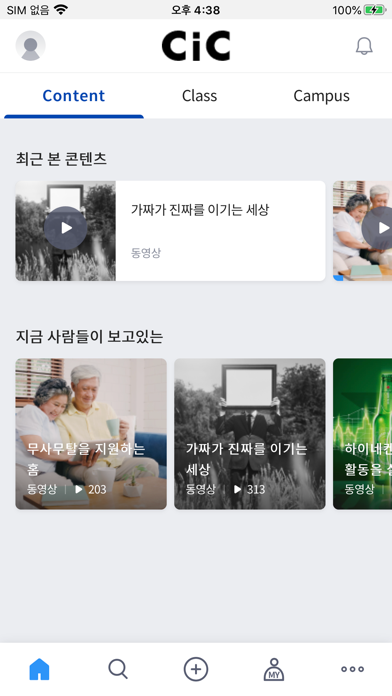
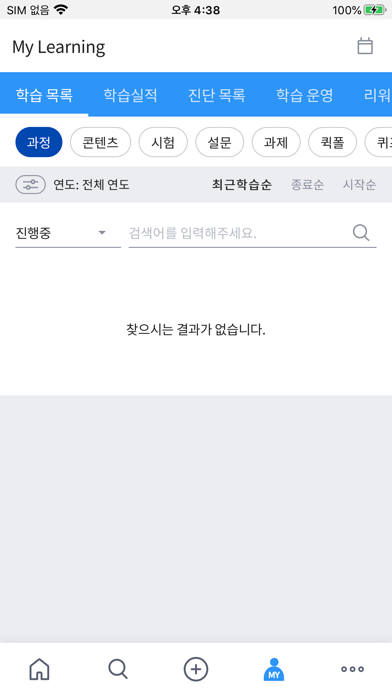
Efficient sharing of industry knowledge and know-how is paramount in today’s fast-changing business environment. Campus U is a user-centric corporate training platform for employees to share knowledge and know-how in a fast and easy manner. At Campus U, ① explore new experiences, ②work together to solve problems and ③ interact with experts (employees) who have similar interests. Campus U has four main menus. 1. Feed View news on my campuses and friends in recent order on Feed. Also receive campus/friend recommendations that match your keywords of interest. 2. Discover Learn contents created by experts and employees. View real-time popular contents as well as customized contents. 3. Connect Connect with other learners at campuses to exchange information and broaden your horizon. All users can create and operate campuses. 4. Me View your Campus U learning history and activities. View your learning history and position at learning journey and collect badges and points.
Latest release
What’s New
bug fix
Audience growth
Ratings growth
Baseline captured. Growth appears after the crawler observes a changed rating count.
Momentum comes from crawler snapshots for the tracked storefront. “Viral growth signal” means unusually fast recent rating gains; it is an indicator, not download data.
Price tracking
Price intelligence
First snapshot captured. The trend line starts after the next crawler price observation.
- First observed Aug 24, 2026 · 8:22 PM Free
Screenshots