About this app
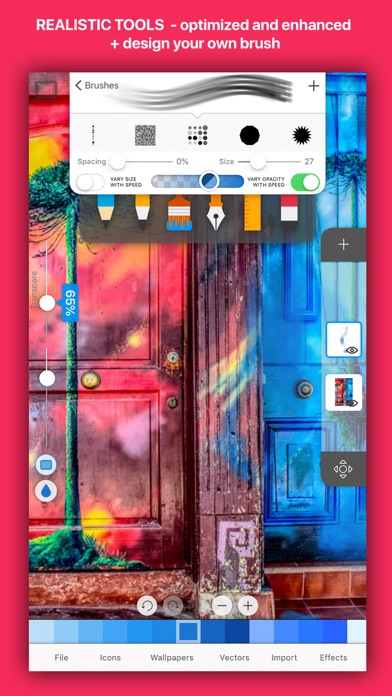
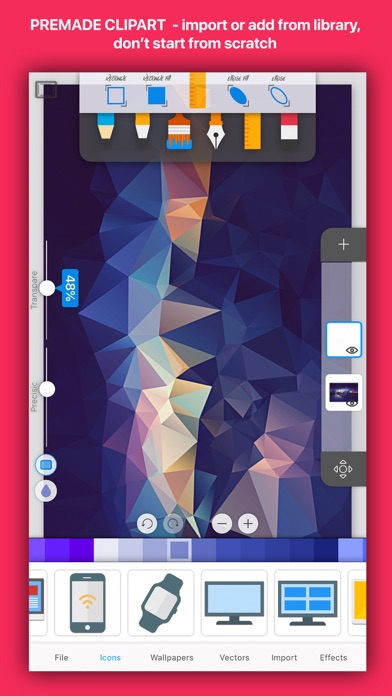
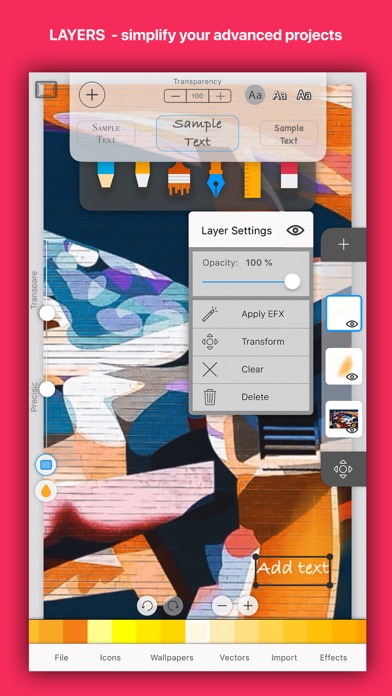
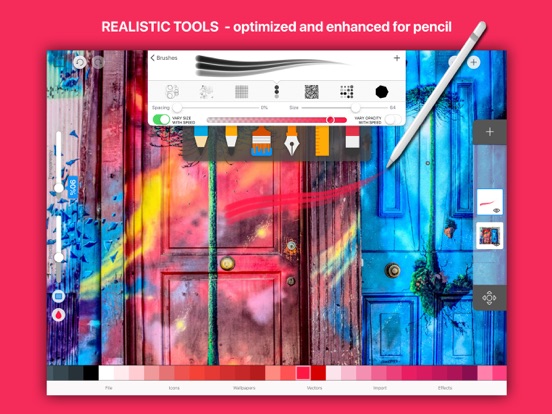
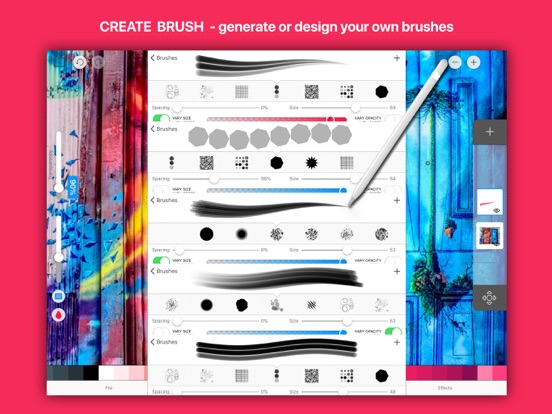
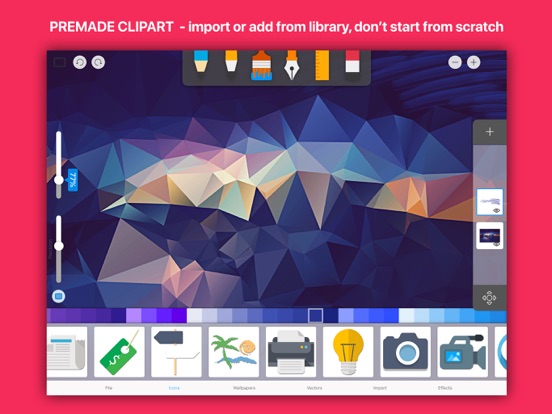
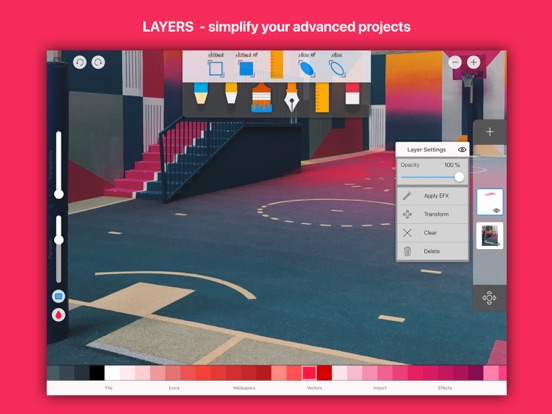
Canvas SketchBook Pro brings a simple and professional drawing experience to anyone who wants to be creative, regardless of skill level. Optimized for iPad Pro and supports Apple Pencil! FEATURES * Draw creative sketches using fun brushes and tools * Build advanced sketches with layers * Zoom to paint fine details * Optimised also for iPad Pro and Apple Pencil * Import and export vector images in PDF, PNG and JPEG up to 4096x4096 pixels * Optional use of color or photo backgrounds * Save as transparent PNG EDITING TOOLS: - Multiple brushes, pens, and pencils - Generate unique brushes - Draw with finger or Apple Pencil (on iPad) - Eraser - Fill tool - Layer editor - Photo import - Background selector - Color tool - Image color adjustment - Move, scale, rotate - Pan and zoom - Export or share as image - Undo/redo - Fullscreen mode and many more... Privacy Policy http://apps-machine.com/privacypolicy Terms of Use http://apps-machine.com/termsofuse
Latest release
What’s New
Bug fixes and optimisation
Audience growth
Ratings growth
Baseline captured. Growth appears after the crawler observes a changed rating count.
Momentum comes from crawler snapshots for the tracked storefront. “Viral growth signal” means unusually fast recent rating gains; it is an indicator, not download data.
Price tracking
Price intelligence
- First observed Aug 7, 2026 · 6:19 AM Free
Screenshots