About this app
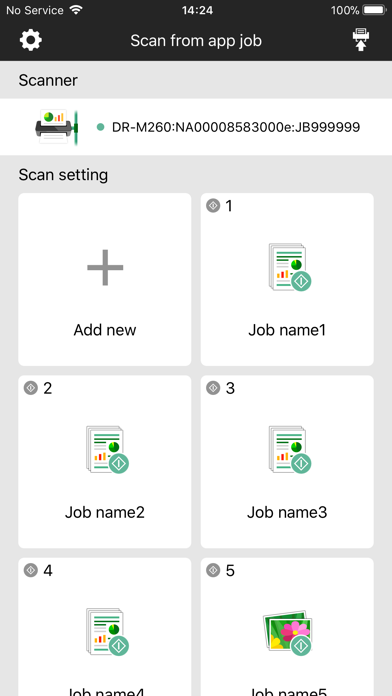
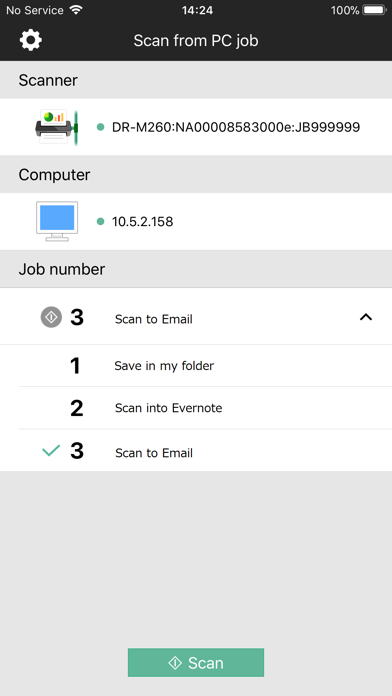
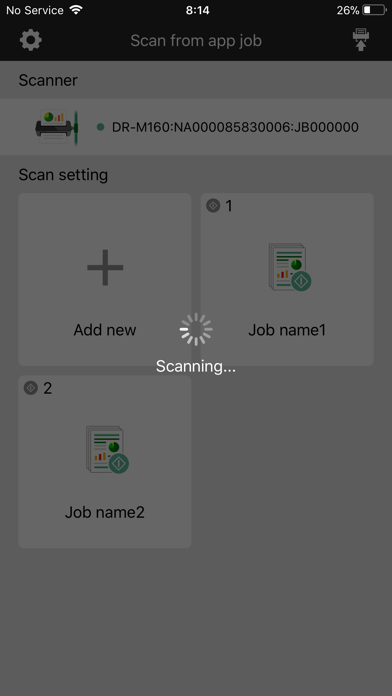
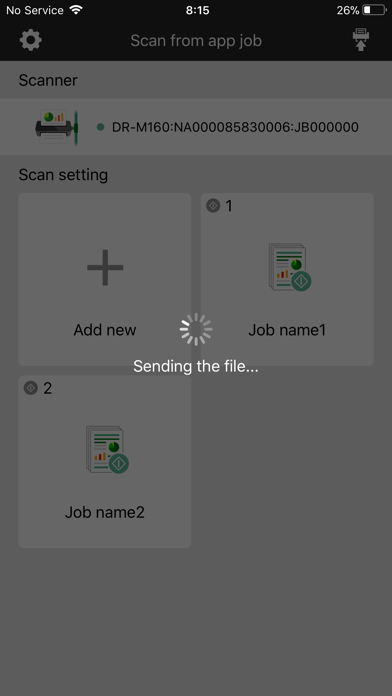
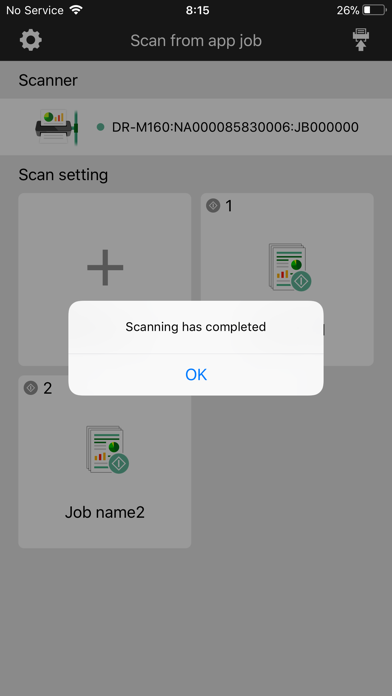
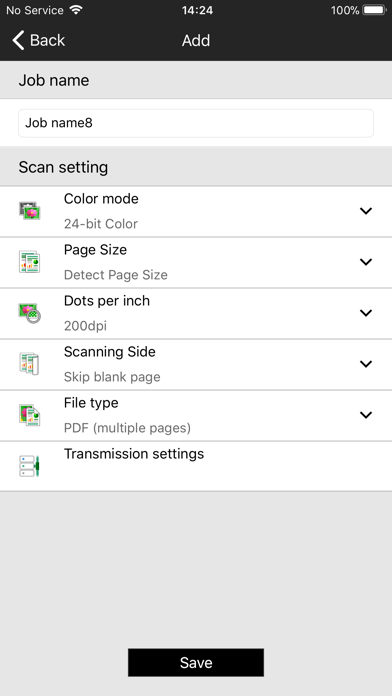
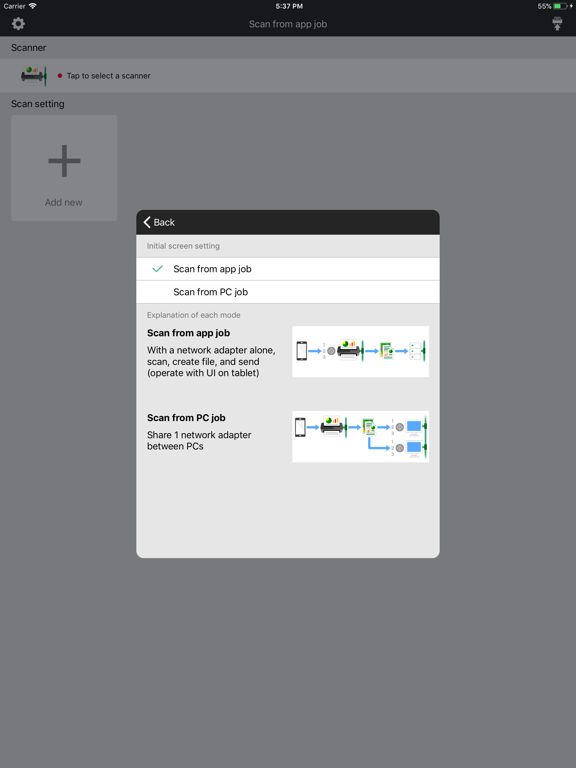
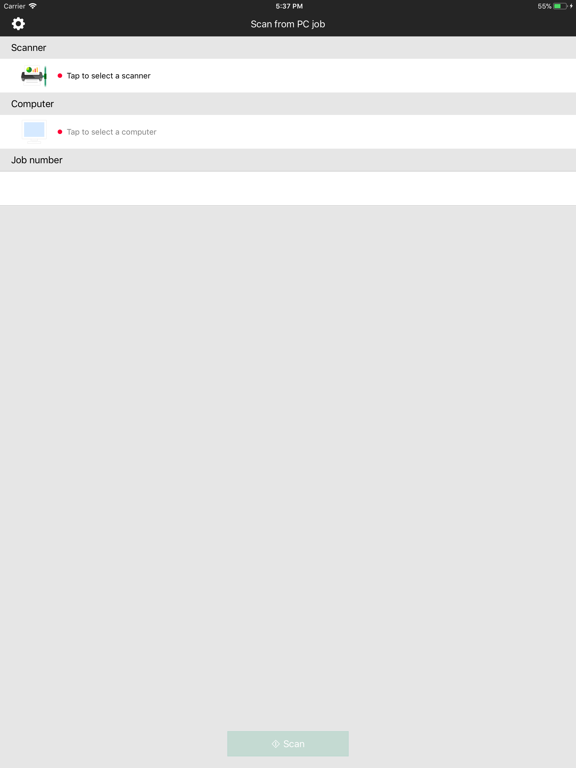
CaptureOnTouch Job Tool is a mobile application for NA10/WA10, the optional network adapter for Canon imageFORMULA scanners. Using the NA10/WA10 and this application, now you can scan your documents without plugging the scanner to the PC. You can also update your scan setting assigned to the buttons on the scanner directly from the mobile application. So this app and NA10/WA10 make your USB scanners literally a PUSH network scanner. Furthermore, this application can call the scan jobs in the CaptureOnTouch app installed in the PCs on the same network. It is useful for sharing the scanner device with your friends and colleagues. The PDF files generated by this application will automatically be converted to a searchable PDF document which contains the recognized text in a separate layer. This enables the PDF file to be searched among many files using the text data as keyword. Features 1. Enables PUSH scanning: Once you finish the scan setting, the scanning operation can be performed just by pushing the buttons on the scanner. You do not need any PCs to plug the scanner nor to install the scanner driver & software. 2. Intuitive and user-friendly menu screen 3. You can call any scan jobs registered in the CaptureOnTouch app in the PCs on the same network. Supported scanners Canon imageFORMULA scanners supporting the network adapter NA10 & WA10 Currently DR-C230/ DR-C240/ DR-M140/ DR-M160II/ DR-M260/ DR-M1060 are available. Scan settings available with CaptureOnTouch Job Tool - Scanning side: Simplex/ Duplex/ Skip Blank Page - Resolutions(dpi): 150/ 200/ 240/ 300 - Document size: A4/ LTR/ Auto - Color mode: Color/ Gray/ B&W - File: PDF(Multi page)/ JPEG - Transmission settings: User name/ Password/ Path *With PDF format, text data detected OCR function is automatically added. You can search the scanned file by using the text data as keyword. Supported OS ・10.9 or later
Latest release
What’s New
Function addition.
Audience growth
Ratings growth
Baseline captured. Growth appears after the crawler observes a changed rating count.
Momentum comes from crawler snapshots for the tracked storefront. “Viral growth signal” means unusually fast recent rating gains; it is an indicator, not download data.
Price tracking
Price intelligence
First snapshot captured. The trend line starts after the next crawler price observation.
- First observed Aug 20, 2026 · 10:42 PM Free
Screenshots