About this app
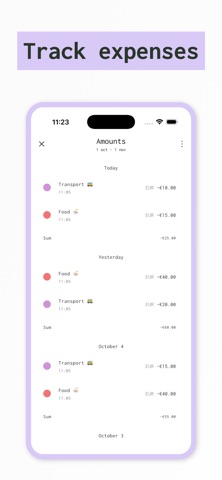
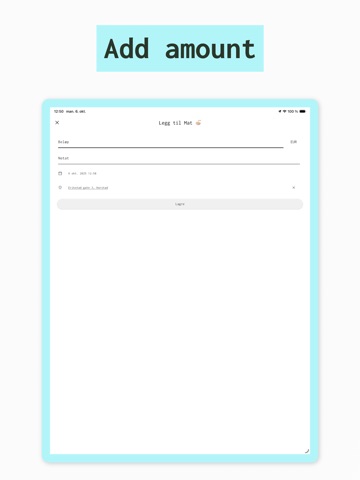
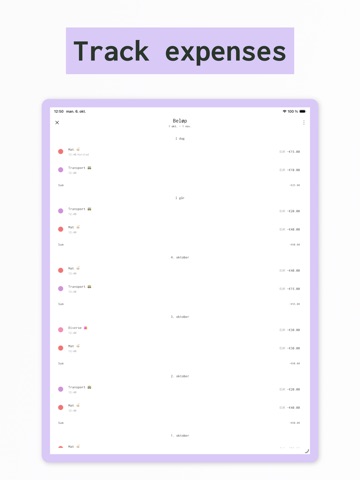
Plan your budget and track your spending. Set up categories with planned amounts, then tap them when you spend money to see how you're doing against your plan. How it works Create a plan – Set up income and expense categories with planned amounts for monthly, bi-weekly, or custom periods Track spending – Tap categories when you spend or receive money See progress – Visual progress bars show spent vs. planned amounts What you get Features: • Multiple budgets for different goals or time periods • Progress bars show spent vs. planned amounts • Plan by month, bi-weekly, or custom periods • Bar charts show daily spending patterns • Pie charts break down spending by category • Location mapping shows where you spend money • Sync across devices • Multiple currencies with exchange rates • Export transaction data as CSV Premium: • Account registration for device sync • Unlimited plans and categories • Data export features Privacy Policy: http://apptakk.com/cashplan_privacy.html Terms of Use: http://apptakk.com/cashplan_terms.html
Latest release
What’s New
- Improved pie chart with smooth curved label lines - Selected chart slices now pop out for better visibility
Audience growth
Ratings growth
Baseline captured. Growth appears after the crawler observes a changed rating count.
Momentum comes from crawler snapshots for the tracked storefront. “Viral growth signal” means unusually fast recent rating gains; it is an indicator, not download data.
Price tracking
Price intelligence
First snapshot captured. The trend line starts after the next crawler price observation.
- First observed Aug 15, 2026 · 2:34 PM Free
Screenshots