About this app
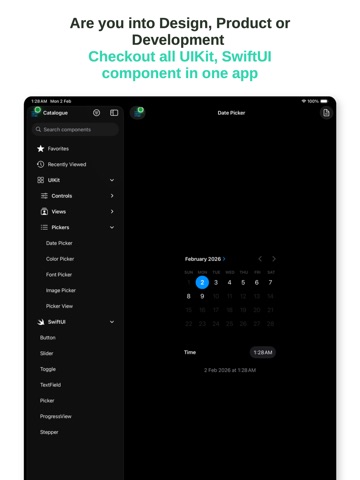
Browse and try iOS UI components in one place. Buttons, pickers, sliders, alerts, toolbars, and more—see how they look and behave before you build. WHAT'S INSIDE • Controls — Buttons, menus, segmented controls, sliders, switches, steppers, text fields, search bars, page controls • Pickers — Date picker, color picker, font picker, image picker, custom picker view • Views — Activity indicators, alerts and action sheets, text views, image views, progress views, stack views, toolbars, visual effects, WebView • SwiftUI — Parallel demos for key SwiftUI components EASY TO USE • Tap any component to see a live demo • View code snippets and copy them into your project • Filter by tag: UIKit, Controls, Views, Pickers, SwiftUI • Search the full catalogue by name • Add items to Favorites and see Recently Viewed FOR DEVELOPERS • Reference app for native iOS UI • See default and custom configurations • Copy-paste code for each component • Compare UIKit and SwiftUI side by side Perfect for learning iOS UI, checking system styles, or building your next app. No account required to browse—just open and explore.
Latest release
What’s New
Bug fixes and enhancements.
Audience growth
Ratings growth
Baseline captured. Growth appears after the crawler observes a changed rating count.
Momentum comes from crawler snapshots for the tracked storefront. “Viral growth signal” means unusually fast recent rating gains; it is an indicator, not download data.
Price tracking
Price intelligence
First snapshot captured. The trend line starts after the next crawler price observation.
- First observed Aug 21, 2026 · 12:59 PM Free
Screenshots