About this app
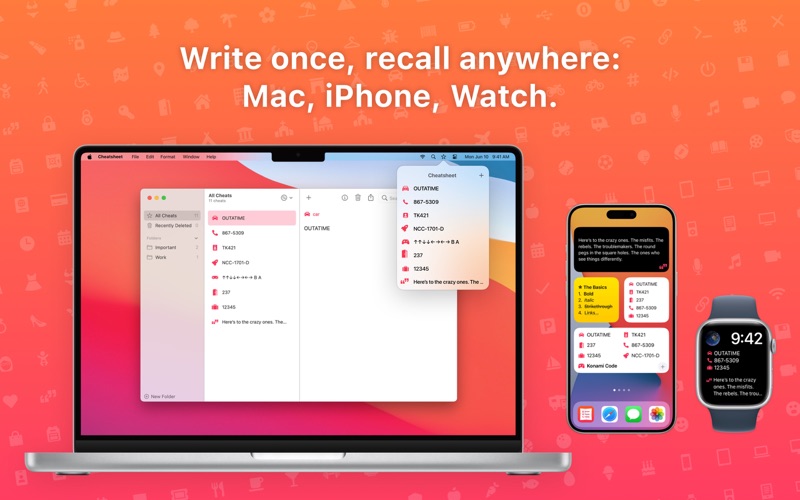
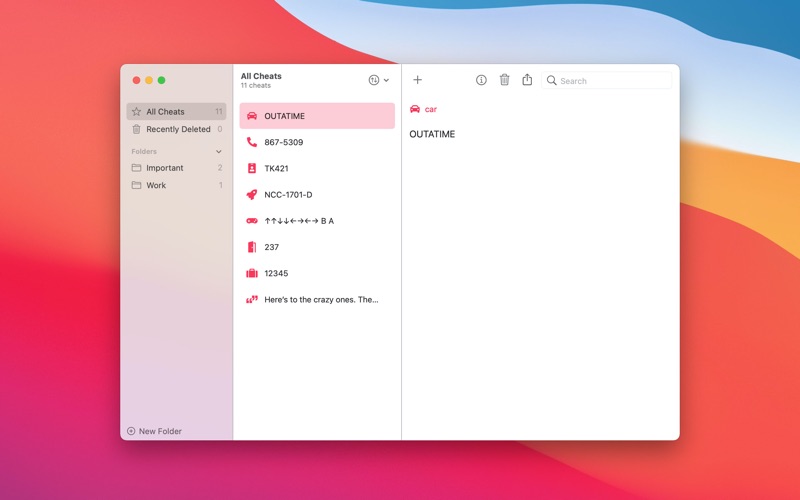
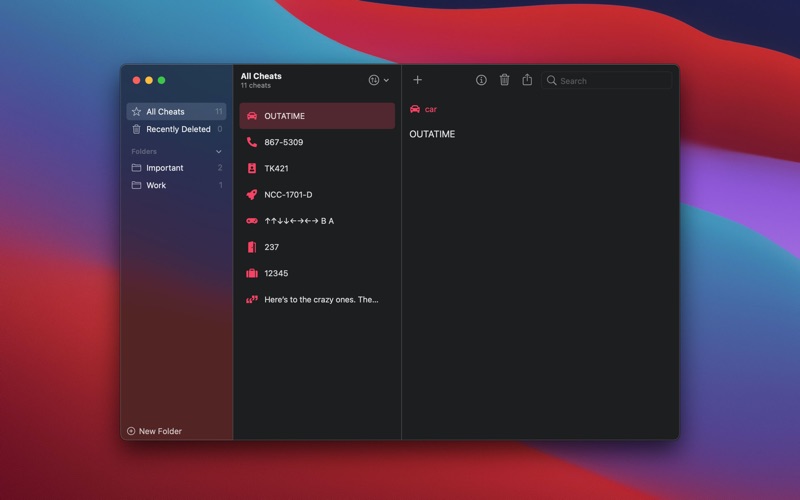
Cheatsheet is for the little things you never remember: hotel rooms, license plates, luggage combination, ID numbers. Write them down in Cheatsheet and then refer to them anytime with the iOS, Watch, and Mac apps. Everything syncs to all your devices* via iCloud. On Mac, quickly reference or copy your cheats from the menu bar, or look them up in a widget or via Shortcuts (macOS 12+) On iOS, Cheatsheet is as easy as swiping right on your lock screen, pulling up the keyboard, or glancing at your Apple Watch. Cheatsheet for iOS also supports Shortcuts, Siri, and Home Screen widgets. * Sync with iOS and watchOS devices requires Cheatsheet Pro for iOS, which is a separate subscription in the iOS app.
Latest release
What’s New
150+ New Icons! Finding the perfect icon is easier than ever with over 150 new icons, plus some redesigns of existing icons. Cheatsheet 6.1.3 adds a butterfly icon.
Audience growth
Ratings growth
Baseline captured. Growth appears after the crawler observes a changed rating count.
Momentum comes from crawler snapshots for the tracked storefront. “Viral growth signal” means unusually fast recent rating gains; it is an indicator, not download data.
Price tracking
Price intelligence
First snapshot captured. The trend line starts after the next crawler price observation.
- First observed Aug 5, 2026 · 11:50 AM $9.99
Screenshots