About this app
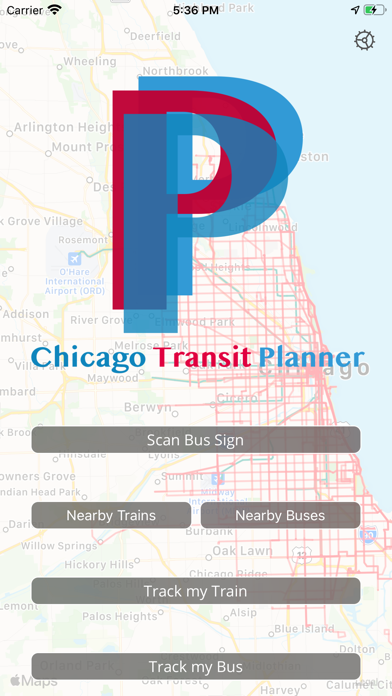
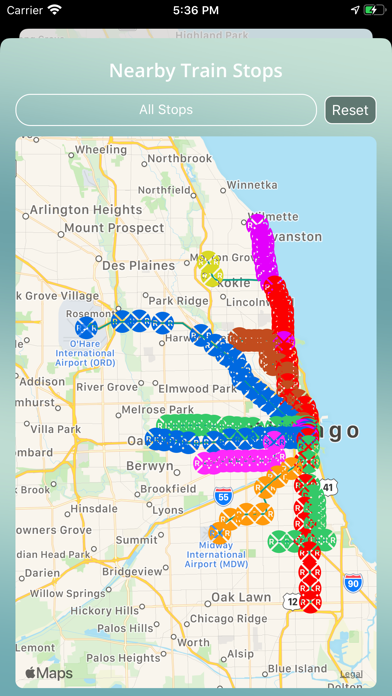
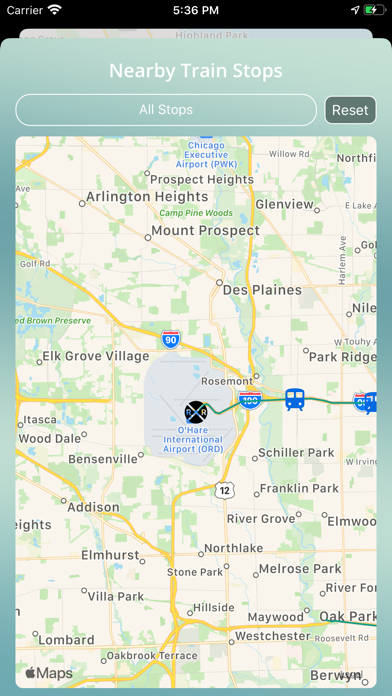
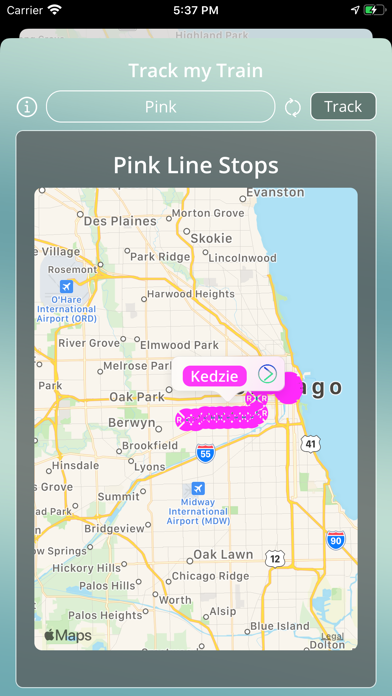
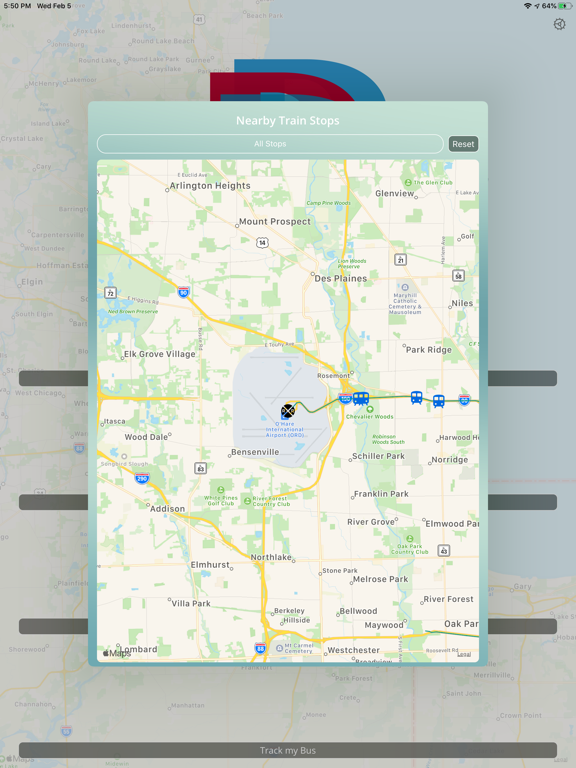
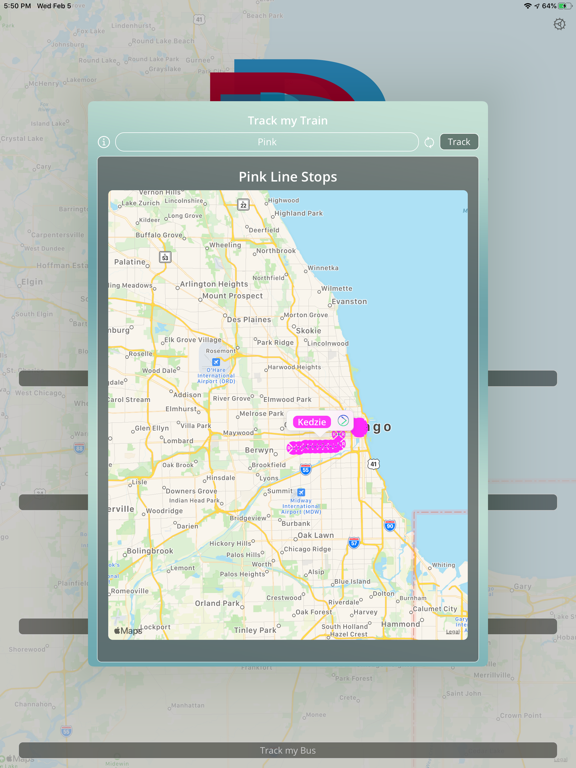
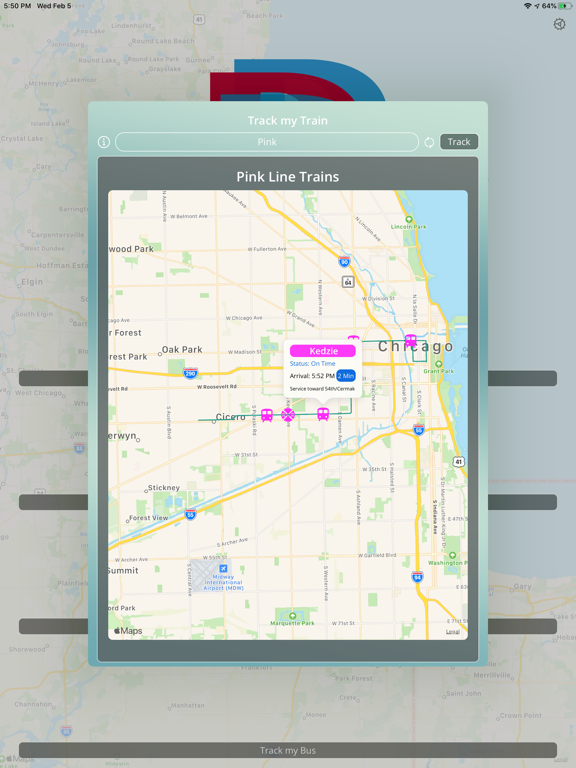
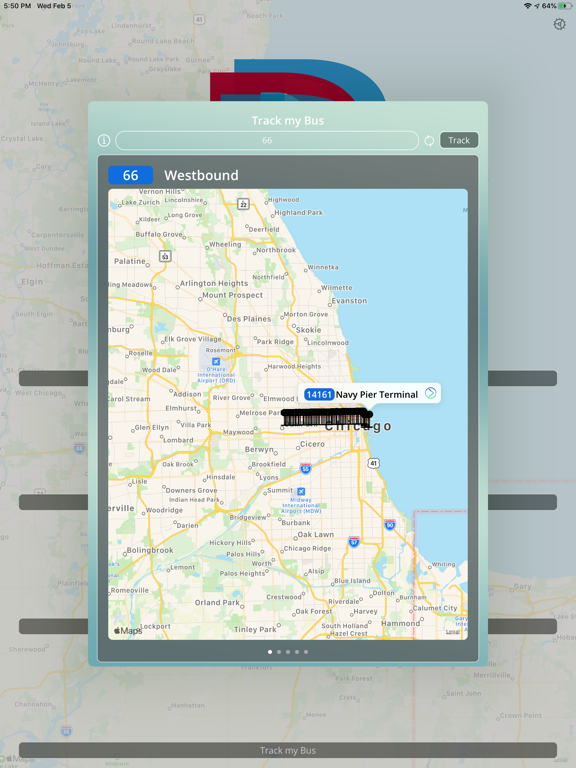
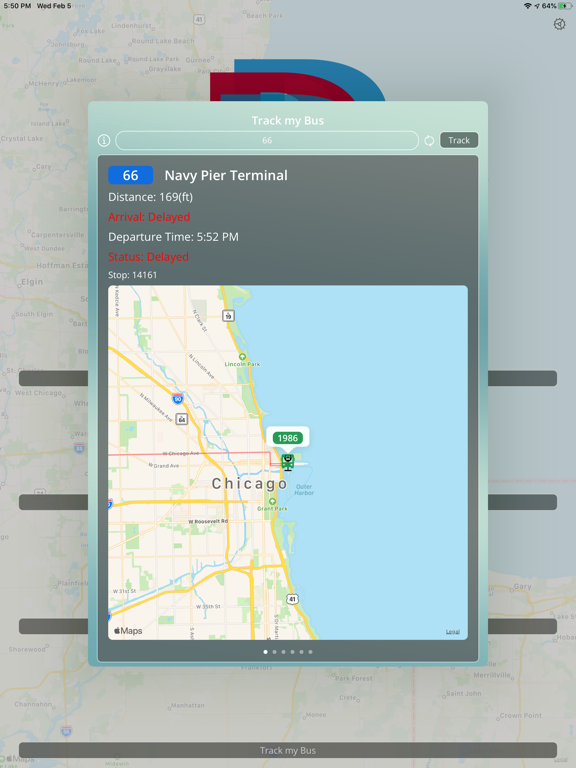
The best companion riding the Chicago Transit system. Whether you want to track what time buses are going to be arriving at a stop, or what train stops are nearby you, this app helps you do it. CT Planner provides you with realtime data for buses and L-trains throughout Chicago displayed on an easy to use map. [Scan Bus Sign] This option allows you to use your ARKit enabled devices to read bus signs throughout Chicago and be shown a map of all planned buses stopping there, as well as useful information like: when it arrives, if it’s delayed, the bus number, and current location. [Near By Trains] This option is used to find all train stations within a configurable radius from your current location on a map. You can then pick a station and find all trains going to that station and see information like: if it’s delayed, the expected arrival time, and the current location (all displayed on a map on your screen). [Near By Buses] This option is used to find all bus stops within a configurable radius from your current location on a map. You can then pick a stop and find all buses going to that stop and see information like: if it’s delayed, the expected arrival time, and the current location (all displayed on a map on your screen). [Track my Train] This option has you choose a line, after which it displays all stations on that line on the map. From there you choose a specific station and which direction (or both directions) and all trains going to the station are displayed for the chosen direction. You can tap on a train to see relevant information about that train such as if it’s delayed, the expected arrival time, and the current location. [Track my Bus] This option has you choose a route, after which it displays all stops on that route on the map. From there you choose a specific stop and all buses going to the stop are displayed on the map. You can tap on a bus to see relevant information such as if it’s delayed, the expected arrival time, and the current location. For our terms of use please visit http://shermansoftwaremarketing.com/terms-of-use/
Latest release
What’s New
Version 1.0.2 - Bug fixes and improvements
Audience growth
Ratings growth
Baseline captured. Growth appears after the crawler observes a changed rating count.
Momentum comes from crawler snapshots for the tracked storefront. “Viral growth signal” means unusually fast recent rating gains; it is an indicator, not download data.
Price tracking
Price intelligence
First snapshot captured. The trend line starts after the next crawler price observation.
- First observed Aug 12, 2026 · 5:43 AM Free
Screenshots