About this app
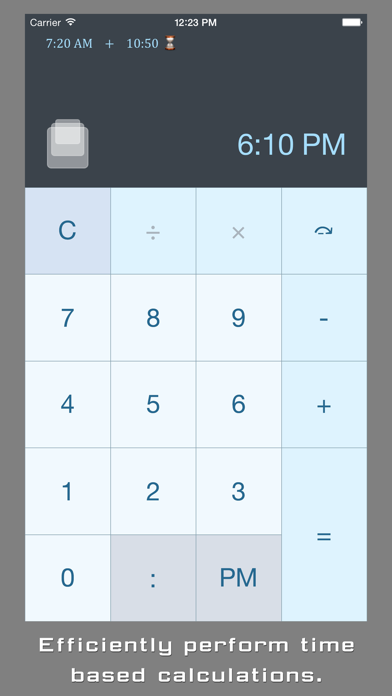
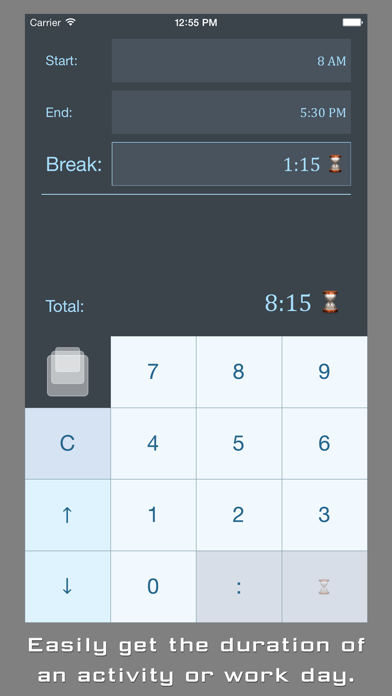
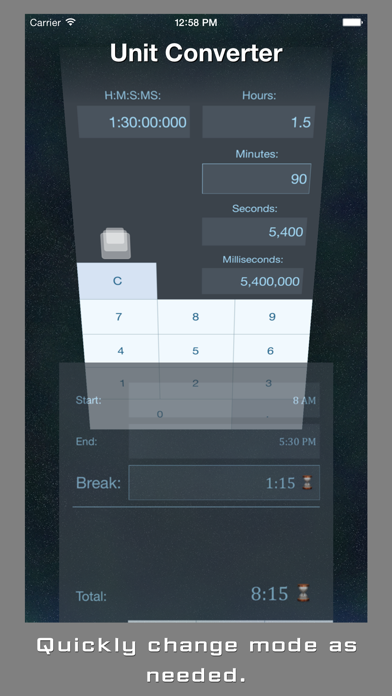
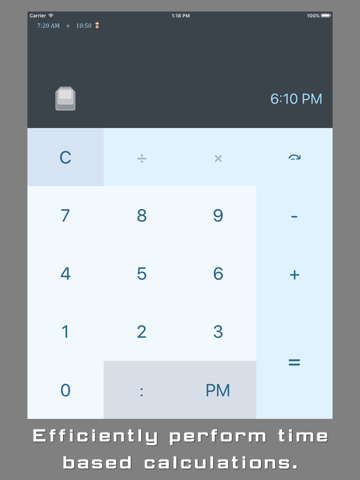
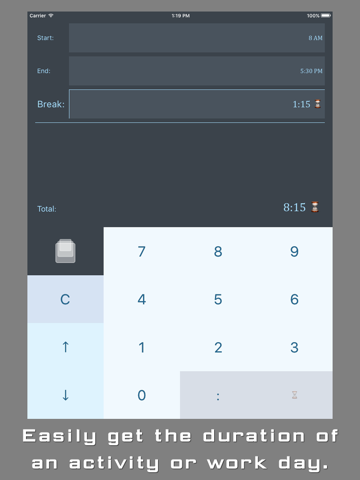
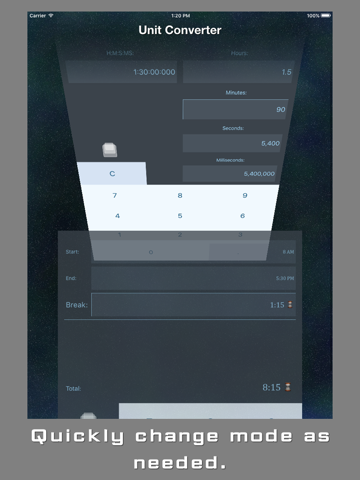
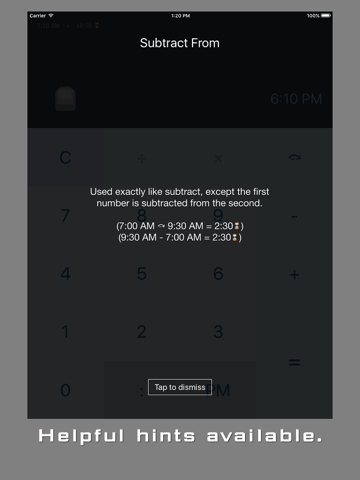
ChronoCalc is designed to streamline all your time calculation needs. - If I start work at 8:40, and end at 4:25, how much time has passed? - What time will it be in 5 and a half hours? What time was it 5 and a half hours ago? - If I watch 8 episodes lasting 43 minutes each, how much total time is that? - How many hours are 143 minutes? Features: - Addition, Subtraction, Multiplication, and Division - Subtract From operator lets you enter start times before end times - perfect for long lists of calculations - Millisecond precision - AM, PM, and Military/24h time - Intervals can be entered as H:M:S:MS or as decimals - Activity Timer makes it easy to get the elapsed time between the start and end of an activity - Easily convert between hours, minutes, seconds, and milliseconds - 6 different color schemes to choose from
Latest release
What’s New
Fixed bug that caused app to crash in iOS 9 Minor graphics improvements
Audience growth
Ratings growth
Baseline captured. Growth appears after the crawler observes a changed rating count.
Momentum comes from crawler snapshots for the tracked storefront. “Viral growth signal” means unusually fast recent rating gains; it is an indicator, not download data.
Price tracking
Price intelligence
First snapshot captured. The trend line starts after the next crawler price observation.
- First observed Sep 30, 2026 · 12:56 AM Free
Screenshots