About this app
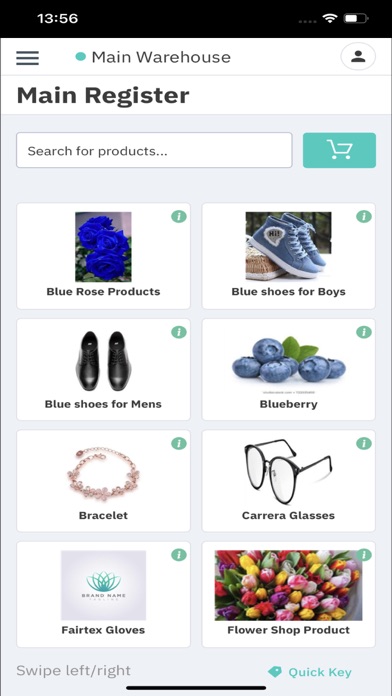
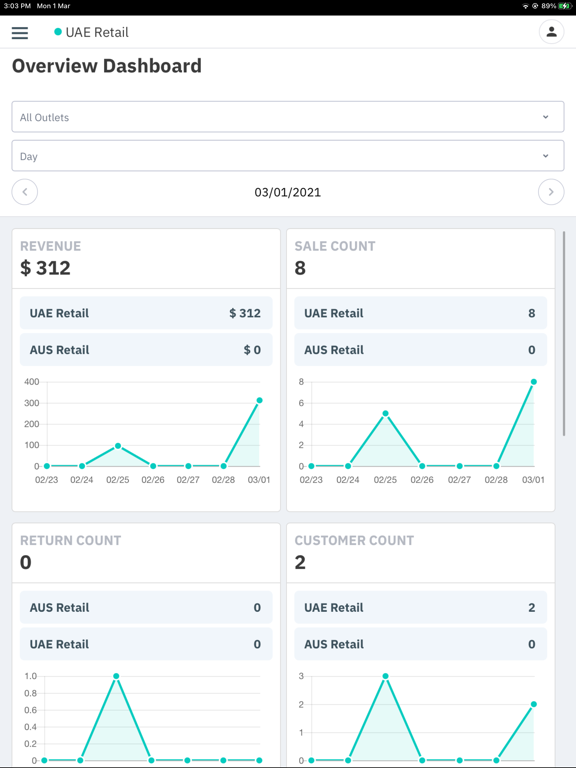
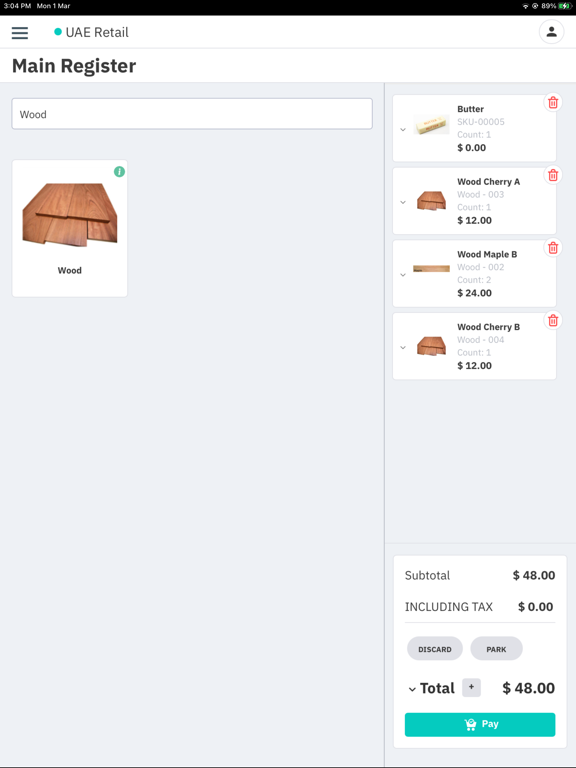
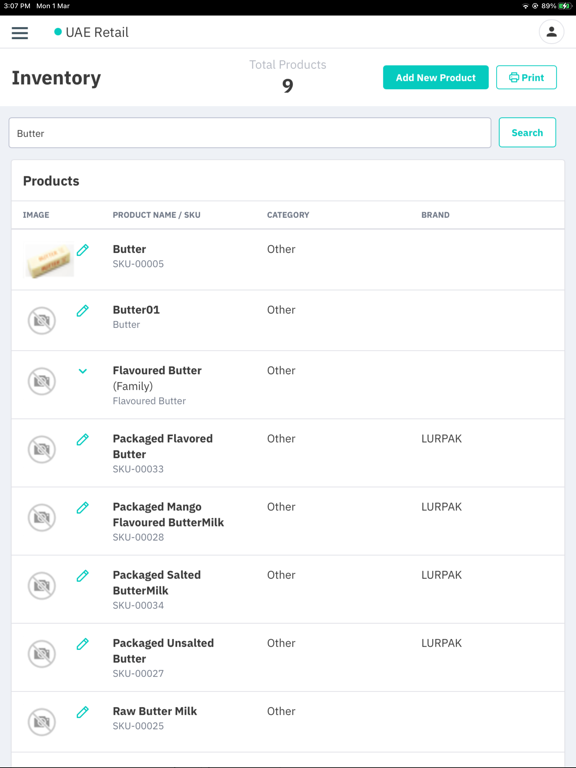
Cin7 Core Point of Sale (POS) platform provides advanced, multi directional integration with Cin7 Core Inventory. In general integration works in the following way: 1. Customers purchase goods in store via Cin7 Core POS. 2. Cin7 Core POS sends sale order details to Cin7 Core Inventory for each sale. 3. Cin7 Core Inventory creates pending order in the staging area for each sale. Stock is allocated to the sales immediately. 4. Depending on timing configuration, pending sales will be converted to Cin7 Core Inventory Sale Orders and stock is then written off the inventory account
Latest release
What’s New
New - "Can view stock value" now controls cost data in POS: revenue, COGS, gross profit, and margin are hidden in Sales Summary, Product Performance, and the dashboard when the permission is off. Fixes - LoyaltyLion: points balance now shows in POS, points are credited back on returns, and reward vouchers apply correctly. - Unsupported "Buy collection total" deals are skipped instead of changing cart totals.
Audience growth
Ratings growth
Baseline captured. Growth appears after the crawler observes a changed rating count.
Momentum comes from crawler snapshots for the tracked storefront. “Viral growth signal” means unusually fast recent rating gains; it is an indicator, not download data.
Price tracking
Price intelligence
First snapshot captured. The trend line starts after the next crawler price observation.
- First observed Sep 16, 2026 · 5:36 PM Free
Screenshots