About this app
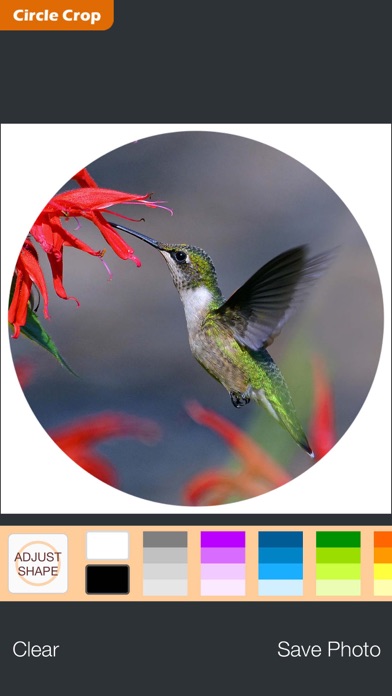
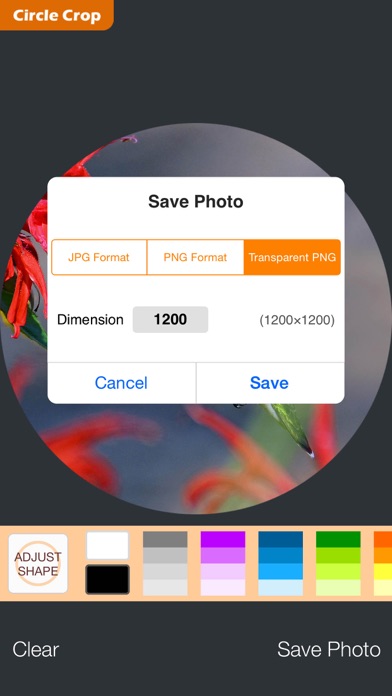
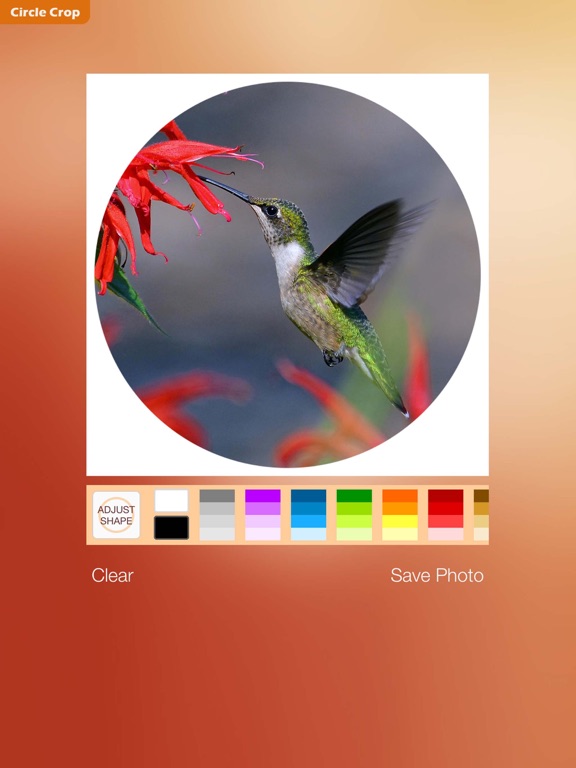
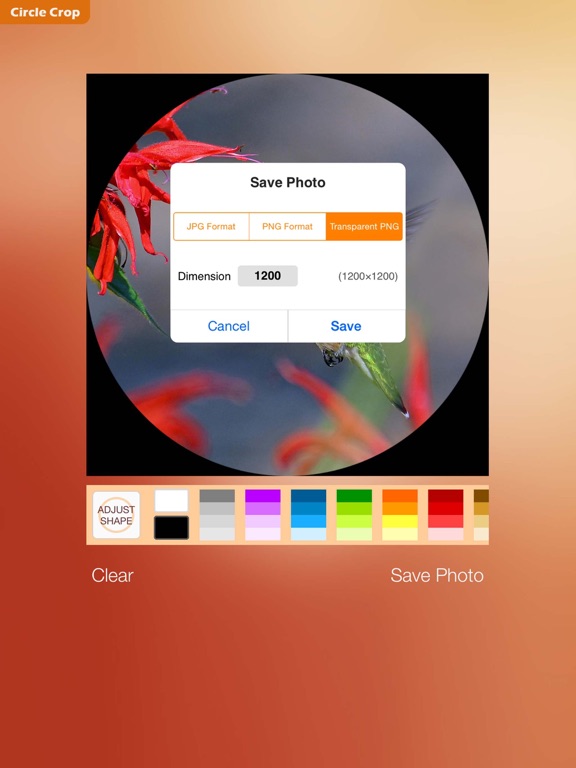
Make your photos circular Select your photo from device photo gallery and create a beautiful round picture of any part of it. You can save the output image with "JPG" or "PNG" format. Advanced: There is an option to save the output image with "Transparent PNG" format — in which the outside of circle will be fully transparent (mostly for web pages, as noted at end of this text). FEATURES • Adjustable diameter of circle • Optional background color (thousands of colors) • Photo zoom and pan • Photo rotate • Output formats: JPG, PNG, Transparent PNG • Export resolution: 16×16 to 4096×4096, square *** Clarification about "Transparent PNG" pictures *** This image format is mostly used for web pages. It's less supported on operating systems (such as iOS) and most photography apps. However, these images are fine when used in web-sites / inside some apps [for example: Apple "Pages" app for iOS] / desktop photo editor softwares / or submitting avatar pictures on web. The iOS Photos app displays the transparent pixels as white / and sometimes with sudden color-change to black. For most pictures, the transparency would be visible when you are playing (finger-zooming) with a thumbnail in photo gallery. Another way to find transparency is to open the picture in "Circle Crop app" and then zoom-out with two fingers to view any transparent area.
Latest release
What’s New
update for iPhone XR / XS serries
Audience growth
Ratings growth
Baseline captured. Growth appears after the crawler observes a changed rating count.
Momentum comes from crawler snapshots for the tracked storefront. “Viral growth signal” means unusually fast recent rating gains; it is an indicator, not download data.
Price tracking
Price intelligence
First snapshot captured. The trend line starts after the next crawler price observation.
- First observed Aug 19, 2026 · 7:29 AM $1.79
Screenshots