About this app
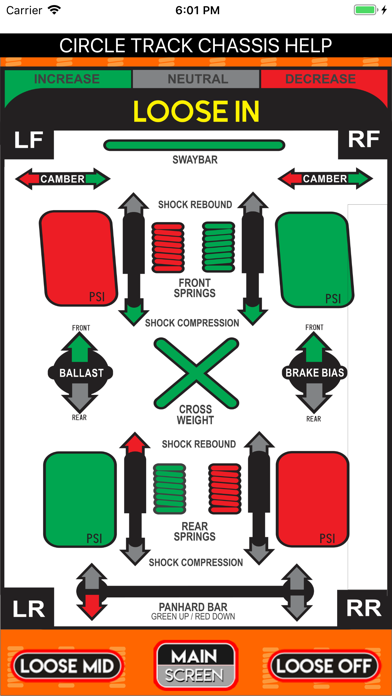
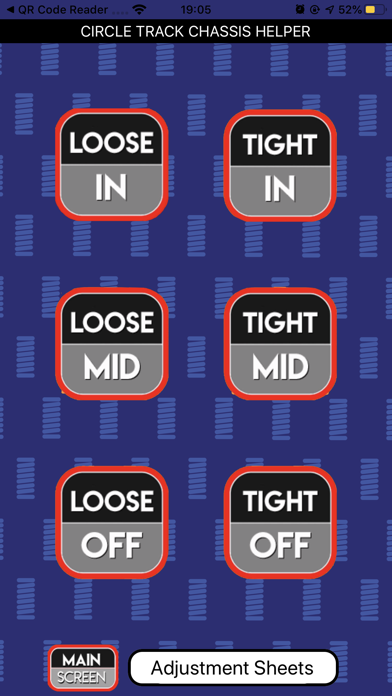
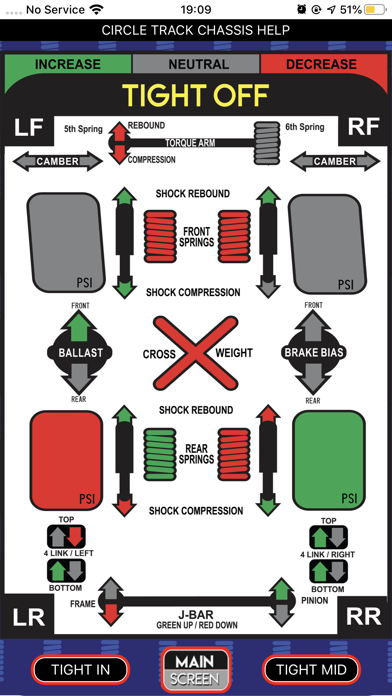
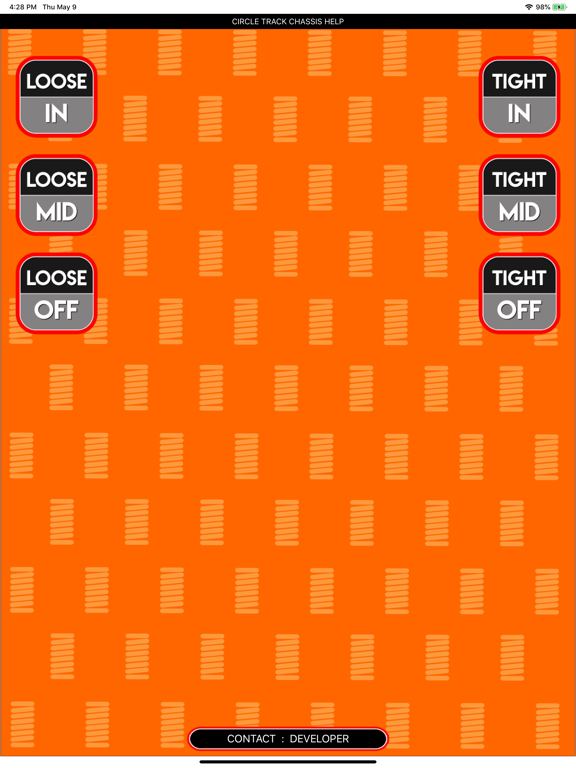
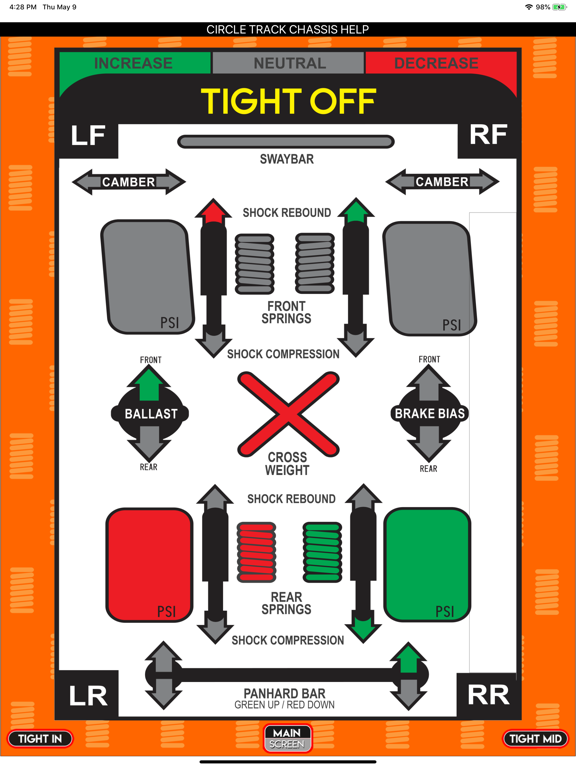
Trackside chassis helper. No need to ask other drivers to help you out. Adjust your setup by following the simple color-coded icons. Green means increase, Red means decrease, Gray means no adjustment necessary. How to use this app: - Open app / click on the situation you are experiencing / app will take you to diagnosis page - App will help you diagnose your chassis situation track-side and show you what changes you can can apply to improve your handling - No wi-fi or cellular service needed to use. - Once you download it is on your phone whenever you need it. - No need to worry about your carrier's coverage. - Use it at home to study and improve your setup skills.
Latest release
What’s New
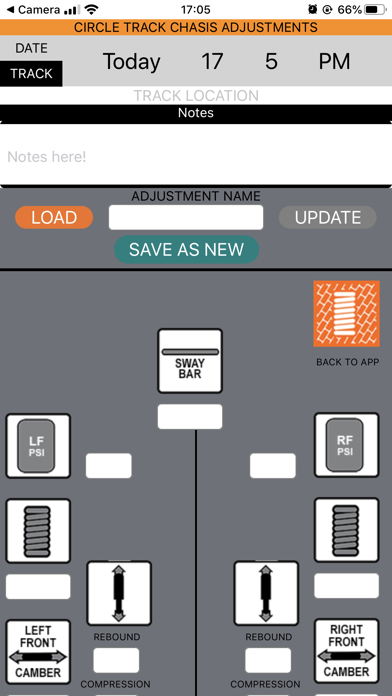
- Added updated track type. - App now contains configurations for Asphalt as well as Dirt tracks. - Separate Adjustment sheets for different track types. - Updated Application interface. - Improved performance.
Audience growth
Ratings growth
Baseline captured. Growth appears after the crawler observes a changed rating count.
Momentum comes from crawler snapshots for the tracked storefront. “Viral growth signal” means unusually fast recent rating gains; it is an indicator, not download data.
Price tracking
Price intelligence
First snapshot captured. The trend line starts after the next crawler price observation.
- First observed Sep 4, 2026 · 4:39 AM $19.99
Screenshots