About this app
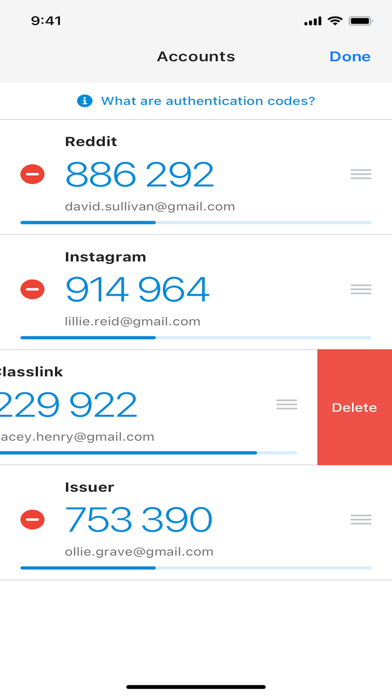
With ClassLink Verify you can generate verification codes to use in addition to your passwords when signing in to your account—adding an extra layer of data security. ClassLink Verify works with any application requiring 2-Step Verification to sign in to your account. Features include: - Automatic setup via QR code - Support for multiple accounts - Support for TOTP and HOTP algorithms To use Verify with ClassLink LaunchPad, you will need to enable 2-Step Verification on your ClassLink Account. Visit https://help.classlink.com/s/article/Two-Factor-Authentication to get started.
Latest release
What’s New
Bug fixes and optimizations
Audience growth
Ratings growth
Baseline captured. Growth appears after the crawler observes a changed rating count.
Momentum comes from crawler snapshots for the tracked storefront. “Viral growth signal” means unusually fast recent rating gains; it is an indicator, not download data.
Price tracking
Price intelligence
First snapshot captured. The trend line starts after the next crawler price observation.
- First observed Sep 8, 2026 · 8:42 PM Free
Screenshots