About this app
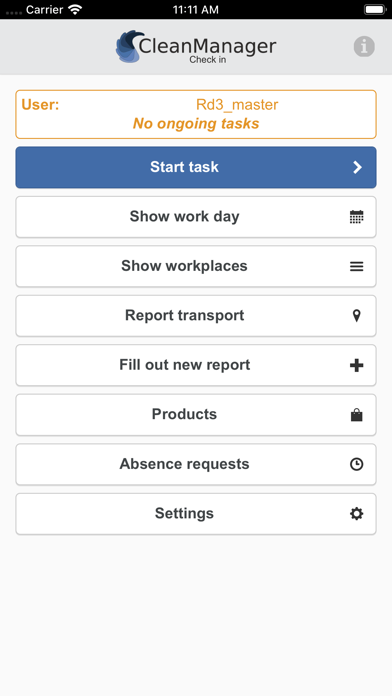
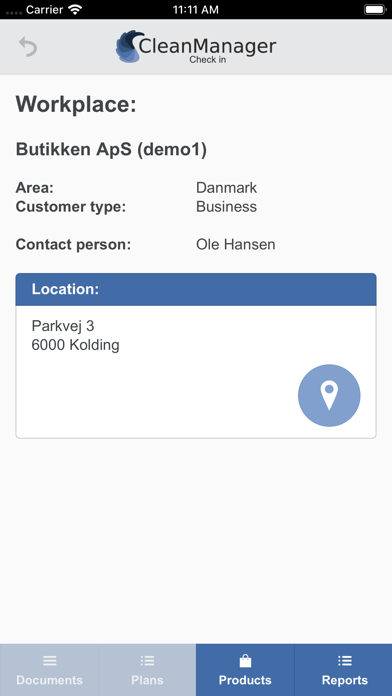
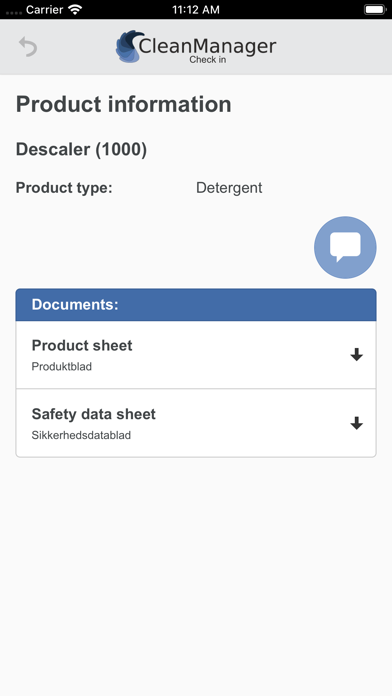
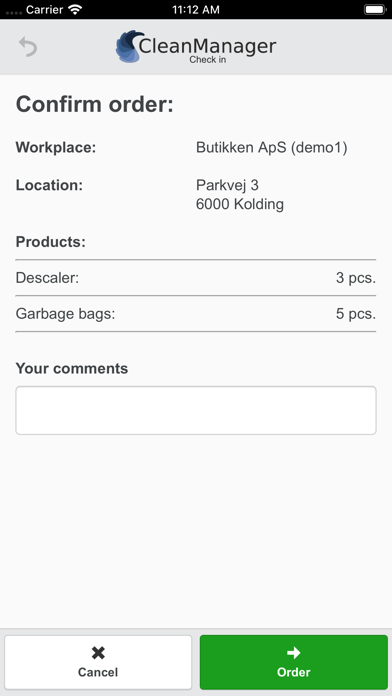
CleanManager Check-in app: By using the CleanManager app, your cleaning company’s administrator can create and configure NFC tags* at the workplaces and then the cleaning employees can check in and out of their cleaning tasks when they start and finish their tasks for the customer. Your employees and inspectors can also fill out reports, request absence, order cleaning products to the various workplaces through the app as well as attach photos as documentation for ongoing tasks. The administrator can do the following by using the app: - Start / stop tasks - Photo documentation - View work day / tasks - View information about work places and locations - View cleaning schedules, documents, reports and keys connected to workplaces - Fill out reports - Report transport - See and request vacation/absence - Create NFC tag* - Test NFC tag* - Order cleaning products The cleaning employee can do the following by using the app: - Start / stop tasks - Photo documentation - View work day / tasks - View information about workplaces and locations - View cleaning schedules, documents, reports and keys connected to workplaces - Fill out reports - Report transport - See and request vacation/absence - Order cleaning products Language: You can switch between the following languages in the app: - Danish - English - Swedish - German *NB: NFC technology is only available on iPhone 7 or newer models, however it is also possible to use the app without NFC technology. Important: You must have a CleanManager user and the Check-in module enabled on your subscription to use the app. You can create a free trial on: www.cleanmanager.dk.
Latest release
What’s New
* Minor bug fixes
Audience growth
Ratings growth
Baseline captured. Growth appears after the crawler observes a changed rating count.
Momentum comes from crawler snapshots for the tracked storefront. “Viral growth signal” means unusually fast recent rating gains; it is an indicator, not download data.
Price tracking
Price intelligence
First snapshot captured. The trend line starts after the next crawler price observation.
- First observed Sep 1, 2026 · 2:39 PM Free
Screenshots