About this app
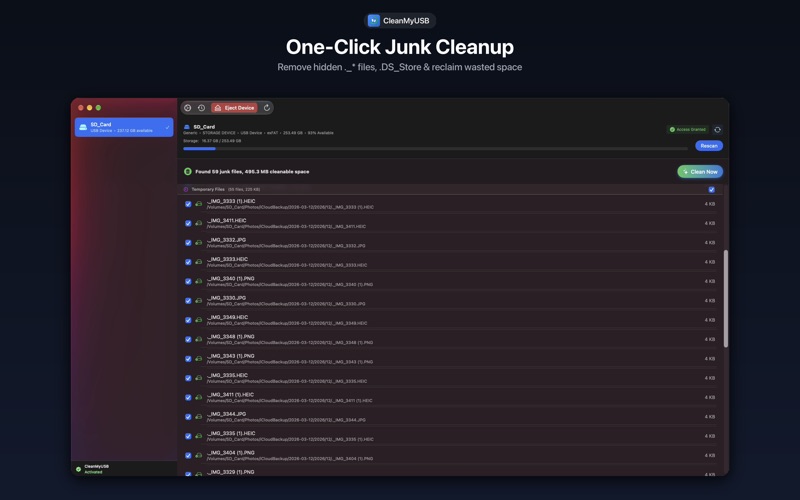
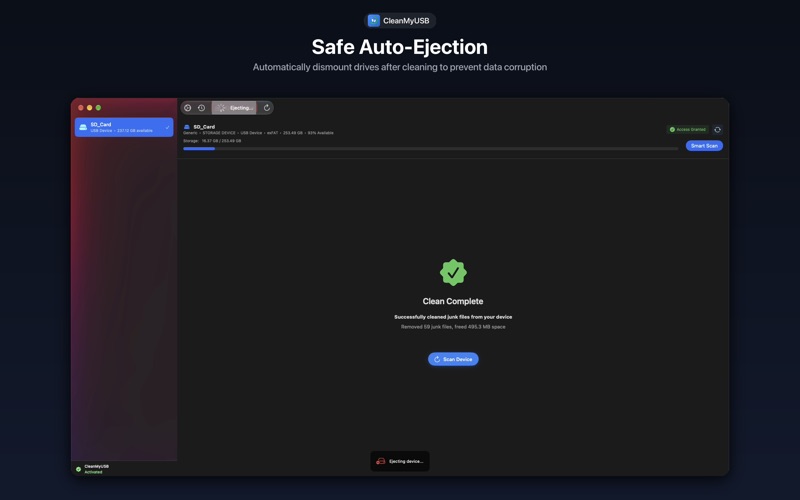
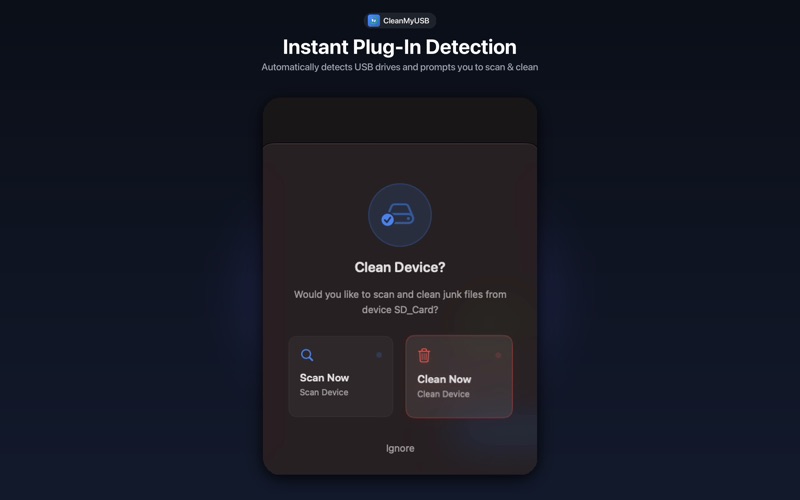
Clean hidden macOS junk from USB drives and SD cards in one click. When you use a USB drive on a Mac, macOS silently creates hidden files like .DS_Store, AppleDouble (._*) files, Spotlight indexes, and Trash folders. They stay invisible on macOS, but the moment you plug that drive into a Windows PC, car stereo, smart TV, or 3D printer, they show up as duplicate ghost tracks, clutter, or unreadable files. CleanMyUSB cleans them up and keeps your external drives truly clean. WHAT IT CLEANS • AppleDouble (._*) ghost files that break playlists and car stereos • .DS_Store Finder files • .Spotlight-V100 search indexes • .Trashes folders (instantly frees up storage from deleted files) • Windows Thumbs.db and temporary clutter KEY FEATURES • Menu Bar Quick Clean — Detects connected drives and cleans in one click. • Safe Ejection & Auto-Eject — Safely ejects devices after cleaning to prevent data corruption. • Stop Regeneration — Prevents macOS from immediately recreating junk files after cleaning. • Custom File Types — Define your own file extensions to target and clean custom junk files. • Safe Whitelist — Add patterns (*.pdf, *.docx) to protect specific files from deletion. • Cleaning History — Detailed records of past cleaning operations and results for easy tracking. • Selective Control — Review scan results and pick exactly what to delete. • Fast & Lightweight — Native Swift app, instant scanning, minimal footprint. Works with USB drives, external SSDs, and SD cards (FAT32, exFAT, APFS). Support: support@cleanmyusb.app Website: https://cleanmyusb.app
Latest release
What’s New
- Added menu bar support with background device monitoring - Added in-app automatic updates (signature-verified, one-click install) - Fixed DMG/virtual volumes being detected as USB devices - Faster scans: precompiled matching rules, live progress, cancellable anytime - New "Keep drives clean" option prevents system junk from regenerating - Select/deselect by type and exclude individual files in results
Audience growth
Ratings growth
Baseline captured. Growth appears after the crawler observes a changed rating count.
Momentum comes from crawler snapshots for the tracked storefront. “Viral growth signal” means unusually fast recent rating gains; it is an indicator, not download data.
Price tracking
Price intelligence
First snapshot captured. The trend line starts after the next crawler price observation.
- First observed Oct 12, 2026 · 8:25 PM $4.99
Screenshots