About this app
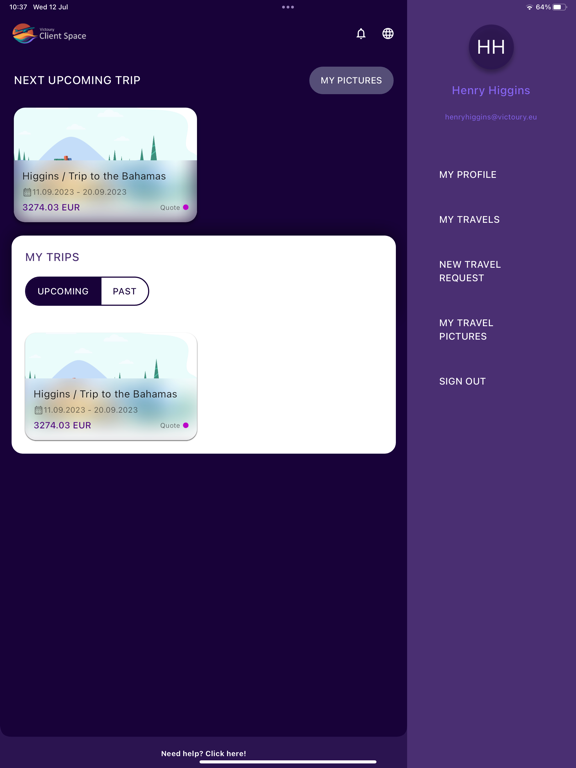
Discover ClientSpace, a mobile and web application meticulously crafted to offer a personalized, secure, and multilingual travel experience. Access your account, manage your bookings, and stay organized with all your travel information in one place. Key Features Default App Language Choose from a variety of supported languages, with the default language customizable by our partner brands to cater to your preferences. Intuitive Deal Management Easily access your travel deals based on various statuses: Quote, Booking, Traveling, and Post Travel. With automatic status change features, ClientSpace keeps you informed throughout your journey. Personalized Forms & Documents Access essential forms and documents and survey forms, directly from the app. Default images are provided for destination, day, and arrangement displays to enhance your experience. Exclusive Deals & Offers Discover special promotions and offers from our brands, ensuring you always get the best value for your travel experiences. Customer Support Our dedicated support team is available around the clock to assist you with any questions or concerns, making your travel journey as smooth as possible. Download ClientSpace today and unlock a tailored, secure, and multilingual travel experience designed just for you. Note: To use ClientSpace, ensure you have a valid booking made through one of our partner providers. The app is designed to work seamlessly with their services for an unmatched travel experience.
Latest release
What’s New
This update includes general improvements and optimizations to enhance your experience. We've also made fixes to improve system stability and overall app performance. Thank you for your continued support.
Audience growth
Ratings growth
Baseline captured. Growth appears after the crawler observes a changed rating count.
Momentum comes from crawler snapshots for the tracked storefront. “Viral growth signal” means unusually fast recent rating gains; it is an indicator, not download data.
Price tracking
Price intelligence
First snapshot captured. The trend line starts after the next crawler price observation.
- First observed Aug 20, 2026 · 7:12 PM Free
Screenshots