About this app
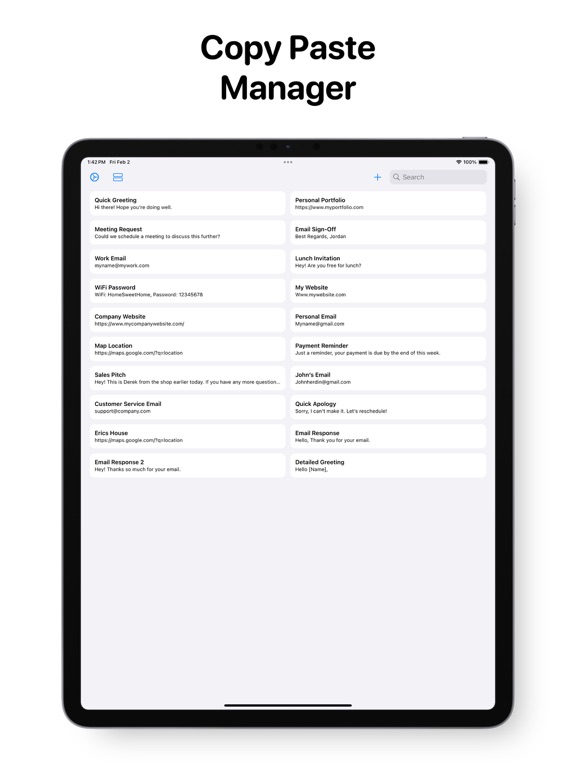
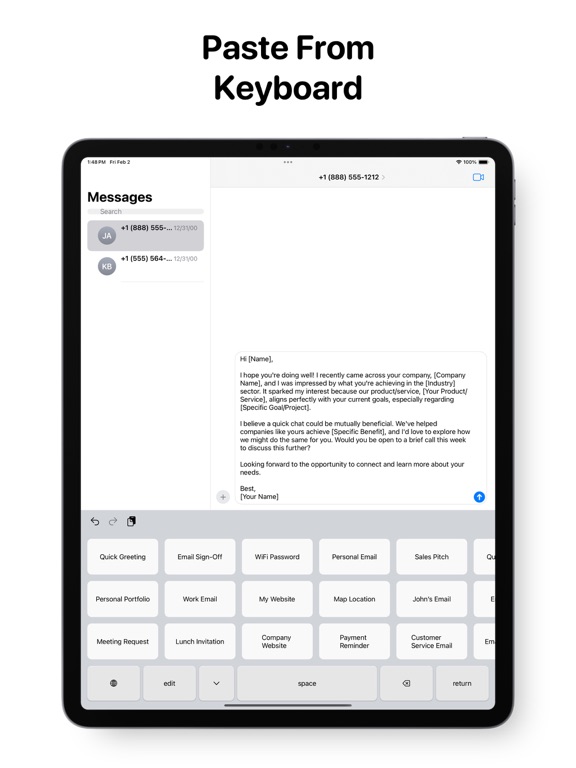
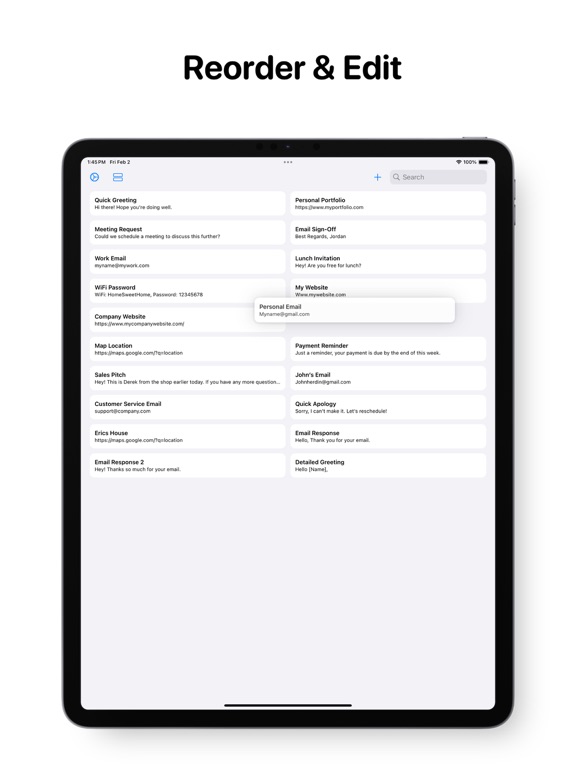
Introducing the ultimate time-saving tool for iPhone users - our custom keyboard extension that allows you to store and paste your own custom shortcuts right from your keyboard. Our app is designed to simplify your life, with an easy-to-use interface that makes it a breeze to add, edit and organize your custom paste shortcuts. Whether you're a busy professional, a student, or simply looking for a better way to manage your text snippets, our app is the perfect solution. With just a few taps, you can create your own shortcuts for common phrases, phone numbers, email addresses, or any other text you frequently use. You can even add emojis or symbols to your shortcuts to make your messages stand out. Our keyboard extension integrates seamlessly with your favorite apps, allowing you to quickly paste your text snippets without switching between apps. No more tedious copy and paste - just select your shortcut and it's automatically pasted in your message. Our app is super simple, allowing you add, delete, and re-organize your keyboard to suit your needs. Don't waste another minute typing out the same messages over and over again. Download our app now and experience the ultimate time-saving tool for iPhone users. How it works: 1. Enable the keyboard by going to System Settings > This App > Keyboards > Turn on Clipboard 2. Save your text shortcuts in the keyboard editor. 2. Tap the bottom left keyboard button in any app to open the Clipboard, and paste your shortcuts. Don't forget to leave a rating if you enjoyed this app! Contact: Jordanzeleny@gmail.com TERMS OF USE: https://www.apple.com/legal/internet-services/itunes/dev/stdeula/
Latest release
What’s New
Bug fixes and performance improvements.
Audience growth
Ratings growth
Baseline captured. Growth appears after the crawler observes a changed rating count.
Momentum comes from crawler snapshots for the tracked storefront. “Viral growth signal” means unusually fast recent rating gains; it is an indicator, not download data.
Price tracking
Price intelligence
- First observed Aug 8, 2026 · 1:04 PM Free
Screenshots