About this app
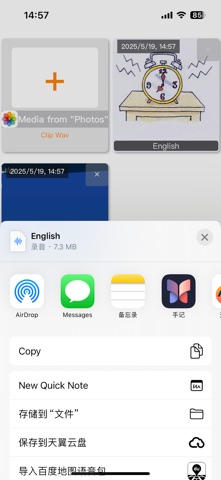
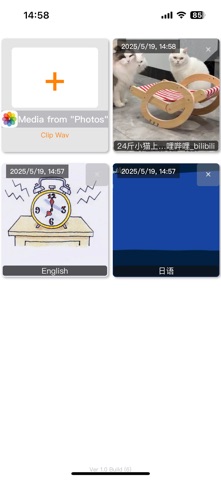
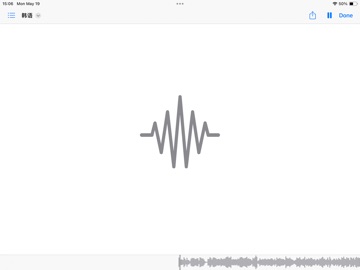
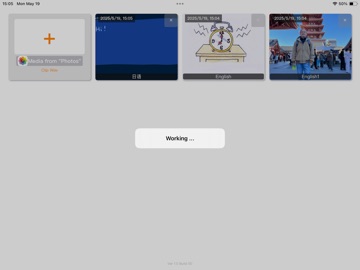
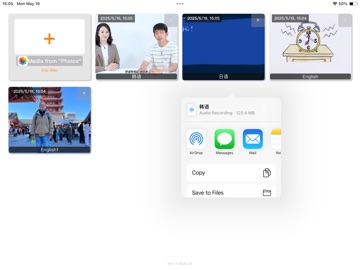
Description: ClipSound is a simple yet powerful tool designed to extract high-quality audio from your videos in just a few taps. Whether you’re saving a song, converting lectures to audio, or separating voiceovers for editing, ClipSound makes it effortless. Key Features: • Fast Audio Extraction Convert .MP4 or .MOV videos to .WAV formats with lightning speed. • High-Quality Output Get crystal-clear audio with customizable bitrate settings. • Easy to Use User-friendly interface designed for quick and efficient workflow. • Batch Processing (Coming Soon) Extract audio from multiple videos at once. • Offline Processing No internet required. Your files stay on your device—safe and secure. • Universal Compatibility Works perfectly with videos recorded from your iPhone, iPad, or imported from other sources. Perfect For: • Content creators • Musicians and editors • Students and teachers • Anyone who needs audio from video How It Works: 1. Import your MP4 or .MOV videos file 2. Extract automatically 3. Export to a specified location – and you’re done! ClipSound – Turn any video into pure sound.
Audience growth
Ratings growth
Baseline captured. Growth appears after the crawler observes a changed rating count.
Momentum comes from crawler snapshots for the tracked storefront. “Viral growth signal” means unusually fast recent rating gains; it is an indicator, not download data.
Price tracking
Price intelligence
First snapshot captured. The trend line starts after the next crawler price observation.
- First observed Oct 12, 2026 · 6:19 PM $2.99
Screenshots