About this app
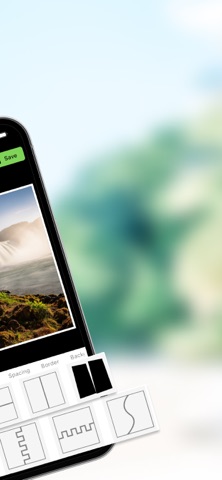
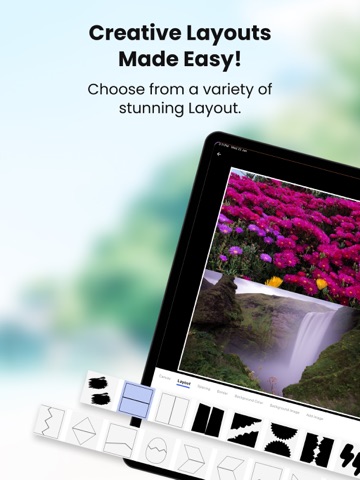
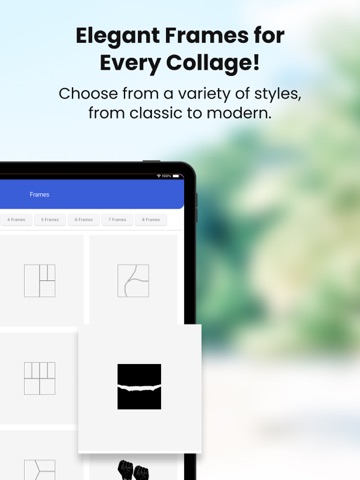
Collage Maker - Create Stunning Collages with Ease In Collage Maker, the Collage option automatically arranges selected photos into a layout. With Frames, you can choose frames for 2-8 photos and add pictures accordingly. All your downloaded collages are saved in My Projects, keeping them organized in one place. Key Features: Canvas: The Canvas option allows you to select from various ratios like 1:1, 16:9, 9:16, 4:3, 3:4, 3:2, and 2:3, giving you the flexibility to create collages in different aspect ratios for any purpose or platform. Layouts: In Collage Maker, the Layouts option provides a variety of pre-designed templates, allowing you to easily arrange your photos in different styles. Choose from grid, freeform, or artistic layouts to create a unique and personalized collage. Spacing: In Collage Maker, the Spacing option lets you adjust the Margin and Padding after selecting a layout. Customize the space between your photos and the edges of the collage to achieve the perfect balance and design. Border: In Collage Maker, the Borders option allows you to customize the border by selecting its color, adjusting the width, changing the opacity, and modifying the radius to create the perfect frame for your collage. Background Color:In Collage Maker, the Background Color option lets you add a solid color background to your collage and adjust its opacity to create the desired effect and blend with your design. Background Image:In Collage Maker, the Background Image option allows you to choose an image from the app’s collection or your device’s gallery. You can also adjust the Opacity and apply a Blur effect to the background image for a more customized and artistic look. Add Image: In Collage Maker, you can add images from your gallery, and by swiping up, you can delete them. The layout will automatically adjust based on the remaining photos, ensuring your collage stays organized and visually appealing. In Collage Maker, you can click on a single image to zoom, Replace, adjust the perspective, rotate, drag it to align with other elements, and use the reset option to return the image to its original state. This allows you to fine-tune your collage for a seamless look. In Collage Maker, you can Shuffle the collage to rearrange the layout and Reset your changes to return to the original design, giving you flexibility and control over your creation. Create, edit, and share beautiful photo collages instantly with Collage Maker! Perfect for photo enthusiasts, content creators, and anyone looking to make their memories even more special.
Latest release
What’s New
-Bug fixes and performance improvements
Audience growth
Ratings growth
Baseline captured. Growth appears after the crawler observes a changed rating count.
Momentum comes from crawler snapshots for the tracked storefront. “Viral growth signal” means unusually fast recent rating gains; it is an indicator, not download data.
Price tracking
Price intelligence
First snapshot captured. The trend line starts after the next crawler price observation.
- First observed Aug 12, 2026 · 9:49 PM Free
Screenshots