About this app
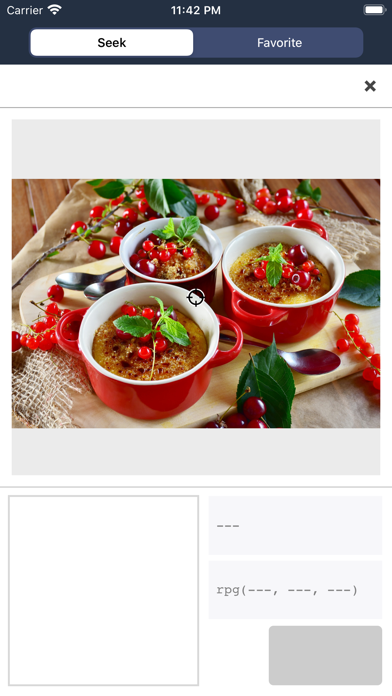
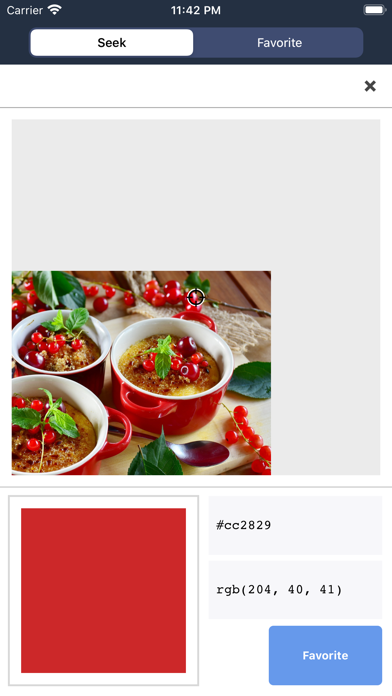
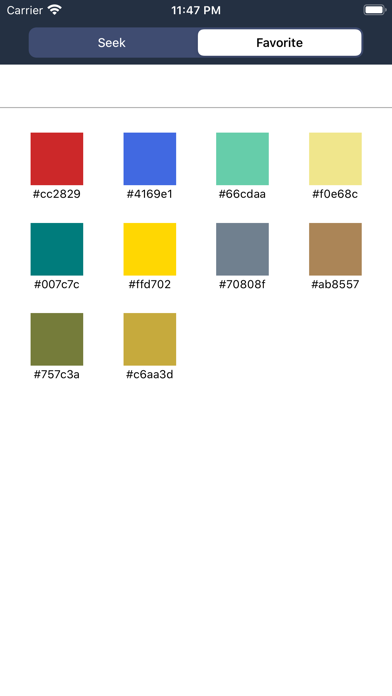
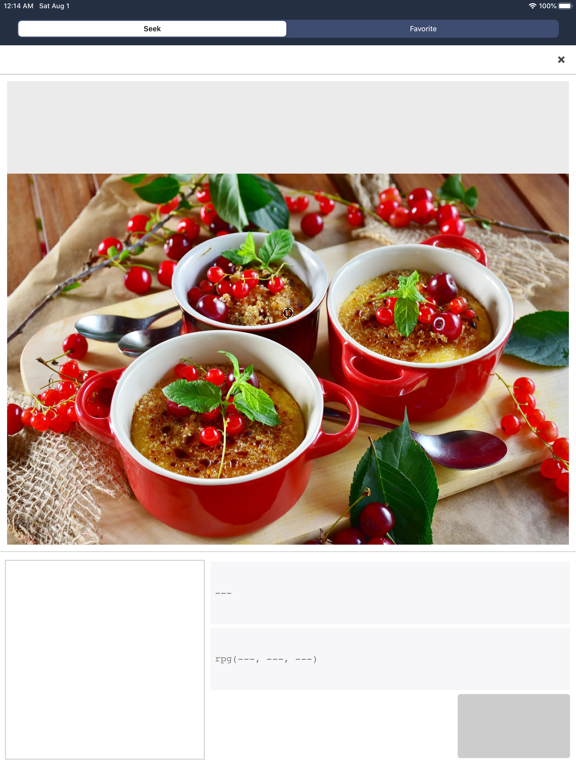
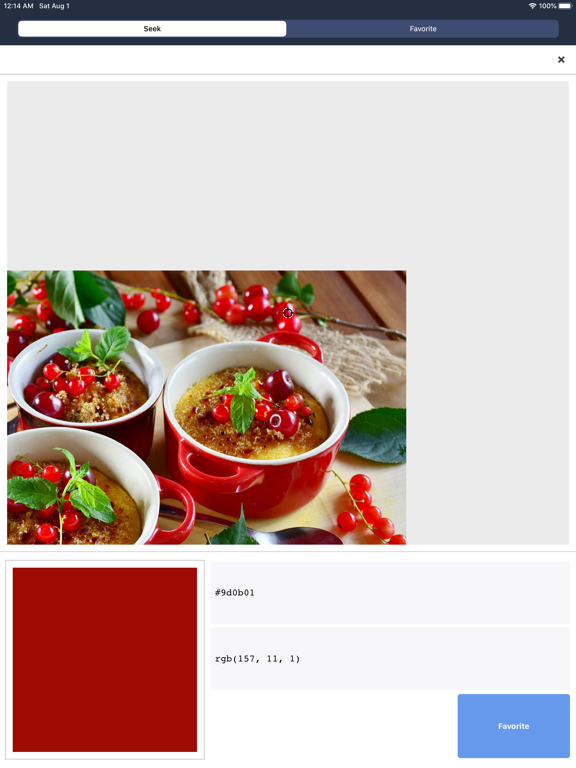
Simple color picker tool. It is an application that extracts color codes from images such as photos and screen shots. How to use 1. Select the image saved in the camera roll. 2. Move the image so that the part where you want to extract the color code is at the center of the screen. 3. Release the finger to display the color code. Other features - Extracted color code can be copied to clipboard with one touch - Add favorite function - Color code supports Hex, RGB, HSV, HSL
Latest release
What’s New
- Improved internal processing. - Fixed some text being hard to see when the device was in dark mode.
Audience growth
Ratings growth
Baseline captured. Growth appears after the crawler observes a changed rating count.
Momentum comes from crawler snapshots for the tracked storefront. “Viral growth signal” means unusually fast recent rating gains; it is an indicator, not download data.
Price tracking
Price intelligence
First snapshot captured. The trend line starts after the next crawler price observation.
- First observed Aug 23, 2026 · 10:56 AM Free
Screenshots