About this app
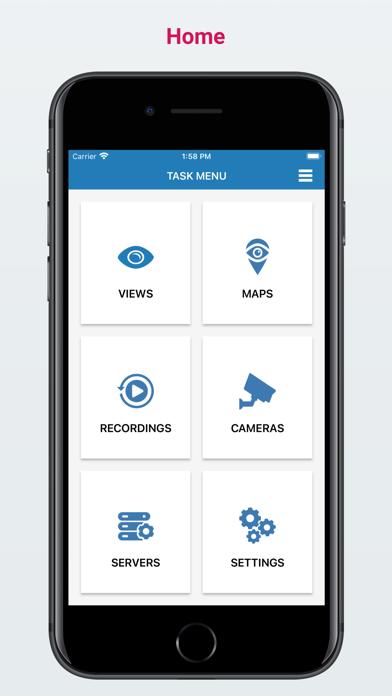
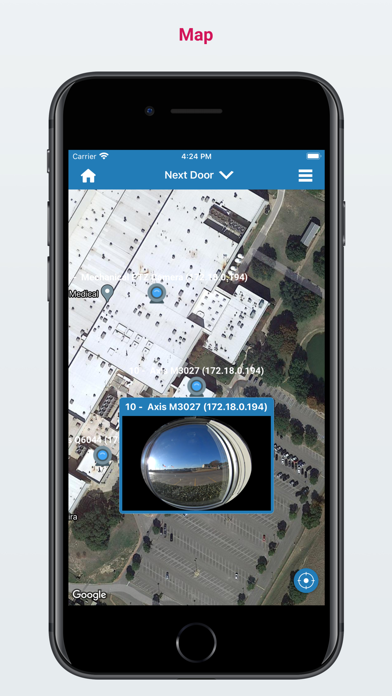
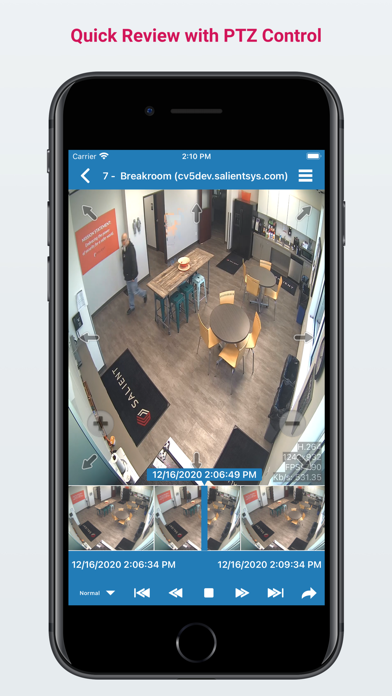
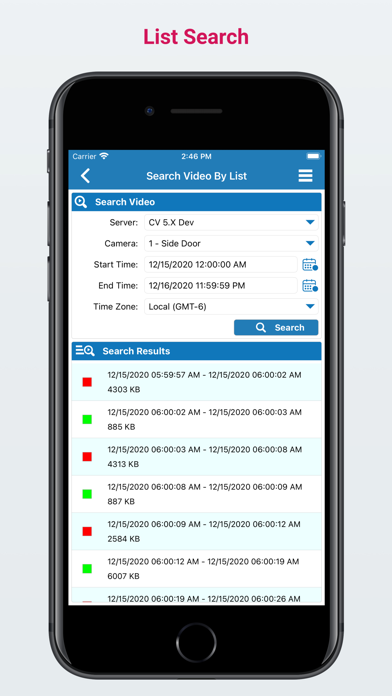
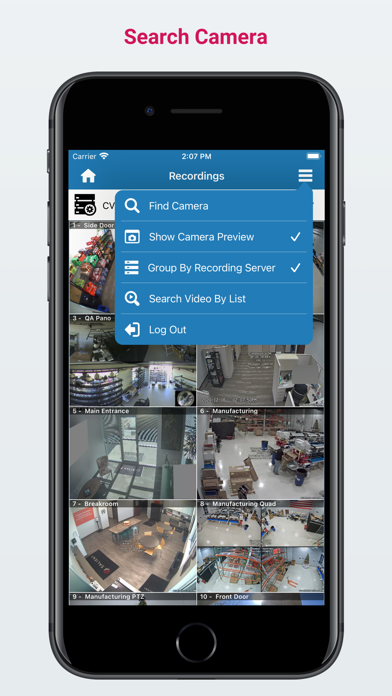
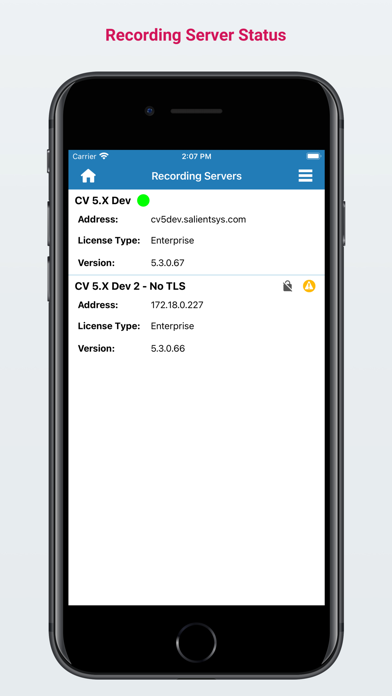
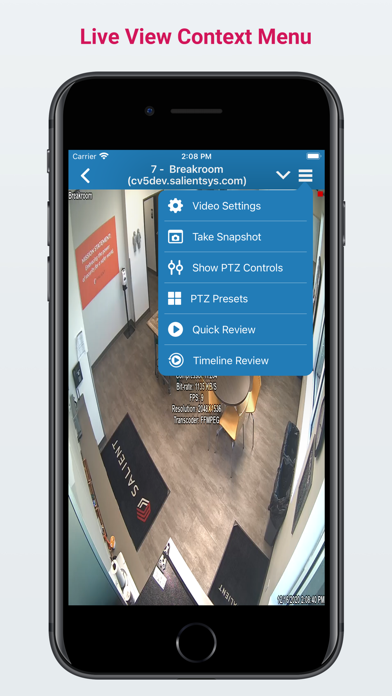
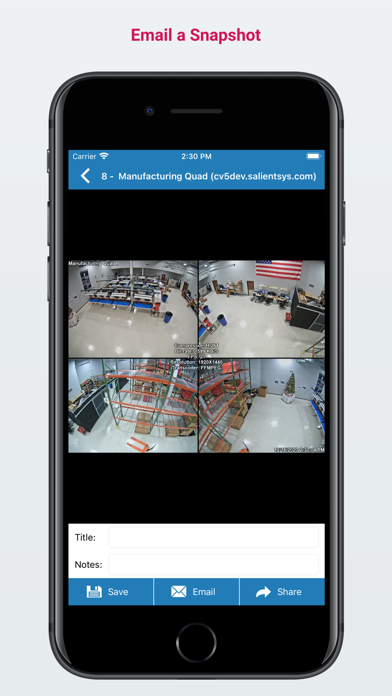
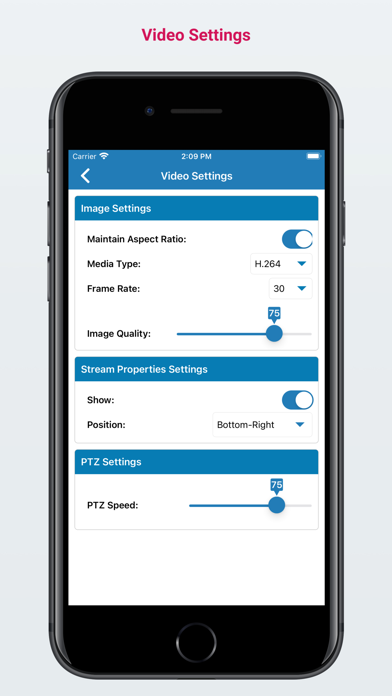
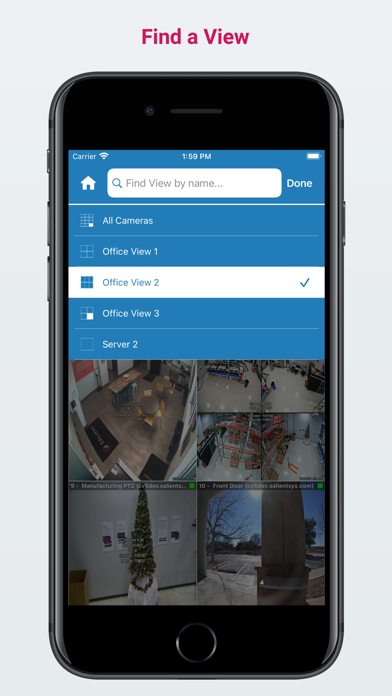
Salient’s CompleteView(TM) app allows you to easily connect to your V7.x deployment and instantly access live video, playback, and control cameras with PTZ functions from your phone. Easy and Efficient The CompleteView app allows you to securely stream audio and video from any analog or IP cameras, encoders, and NVRs connected to your CompleteView Recording Server. The app supports hardware-accelerated H.264 decoding so you can stream video to your phone without worrying about battery life. Salient’s Dynamic Resolution Scaling further ensures that bandwidth between your phone and the recording server is optimized to get you the best possible image quality regardless of your connection. For a scalable and seamless transition from your desktop or browser, you can access any Views and Maps configured in your CompleteView Management Server, including the ability to view video streams directly from image and satellite maps. Full Control The CompleteView app gives you the power to see video the way you want with built-in controls to adjust frame rate and video quality levels on each video stream. The app also has powerful PTZ camera controls. You can stretch, pinch, and drag to manipulate PTZ cameras. The app allows you to access, set, and name PTZ presets and control PTZ speed. When playing back previously recorded video, the app has various scrub bar controls and adjustable playback speeds so you can quickly seek to exactly what you want to view. Something catches your eye? The CompleteView app allows you to take snapshots and email them off. The Details You Need The CompleteView app has robust search capabilities to help you find what you need. Quickly search for any system component such as a View, Map, Camera, or Server with built-in search. When browsing through recorded video, you can use both list-based and date/time-based searches to quickly narrow down to the video segment you are interested in. Lastly, the app supports overlays, quick review, and timeline review to further ensure that you have all the details you need at your fingertips. System Requirements: The CompleteView app requires devices running iOS 13.0 or higher. You will need CompleteView Management and Recording servers that you can connect to fully use the features of this app. The app works with CompleteView ONE, Pro, and Enterprise editions, version 7.x or higher. If you have an older version of these back-end components, use one of the following legacy versions of the app: - For CompleteView version 5.3 to 6.x, use Legacy CompleteView app (https://apps.apple.com/us/app/legacy-completeview/id1545279410). - For CompleteView version 4.x to 5.x, use Legacy TouchView app (https://apps.apple.com/us/app/legacy-touchview/id604971309). Visit https://www.salientsys.com/products/CompleteView-ios for more information.
Latest release
What’s New
Salient Systems CompleteView iOS v4.1.3 Release Notes Release Date: 07/17/2026 Version Number: 4.1.3 Products Affected: CompleteView iOS Previous Version: 4.1.2 ------------------------------------------- Improvements in 4.1.3 since 4.1.2 ------------------------------------------- - Bug fixes and enhancements
Audience growth
Ratings growth
Baseline captured. Growth appears after the crawler observes a changed rating count.
Momentum comes from crawler snapshots for the tracked storefront. “Viral growth signal” means unusually fast recent rating gains; it is an indicator, not download data.
Price tracking
Price intelligence
First snapshot captured. The trend line starts after the next crawler price observation.
- First observed Aug 28, 2026 · 11:20 AM Free
Screenshots