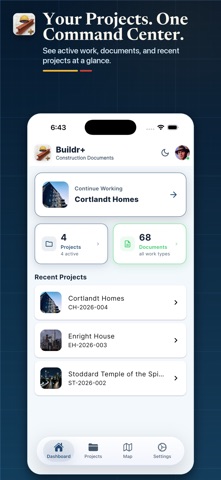
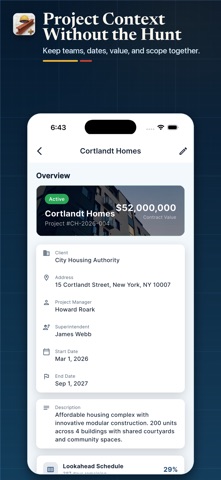
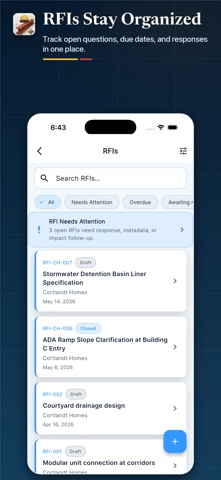
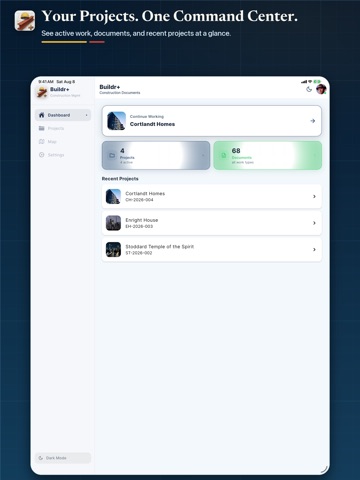
About this app
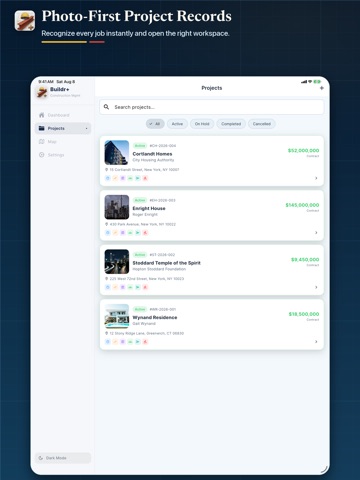
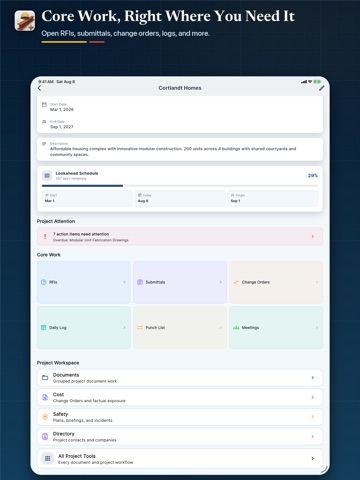
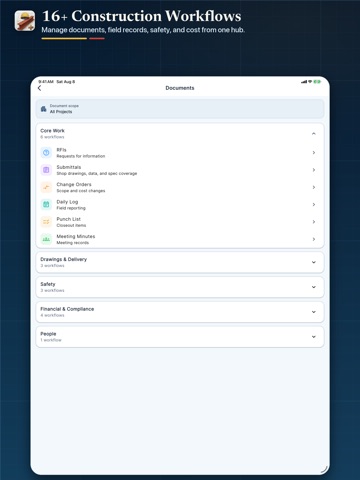
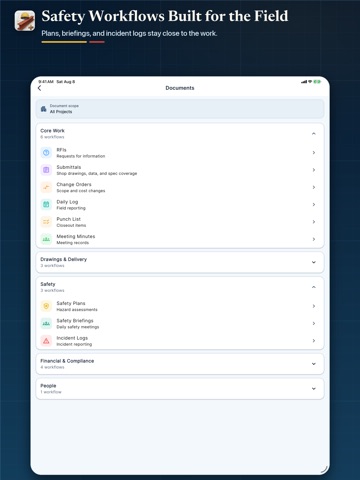
Manage RFIs, submittals, change orders, payment applications, and document control in one construction workflow app - without enterprise pricing. Buildr+ gives contractors, project managers, and field teams practical mobile access to the records that keep a project moving. Built for teams who need real project controls without the complexity. MANAGE CRITICAL WORKFLOWS Track and coordinate the documents that drive your project forward: • RFIs with smart routing to the right responder • Submittals and shop drawing approvals • Change orders with full revision history • Meeting minutes • Transmittals • Lien waivers • Payment applications • Budget exposure tracking across projects • Unpriced RFI risk identification • Payment application financial summaries with retainage • Schedule of values • Cost codes • Document control across every phase WHAT YOUR TEAM CAN DO • Create and manage project records from iPhone • Keep document workflows organized in one system • Track overdue and pending items with real project visibility • Reduce paperwork chasing across the field and office • Voice-to-text for faster field entry • PDF export with your company branding • Photo attachments on any record • Real-time ball-in-court tracking BUILT FOR CONSTRUCTION Buildr+ is designed to give construction teams a practical mobile workflow for project controls, documentation, and coordination. Whether you’re a GC managing multiple trades or a subcontractor tracking your own scope, Buildr+ keeps your project records organized and accessible. Part of the Lab Architect suite — works alongside Inspectr+ for inspections, DailyReportr+ for daily field reports, and Closr+ for project closeout. Terms of Use: https://buildrplus.com/terms Privacy Policy: https://buildrplus.com/privacy
Latest release
What’s New
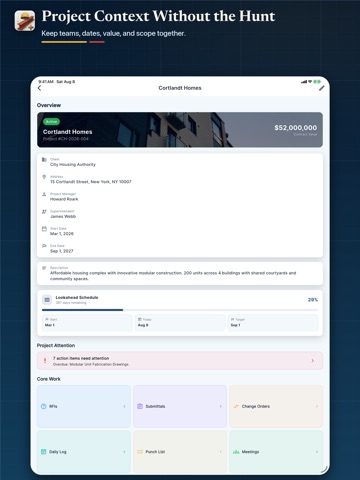
Project scheduling is now easier to manage. You can edit Start Date and Target Date directly from Project Details, with updates saved and reflected in the Lookahead Schedule. Validation also prevents a Target Date from being set earlier than the Start Date.
Audience growth
Ratings growth
Baseline captured. Growth appears after the crawler observes a changed rating count.
Momentum comes from crawler snapshots for the tracked storefront. “Viral growth signal” means unusually fast recent rating gains; it is an indicator, not download data.
Price tracking
Price intelligence
First snapshot captured. The trend line starts after the next crawler price observation.
- First observed Aug 19, 2026 · 1:32 AM Free
Screenshots