About this app
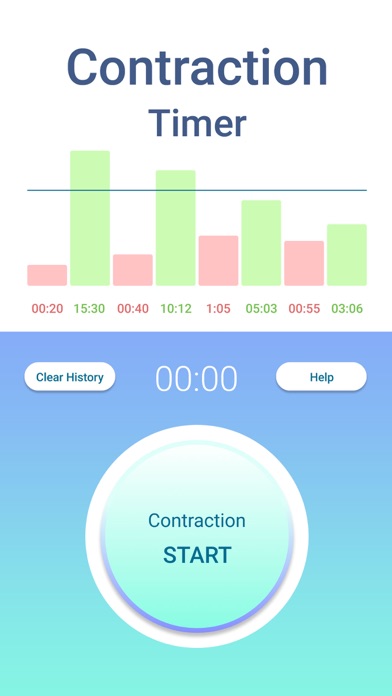
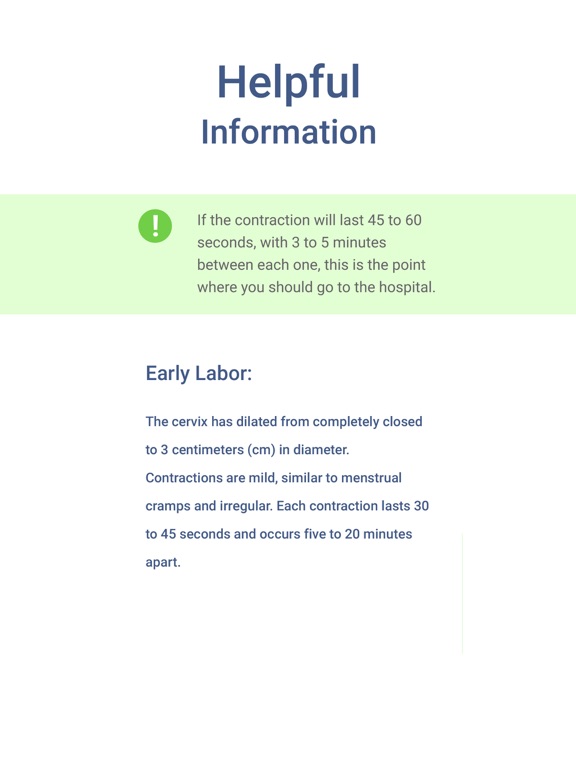
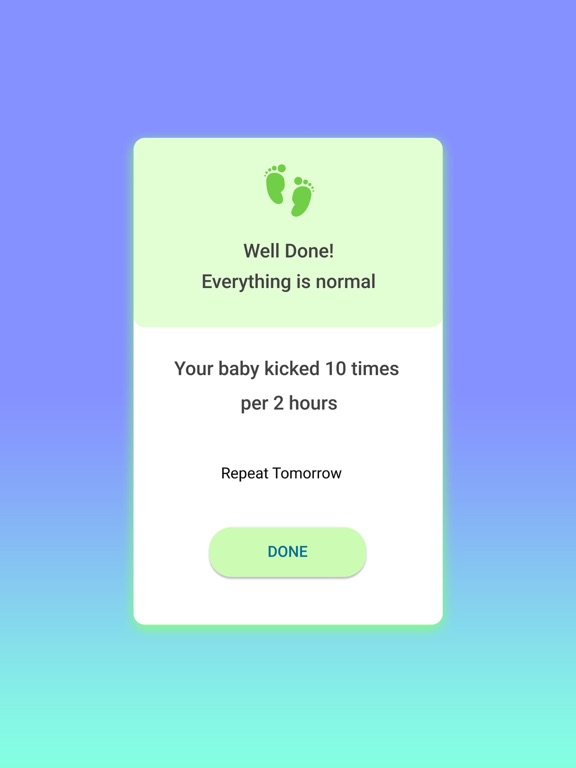
"Soon" - Contraction Timer & Baby Kick Counter How to use the Contraction Timer? When a contraction begins, press the button "Сontraction Start" When a contraction ends, press the button "Сontraction Stop" The App counts the difference between the beginning and the end of the contraction indicates how long the contraction lasted. As soon as the next contraction begins, repeat. Early labor: The cervix has dilated from completely closed to 3 centimeters (cm) in diameter. Contractions are mild, similar to menstrual cramps and irregular. Each contraction lasts 30 to 45 seconds and occurs five to 20 minutes apart. Active labor: The cervix will dilate from 4 cm to 7 cm and contractions will be stronger and last longer. Usually, they will last 45 to 60 seconds, with 3 minutes to 5 minutes between each one. This is the point where you should go to the hospital. Transition: During this final phase of labor before the birth of your baby, the cervix opens completely from 8 cm to 10 cm. Contractions can be so long and intense that they may seem to overlap. Each one will last about 60 to 90 seconds with just 30 seconds to 2 minutes rest between each. Important: If your water broke, you must go to the hospital right away, regardless of the frequency of contractions! During pregnancy and before childbirth, always stay in touch with your doctor. How to use the Kick Counter? Lie down on your side or relax in a comfortable chair Pay attention only to your baby's movements Press "KICK" button on any movement that you can feel (except hiccups) The baby does not need to move 10 times EVERY two hours, but they should have a couple of active hours each day. Important: If your baby kicks less than 10 times per 2 hours you should call a doctor Easy delivery for you and your child! Terms of use: https://www.apple.com/legal/internet-services/itunes/dev/stdeula
Latest release
What’s New
Minor interface changes
Audience growth
Ratings growth
Baseline captured. Growth appears after the crawler observes a changed rating count.
Momentum comes from crawler snapshots for the tracked storefront. “Viral growth signal” means unusually fast recent rating gains; it is an indicator, not download data.
Price tracking
Price intelligence
First snapshot captured. The trend line starts after the next crawler price observation.
- First observed Aug 26, 2026 · 4:32 AM Free
Screenshots