About this app
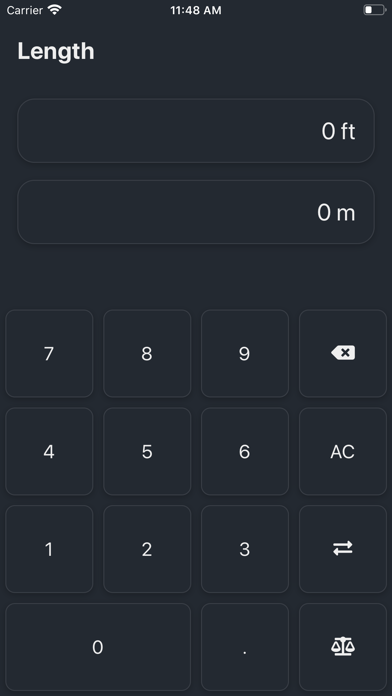
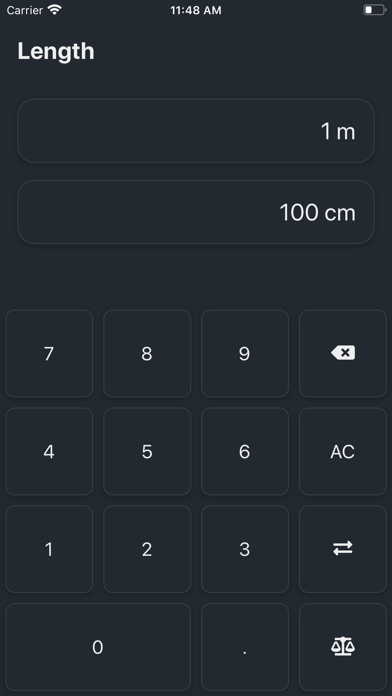
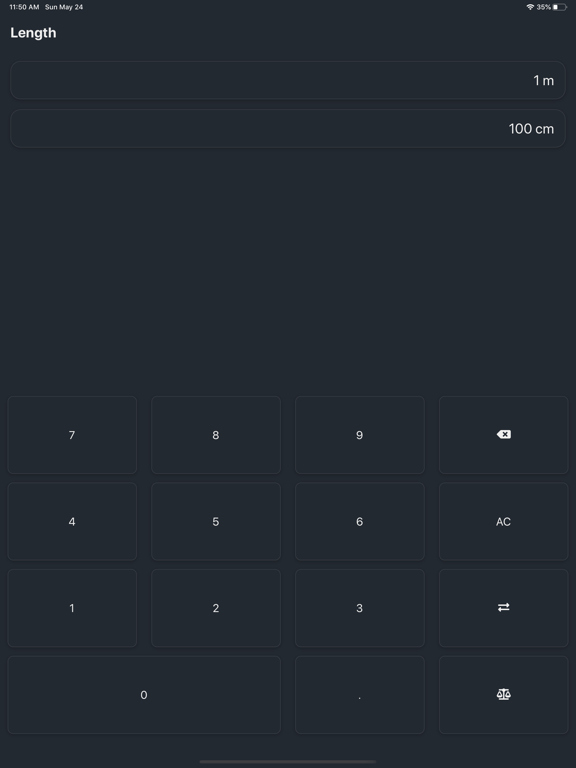
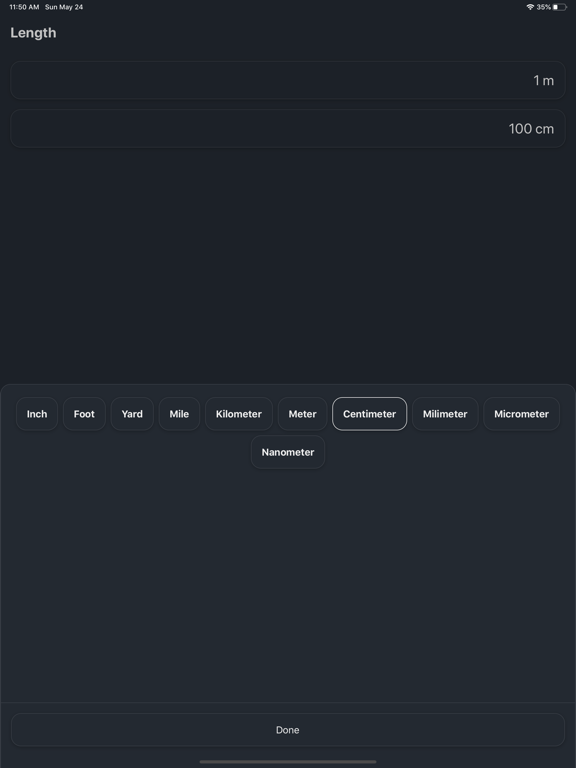
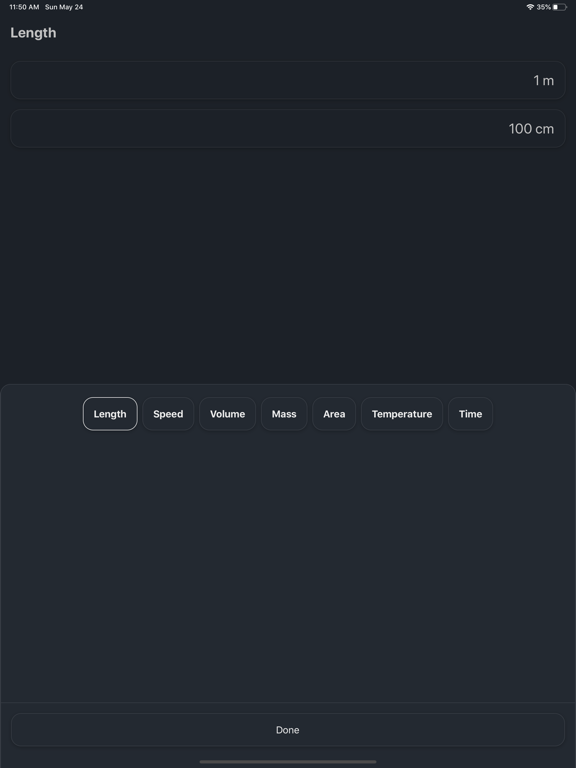
Conversions is a fast, simple unit converter. Pick a category, type a number, and the answer is on screen before you finish typing — no menus to dig through, no clutter, nothing to set up. SEVEN CATEGORIES • Length — inches, feet, yards, miles, and the full metric range • Mass — ounces, pounds, stone, tons, grams to micrograms • Volume — US and imperial cups, pints, quarts, gallons, liters • Temperature — Fahrenheit, Celsius, Kelvin • Speed — mph, km/h, knots, meters and feet per second • Area — square feet, acres, hectares, square kilometers • Time — nanoseconds to centuries BUILT FOR QUICK ANSWERS • Results update as you type • One tap swaps the two units • Tap either value to change its unit • Clean dark design, easy one-handed use • Conversions happen entirely on your device FREE, SUPPORTED BY A SINGLE BANNER AD No accounts, no subscriptions, no purchases.
Latest release
What’s New
Conversions is back — rebuilt from the ground up for today's iPhones and iPads. Faster, sharper, and now free.
Audience growth
Ratings growth
Baseline captured. Growth appears after the crawler observes a changed rating count.
Momentum comes from crawler snapshots for the tracked storefront. “Viral growth signal” means unusually fast recent rating gains; it is an indicator, not download data.
Price tracking
Price intelligence
First snapshot captured. The trend line starts after the next crawler price observation.
- First observed Sep 12, 2026 · 3:17 AM Free
Screenshots