About this app
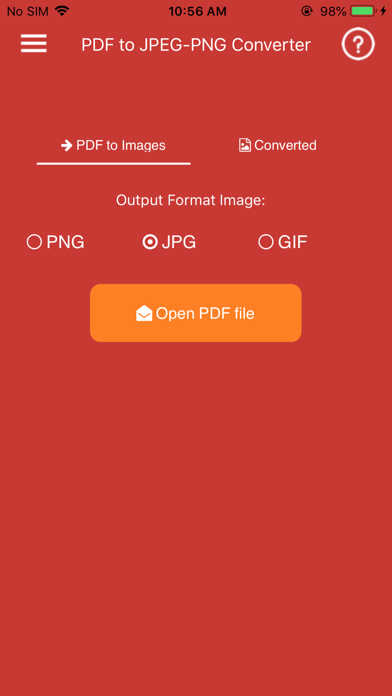
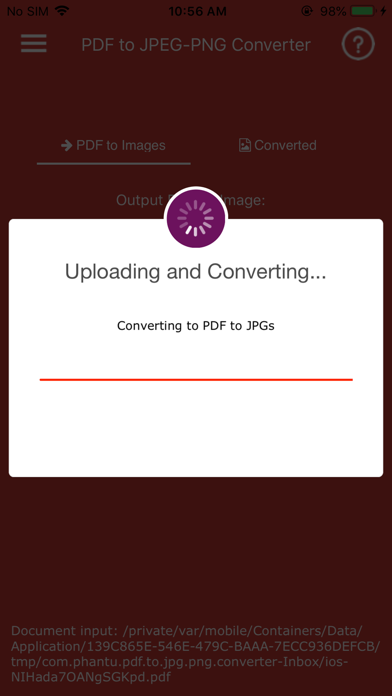
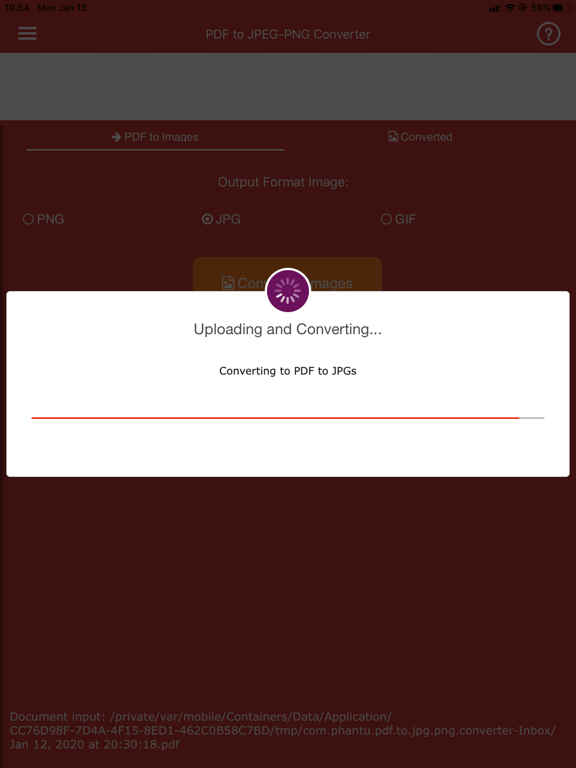
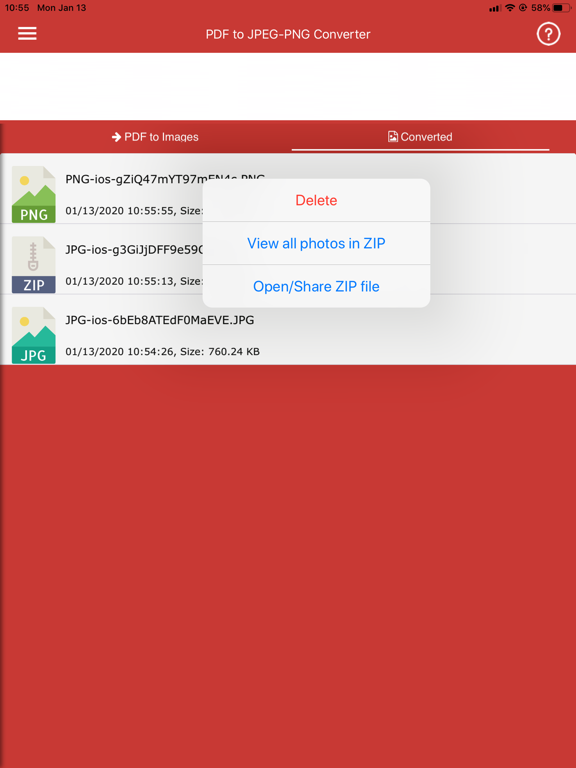
PDF to JPG/PNG Converter is a simple and powerful app that helps you convert PDF documents into high-quality images on your iPhone or iPad. Choose between two conversion modes: • Pages to Images – Convert every PDF page into JPG or PNG images. • Extract Images – Extract all embedded images from a PDF without quality loss. For multi-page PDF documents, converted images can be automatically packaged into a ZIP file for easier storage and sharing. The app is fast, lightweight, and easy to use. Simply select a PDF file, choose your preferred conversion mode and output format, then export your images in seconds. Premium Features: • Convert PDF pages to JPG images • Convert PDF pages to PNG images • Extract original images embedded in PDF files • Two conversion modes: Pages to Images and Extract Images • Automatic ZIP export for multi-page PDF conversions • Fast and efficient conversion engine • High-quality image output • Simple and intuitive user interface • Share converted images with other apps • Handles large PDF files efficiently • Lightweight and stable performance • Optimized for iPhone and iPad Why Choose PDF to JPG/PNG Converter? • No complicated setup • Quick conversion process • High-quality results • Easy image sharing • Supports both page rendering and image extraction • Ideal for students, professionals, and everyday users Note: Password-protected, encrypted, or corrupted PDF files may not be supported.
Latest release
What’s New
Improved performance and bug fixes.
Audience growth
Ratings growth
Baseline captured. Growth appears after the crawler observes a changed rating count.
Momentum comes from crawler snapshots for the tracked storefront. “Viral growth signal” means unusually fast recent rating gains; it is an indicator, not download data.
Price tracking
Price intelligence
- First observed Aug 14, 2026 · 12:47 AM Free
Screenshots