About this app
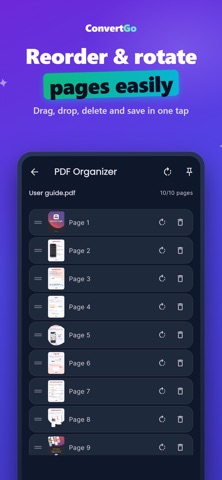
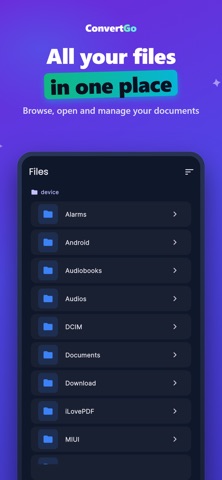
ConvertGo PDF Converter is an all-in-one document toolkit designed to help you manage PDF files quickly and efficiently. With ConvertGo, you can convert, scan, organize, compress and edit documents directly from your device. Key Features: • Convert Images to PDF • Convert PDF to Images • Merge Multiple PDF Files • Split PDF Documents • Compress PDF Files • Organize and Reorder PDF Pages • Scan Documents with Your Camera • Browse and Manage Files • Dark Mode Support • Multi-language Interface ConvertGo is built for students, professionals, businesses and anyone who works with documents daily. Whether you need to create a PDF from images, reduce file size, merge reports, extract pages or scan paper documents, ConvertGo provides fast and reliable tools in a simple and modern interface. All processing is performed securely on your device whenever possible, helping you stay productive while keeping control of your files. Download ConvertGo PDF Converter and simplify your document workflow today.
Audience growth
Ratings growth
Baseline captured. Growth appears after the crawler observes a changed rating count.
Momentum comes from crawler snapshots for the tracked storefront. “Viral growth signal” means unusually fast recent rating gains; it is an indicator, not download data.
Price tracking
Price intelligence
First snapshot captured. The trend line starts after the next crawler price observation.
- First observed Sep 13, 2026 · 4:17 PM Free
Screenshots