About this app
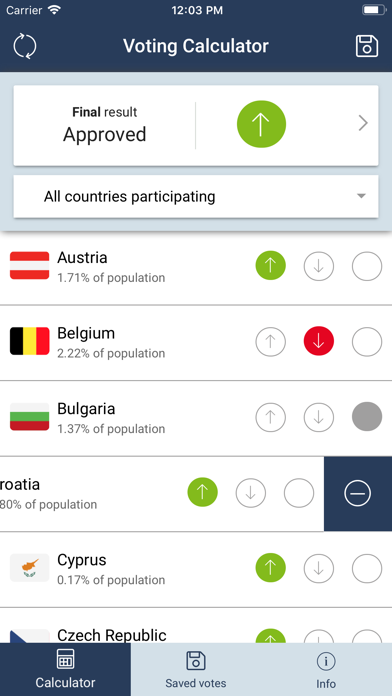
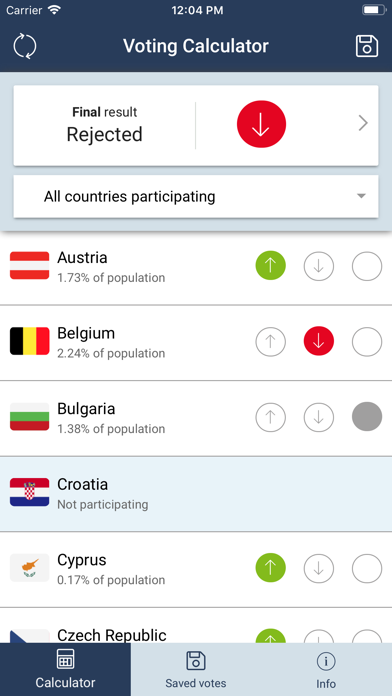
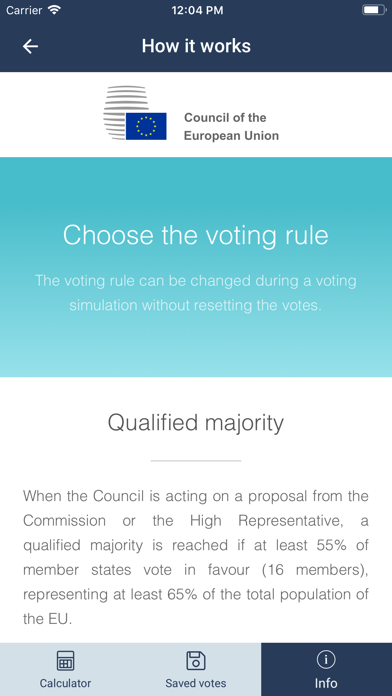
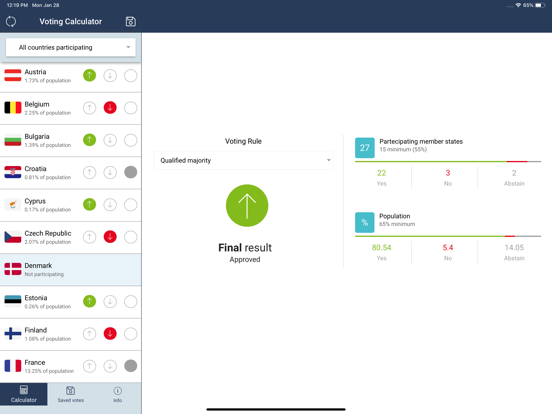
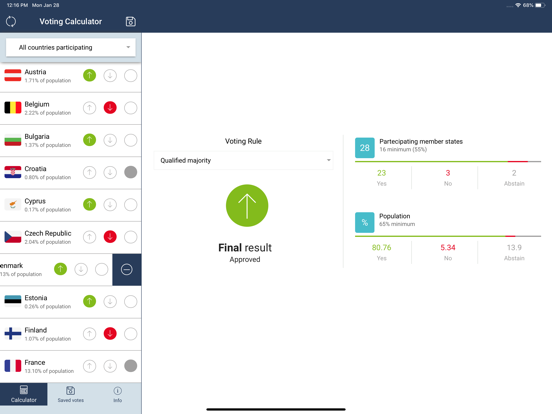
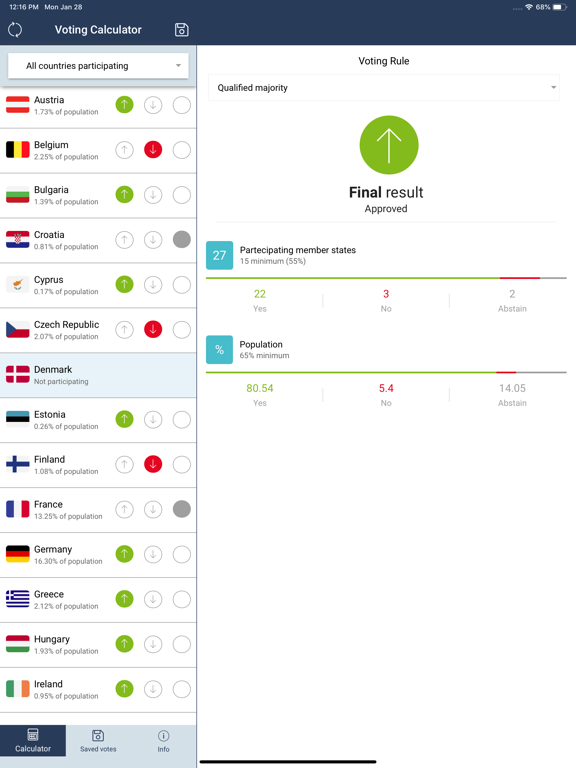
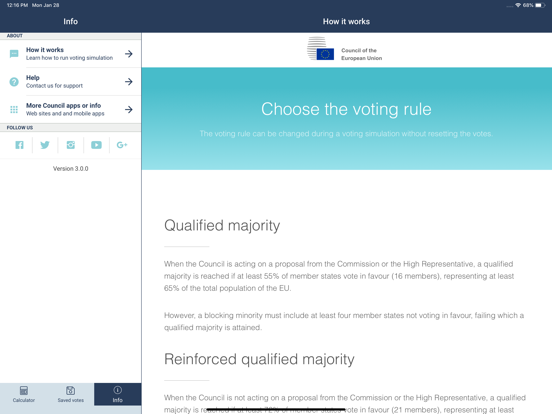
Do we have a qualified majority? Simulate a vote at the Council of the EU with the voting calculator It's always been difficult to check whether the Council of the European Union has reached the qualified majority it needs to adopt an act. Since November 2014, qualified majority voting at the Council needs at least 55% of the member states comprising 65% of the population to be in agreement. Answering this question has just been made easy thanks to the Council's voting calculator app. In just a few clicks you can check the final result of a Council vote. Designed for anyone who needs to quickly check a potential voting result for the Council of the EU, the voting calculator app verifies in three easy steps if an act can be adopted: 1) Choose a voting rule Most often, the Council of the EU votes by qualified majority but it actually uses four different sets of voting rules to adopt decisions. From a drop-down menu, you can choose the voting rule to run your simulation. 2) Set the member states participating in the vote Usually, all EU member states take part in a vote, however, the EU treaties foresee areas for closer cooperation and offer opt-outs in certain policies. In your voting simulation, you can exclude EU member states from taking part in the vote, if required by the rules. 3) Set the votes for each country and verify the final result Each country can vote in favour, against or abstain. By default, for each simulation all EU member states are marked as voting yes, so you only need to change the vote of those voting against or abstaining. The final result then shows you if an act can be adopted or not. The voting calculator app is a must-have for anyone following meetings of the Council of the EU, its working parties or Coreper. The voting calculator makes it easy to check if a qualified majority has been reached, anytime, anywhere.
Latest release
What’s New
New fresh version with graphic and performance improvements
Audience growth
Ratings growth
Baseline captured. Growth appears after the crawler observes a changed rating count.
Momentum comes from crawler snapshots for the tracked storefront. “Viral growth signal” means unusually fast recent rating gains; it is an indicator, not download data.
Price tracking
Price intelligence
First snapshot captured. The trend line starts after the next crawler price observation.
- First observed Sep 11, 2026 · 2:00 AM Free
Screenshots