About this app
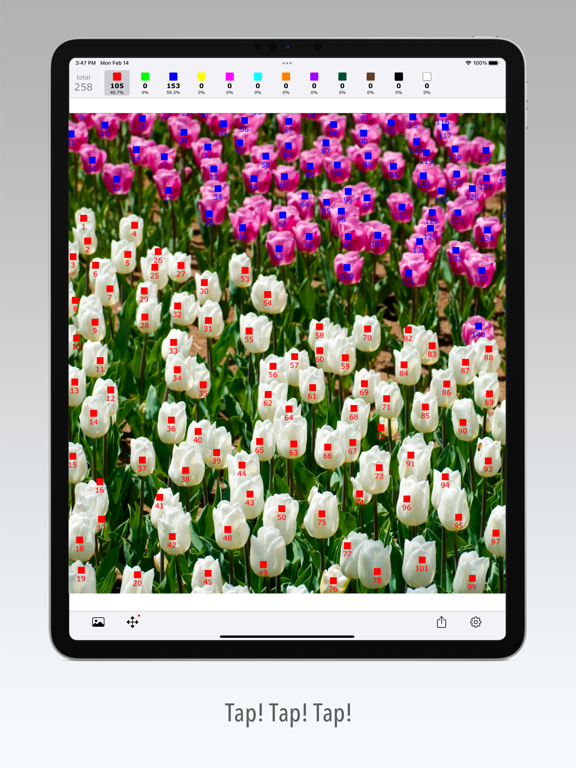
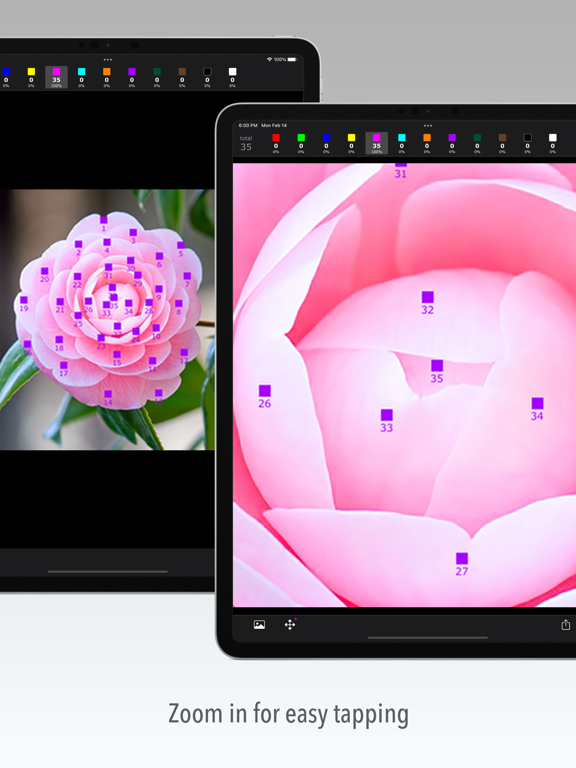
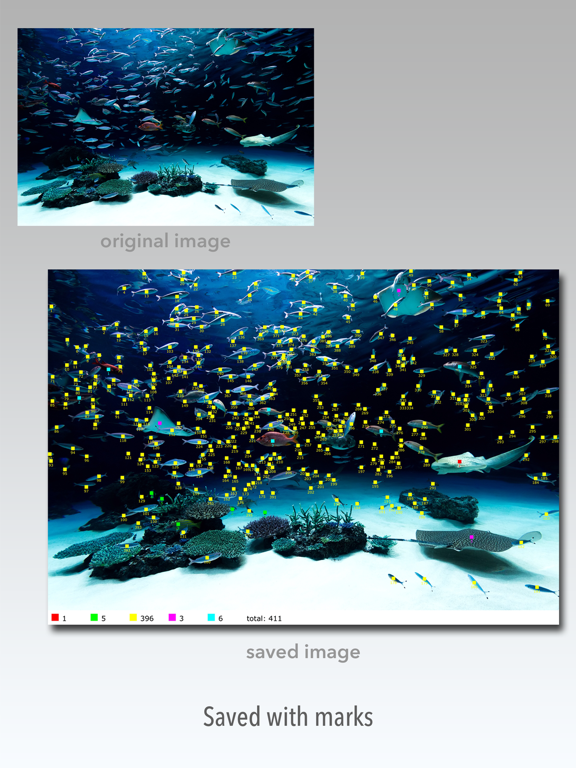
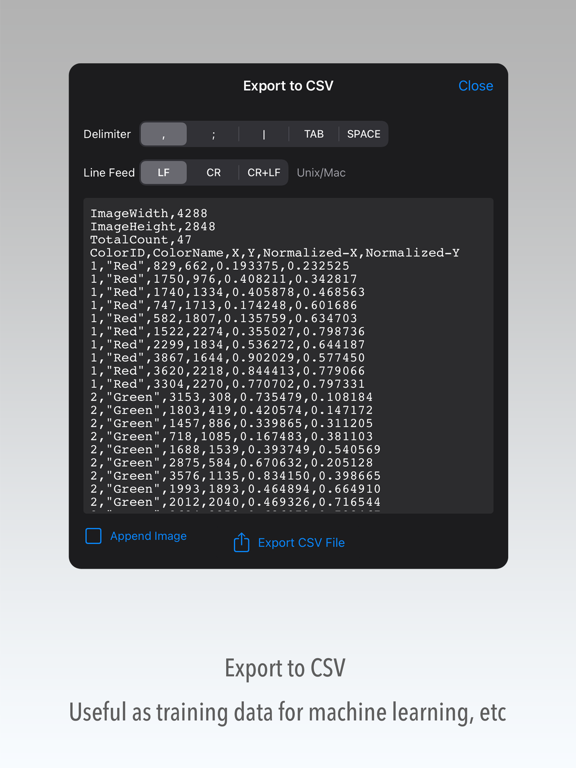
Count Helper helps you count the number of objects in a picture. When you tap the object you want to count, a mark will be added to it and the number of counts will be displayed. The marks are counted separately for each color, so you can classify the objects. The result can be output as an image with marks or a CSV file of coordinate positions. ----- HOW TO USE ----- 1) Select a photo. 2) Select the mark color. 3) Tap objects to add a mark. 4) Save the result. ----- KEY FEATURES ----- • Zoom in to easily tap on small details. • Swipe up to undo the last mark you added. • Toggle the color selection button to show or hide marks of that color. • Edit mode allows you to modify or delete marks. • Mark shape, size, and transparency options. • Your work can be saved as a project. • Images from external storage can be imported via Files app. • Export coordinate positions to a CSV file. • CSV is useful for training data for machine learning. ----- NOTES ----- • This application does not automatically identify objects by image recognition.
Latest release
What’s New
• iOS 17 supported. (This update requires iOS 15.0 or later) • Fixed bugs.
Audience growth
Ratings growth
Baseline captured. Growth appears after the crawler observes a changed rating count.
Momentum comes from crawler snapshots for the tracked storefront. “Viral growth signal” means unusually fast recent rating gains; it is an indicator, not download data.
Price tracking
Price intelligence
First snapshot captured. The trend line starts after the next crawler price observation.
- First observed Aug 24, 2026 · 1:39 AM $2.99
Screenshots