About this app
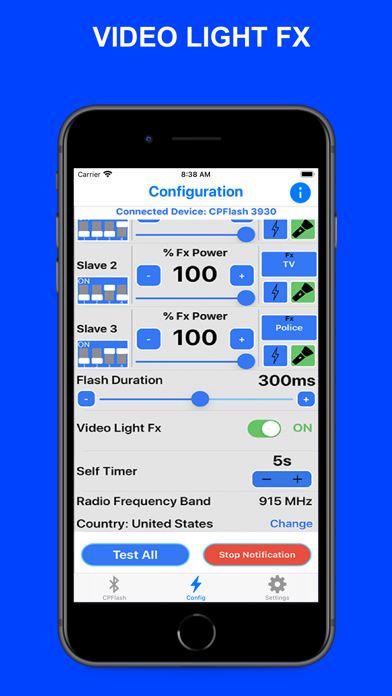
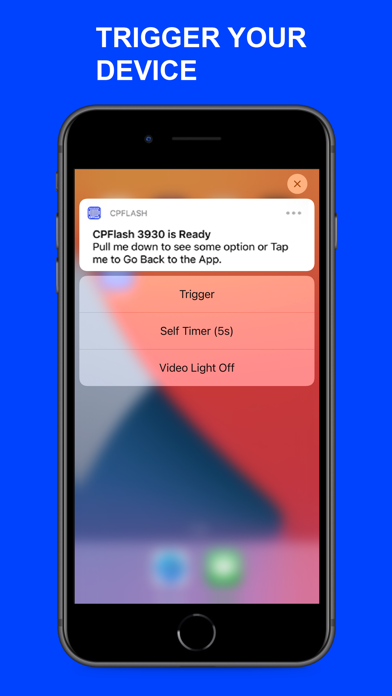
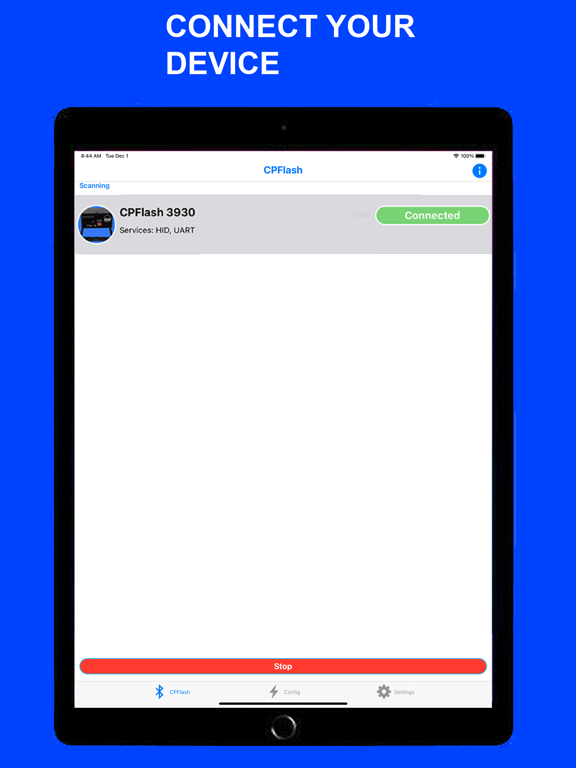
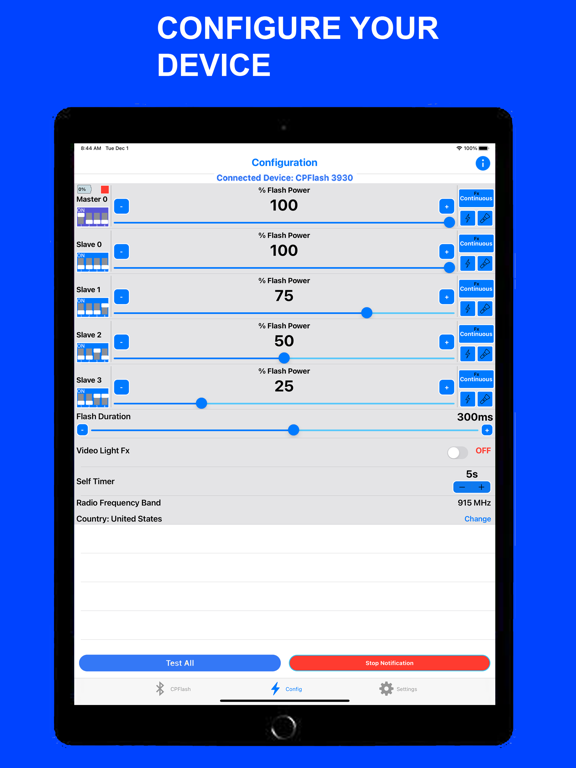
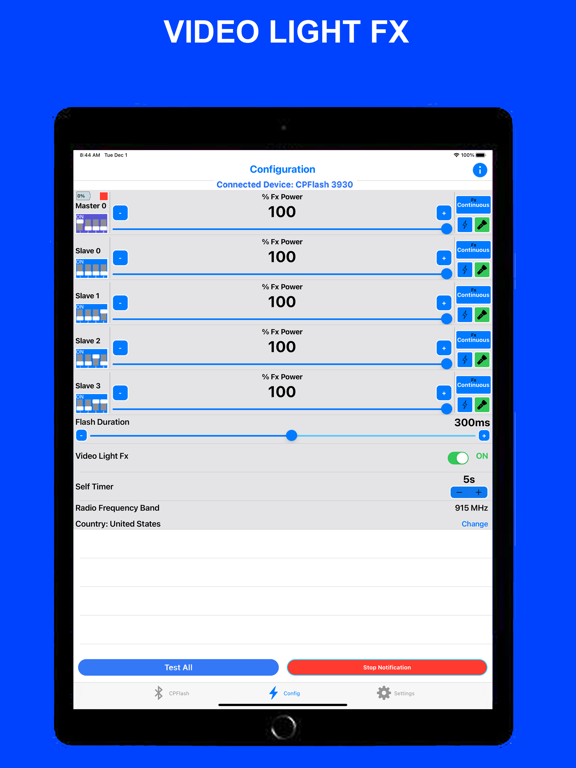
CONNECT YOUR INNOVATRONIX CPFLASH 550W DEVICE Have full control of your Device by connecting it to the App through Bluetooth Pairing. The connected Device will be your Master Device and you can use up to 4 Slave/Channel. You can change the Address of your Slave/Channel from Slave 0 to 7 or make it Inactive. ADJUST THE FLASH & FX POWER Adjust the Flash Power Settings of your Master Device and Slaves separately. If the Video Light Fx is On, you can adjust the Fx Power Settings. The Power range is 0.5% to 100%. FLASH DURATION & TEST FLASH Set the Flash Duration of your Devices from 80 to 500 ms. Adjust it higher if the Flash and Camera is not in sync. You can also test your Devices individually or all at once. VIDEO LIGHT FX There are 8 different Effects to choose from (Continuous, Flickering, Lightning, TV, Paparazzi, Police, Strobe and Fire). You can set different effects for each Device. You can also Turn On or Off your Devices individually or all at once. If the Light Effect is On, you can change the Power of the Effect. TRIGGER YOUR DEVICE Trigger your Device using the App's Notification Actions. Make sure the Notification is Started. Once you minimize the App, Open the Camera App and wait for the Notification Informing you that your Device is Ready. Drag it down to see the Actions then click the Trigger button. You can also delay the Trigger by clicking the Self Timer button or Turn ON/OFF the Video Light Fx.
Latest release
What’s New
This version includes several bug fixes and optimizations. Fixed Flash Power Slider of Master affecting the slaves.
Audience growth
Ratings growth
Baseline captured. Growth appears after the crawler observes a changed rating count.
Momentum comes from crawler snapshots for the tracked storefront. “Viral growth signal” means unusually fast recent rating gains; it is an indicator, not download data.
Price tracking
Price intelligence
First snapshot captured. The trend line starts after the next crawler price observation.
- First observed Sep 4, 2026 · 5:54 AM Free
Screenshots